




Buying Guides
Canon Large Format Printer Buying Guide: TM, TX, TZ, GP & PRO Series Compared
Oct
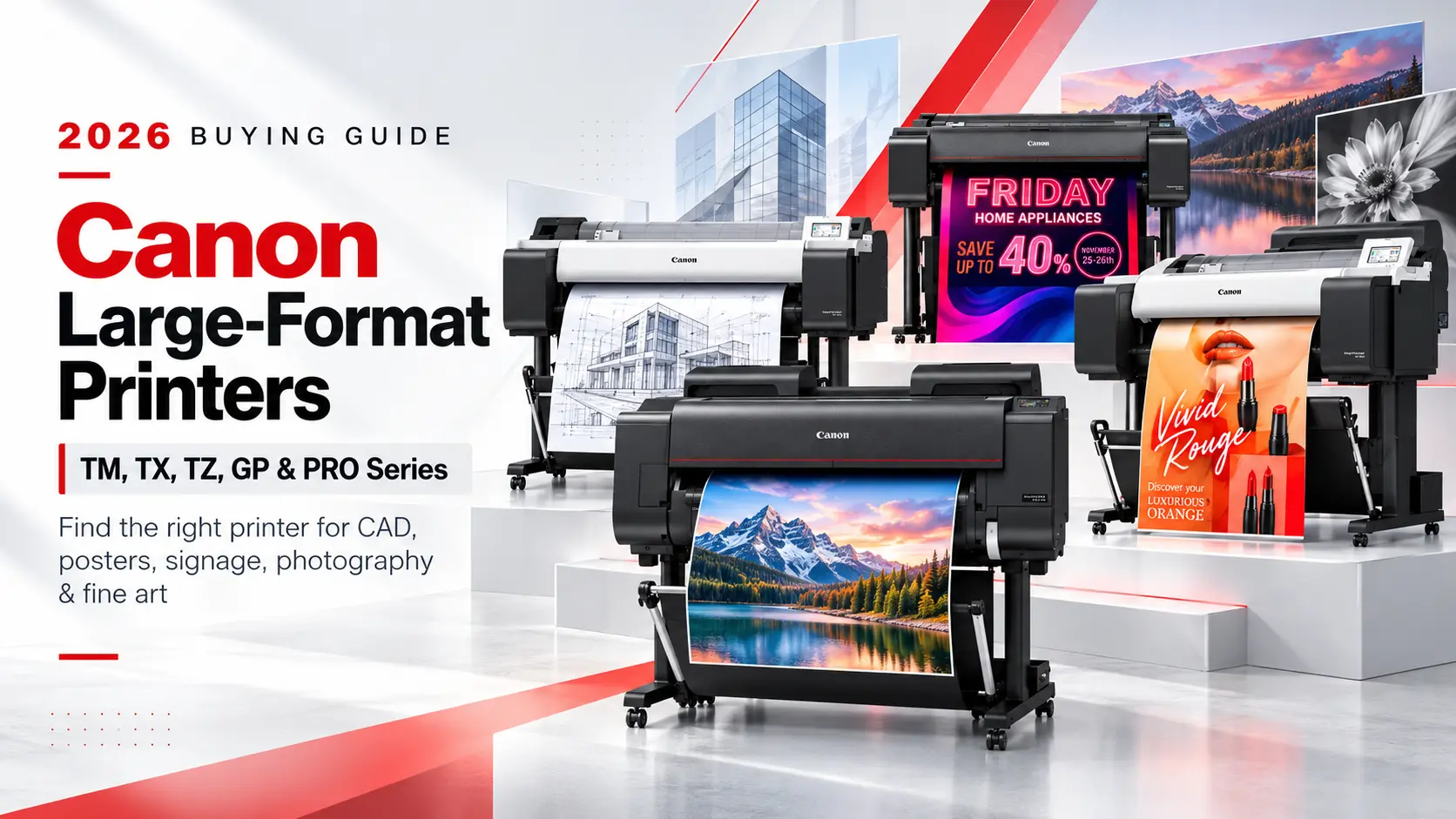
Choosing a Canon large format printer gets much simpler once you stop comparing model numbers and start with the work that will come out of it. Canon builds the imagePROGRAF line in five families, and each one is engineered around a different job: CAD plans and everyday posters, high-volume production plotting, retail and brand-color graphics, and gallery-grade photo and fine art. Pick the right family first, then the right width and configuration, and the decision is mostly made.
This guide compares every Canon imagePROGRAF printer we carry, from the 24-inch TM-240 up to the 60-inch PRO-6600 and GP-6600S. It covers ink systems, print widths, speed, scanner (MFP) options, output handling and running costs, then finishes with a quick-pick list and answers to the questions our customers ask most.
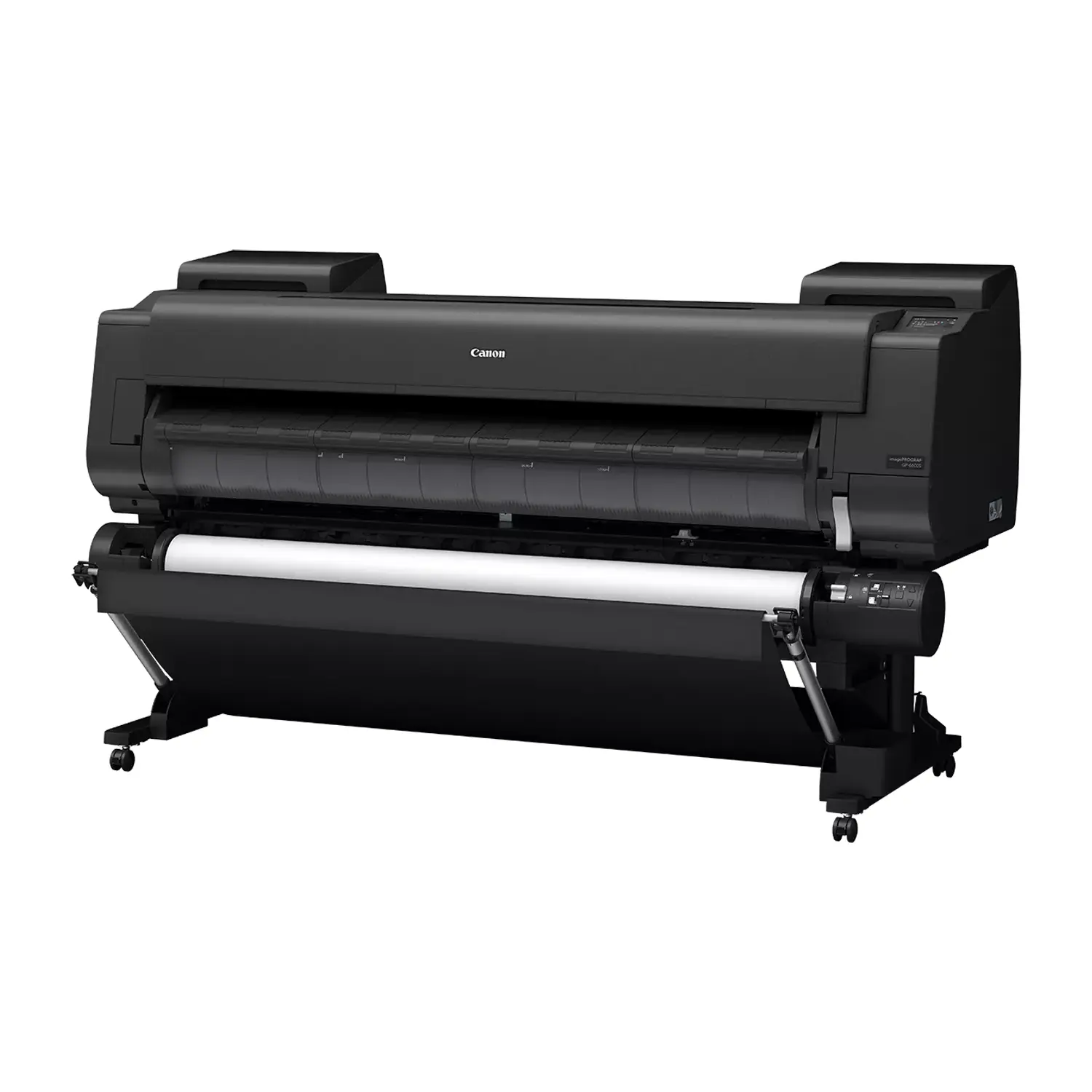
Quick answer: Choose the TM series for CAD drawings and general posters in an office, the TX series for heavier daily plotting with larger ink tanks, the TZ-32000 for production volume with two rolls and a built-in stacker, the GP series for retail signage, fluorescent color and brand-matched graphics, and the PRO series for photography, fine art and giclée reproduction.
How this guide was put together: Buffalo Imaging sells professional printers, ink and media to print shops, design studios, photographers and AEC offices. Specifications here come from Canon’s published product pages and spec sheets. This is a comparison of manufacturer specs and real-world buying considerations, not a controlled lab test. Prices are not listed in this article because they change with promotions and rebates; each product page always shows the current price.
Canon Large Format Printer Lineup at a Glance
| Series | Models | Widths | Ink System | Built For |
|---|---|---|---|---|
| TM Series | TM-240, TM-250, TM-340, TM-350, TM-355 | 24″, 36″ | LUCIA TD, 5-color pigment | CAD, AEC drawings, office posters, education |
| TX Series | TX-3200, TX-4200 | 36″, 44″ | LUCIA TD, 5-color pigment | High daily plotting volume, posters, larger ink capacity |
| TZ Series | TZ-32000 | 36″ | LUCIA TD, 5-color pigment | Production CAD and poster runs, dual roll, top stacker |
| GP Series | GP-200, GP-300, GP-2000, GP-4000, GP-2600S, GP-4600S, GP-6600S | 24″, 36″, 44″, 60″ | 6, 7 or 11 colors, including fluorescent pink or orange | Retail signage, POP, brand colors, premium posters |
| PRO Series | PRO-2600, PRO-4600, PRO-6600 | 24″, 44″, 60″ | LUCIA PRO II, 11 colors plus Chroma Optimizer | Photography, fine art, giclée, gallery prints |
The single biggest split is the ink. The TM, TX and TZ printers all use Canon’s 5-color LUCIA TD pigment set, tuned for sharp lines, legible small text and water-resistant output on plain and coated paper. The GP and PRO printers use expanded ink sets designed for color range, smooth gradations and photo quality. If most of your output is line drawings, paying for a 7 or 12-ink printer buys you little. If your output is photography or brand-critical color, a 5-color technical printer will hold you back.
Start Here: Which Canon Series Fits Your Work?
| If your main output is… | Start with | Why |
|---|---|---|
| Architectural, engineering or construction drawings | TM Series | Precise lines, fast CAD output, compact footprint, optional scanner |
| Drawings plus posters for a busy office or reprographics room | TX Series | Larger ink tanks, optional stacker, 44-inch option |
| Hundreds of drawing sets per week | TZ-32000 | Two rolls loaded at once, integrated top stacker, fastest TZ/TX/TM speed |
| Retail window graphics, menus, event and sale signage | GP-200 or GP-300 | Fluorescent pink ink adds punch that standard CMYK cannot reach |
| Brand colors, packaging comps, premium posters | GP-2600S, GP-4600S or GP-6600S | Orange and grey inks, strong Pantone coverage, long-life LUCIA PRO II ink |
| Widest possible color range for designers and print-for-pay | GP-2000 or GP-4000 | 11 inks including red, orange, green, violet and fluorescent pink |
| Fine art, photography, giclée reproduction | PRO Series | 11 colors plus Chroma Optimizer, deep blacks, neutral black-and-white |
How to Choose a Canon Wide Format Printer
Four decisions narrow the list almost every time. Work through them in this order.
1. Print Width: 24, 36, 44 or 60 Inches
Buy for the widest job you print regularly, not the widest job you can imagine. A 24-inch printer handles ARCH C and D sheets (18×24 and 24×36) and most posters. A 36-inch printer is the standard for full ARCH E (36×48) drawing sets and is the most common width in AEC offices. 44-inch models add room for large posters, banners and trade-show graphics. 60-inch models are for shops producing large wall graphics, backdrops and oversized fine art. Remember that width drives footprint, weight and installation planning, not just price.
2. Ink System: Technical, Graphic or Photo
All current Canon large format inks are pigment-based, so prints resist fading and water far better than dye output. What changes between families is the number of colors and what they are tuned for. LUCIA TD (TM, TX, TZ) uses five inks, including two blacks and a newer magenta that Canon reformulated for brighter reds. The GP series adds fluorescent pink, orange, grey and, on the GP-2000 and GP-4000, red, green and violet. The PRO series uses LUCIA PRO II with photo and grey inks plus a clear Chroma Optimizer coat.
3. Volume and Workflow
Be honest about weekly volume. A single designer printing a few posters a day is well served by a TM or a smaller GP. A reprographics room that prints full drawing sets every afternoon needs larger ink tanks, a stacker that catches sheets in order, and ideally two rolls loaded so plain bond and coated paper are always ready. Those features are what separate the TM, TX and TZ tiers more than print quality does.
4. Do You Need to Scan and Copy?
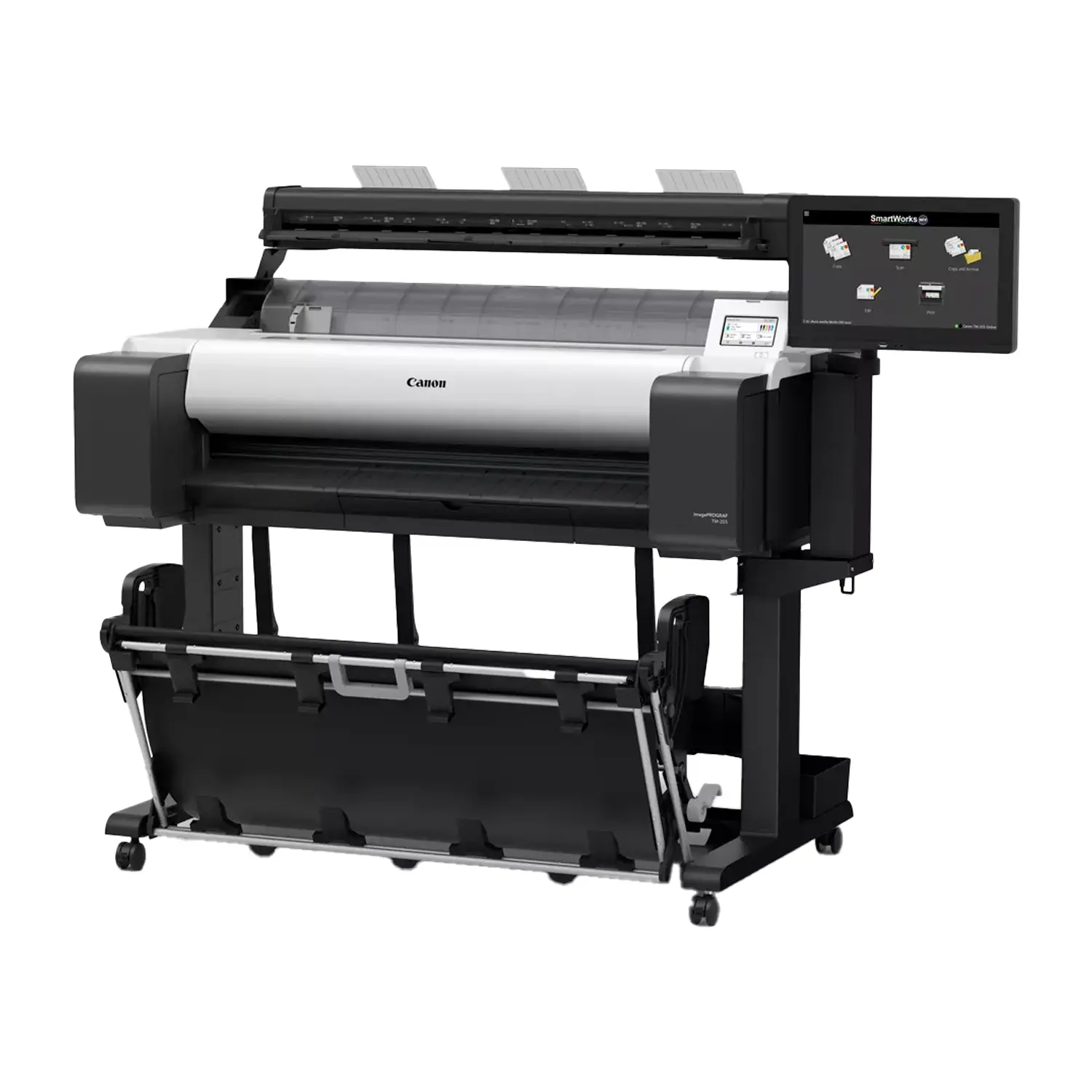
If your office scans markups, archives old drawings or copies plans for subcontractors, an MFP configuration (printer plus large format scanner) is usually cheaper and simpler than adding a separate scanner later. We cover the difference between Canon’s Lm and Z36 scanners further down.
Canon TM Series: Best for CAD, AEC and Office Posters
The TM series is Canon’s core technical printer and the right starting point for most architecture, engineering, construction and education buyers. Every model uses the same 5-color LUCIA TD pigment set with hot-swap ink, meaning a sub-tank keeps the printer running while you replace an empty cartridge. Canon rates the TM-350 and TM-355 at about 17 seconds for an A1 CAD drawing and the TM-250 at up to 2.9 D-size prints per minute.
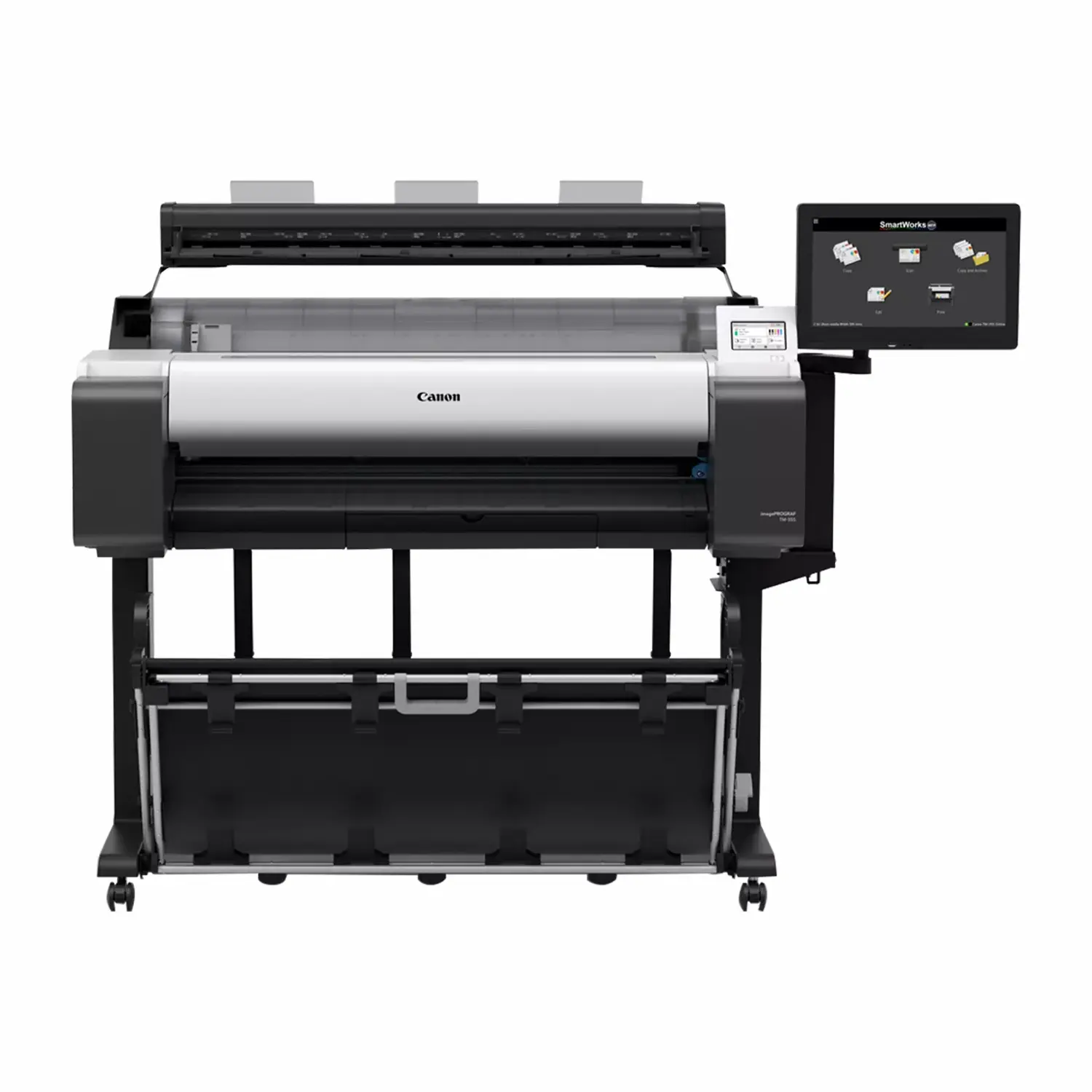
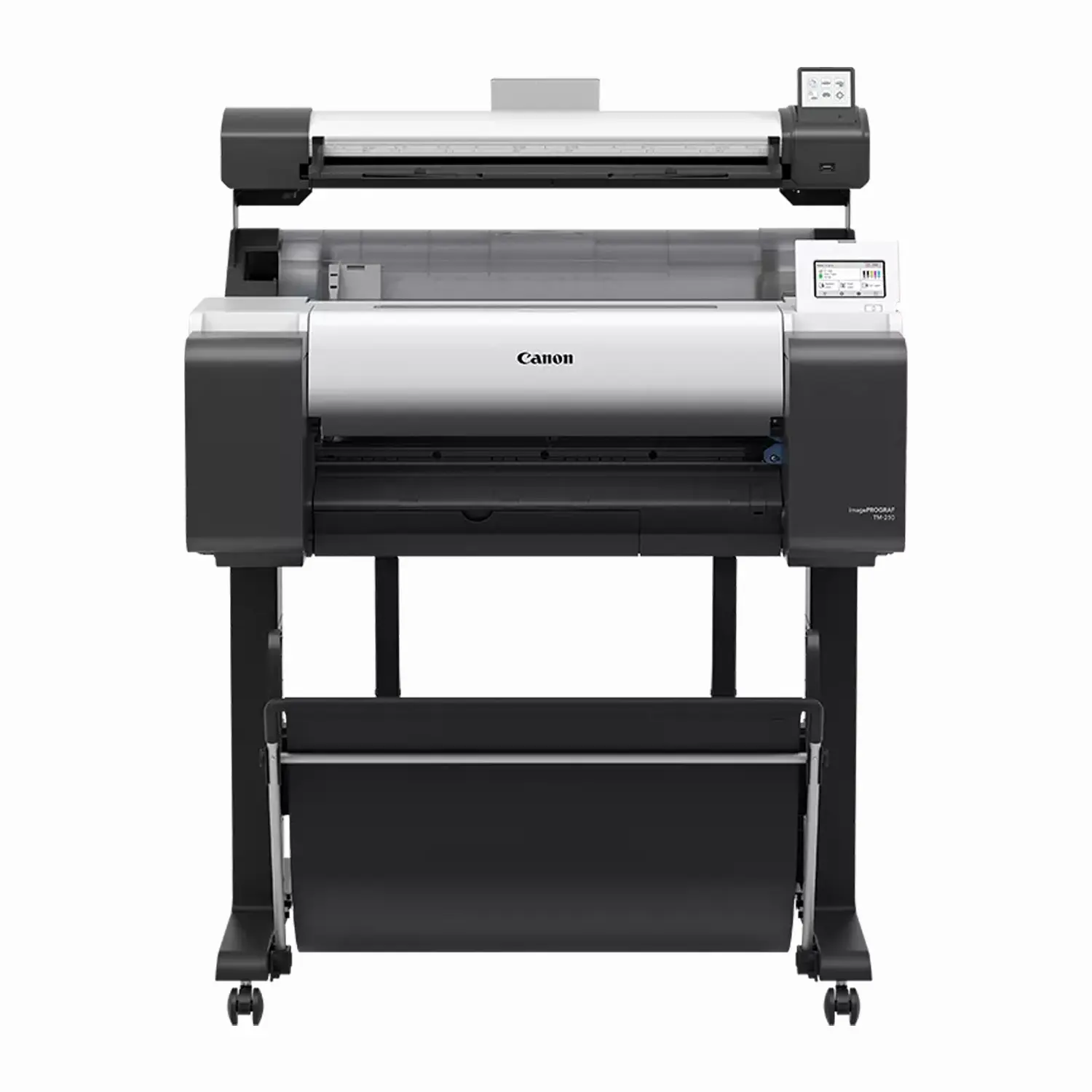
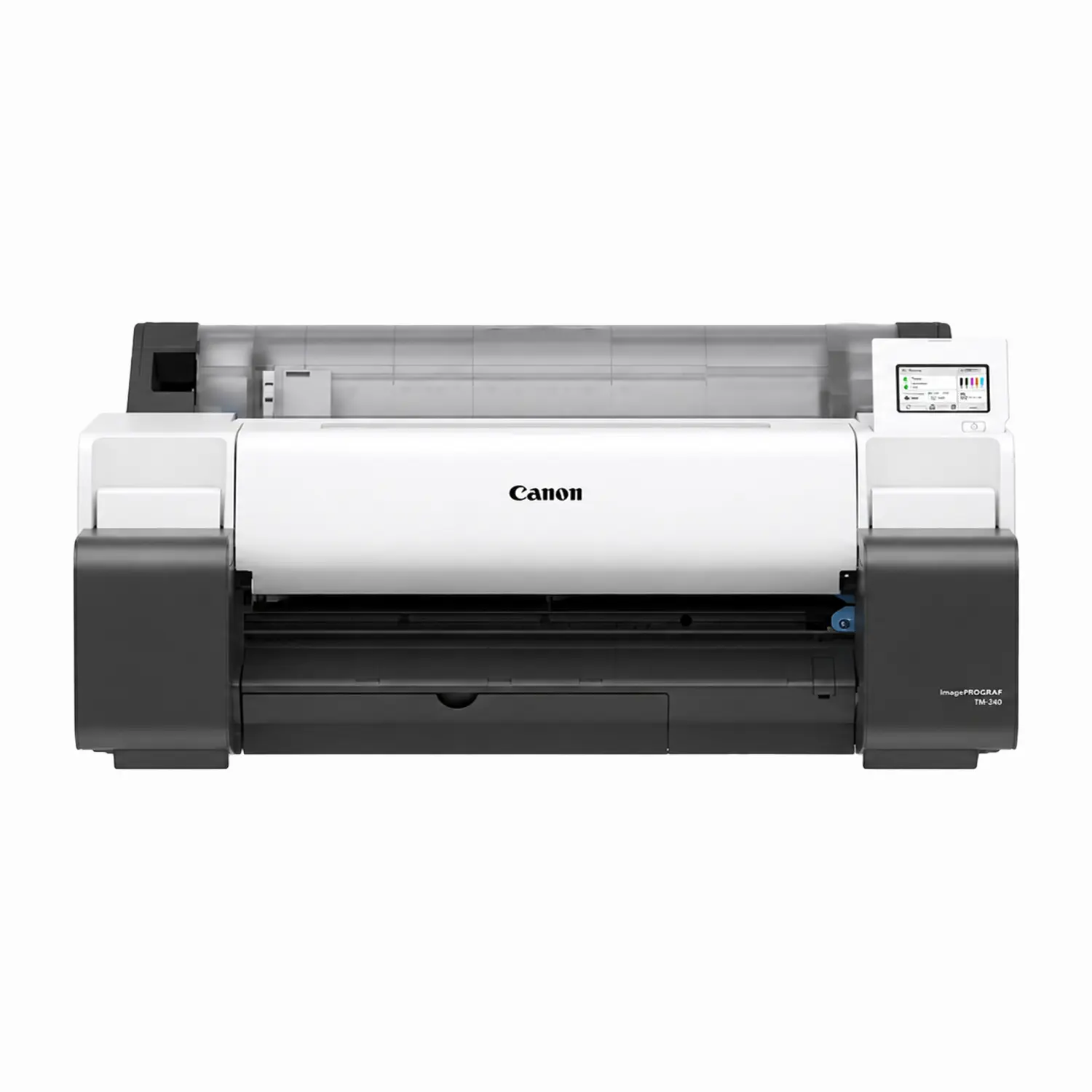
| Model | Width | Ink Tanks | Notable Difference | Best Buyer |
|---|---|---|---|---|
| TM-240 | 24″ | Small tanks only | Lowest-cost entry, sold without stand (optional) | Small offices, light weekly volume, desktop placement |
| TM-250 | 24″ | 130 ml or 300 ml, mix and match | Stand and stackable basket, larger tank options | Growing offices that print daily on 24-inch media |
| TM-340 | 36″ | Small tanks only | Most affordable route to full 36-inch ARCH E sheets | Firms that need 36 inches but print moderate volume |
| TM-350 | 36″ | 130 ml or 300 ml, mix and match | Larger tanks lower cost per print at higher volume | The default 36-inch choice for most AEC offices |
| TM-355 | 36″ | 130 ml or 300 ml, mix and match | Adds a 500 GB encrypted hard drive | Government, corporate and secure-document environments |
TM-240 vs TM-250 (and TM-340 vs TM-350): the print engine and ink chemistry are the same. The difference is ink tank capacity. The TM-240 and TM-340 use small cartridges only, while the TM-250 and TM-350 accept 130 ml or 300 ml tanks that can be mixed by color. Many shops run a 300 ml matte black (the color CAD work burns fastest) alongside 130 ml colors. If you print every day, the larger tanks mean fewer changes and a lower ink cost per drawing, which usually recovers the difference between the two models over the printer’s life.
TM-350 vs TM-355: choose the TM-355 when stored print jobs must be encrypted, when you reprint the same sets often from the printer’s own storage, or when IT policy requires it. Otherwise the TM-350 prints identically.
Do not choose a TM printer for photography, fine art or color-critical brand work. Five inks produce excellent CAD output and good posters, but they cannot match the gamut and gradation of a GP or PRO.
Canon TX Series: Best for High-Volume Plotting and 44-Inch Posters
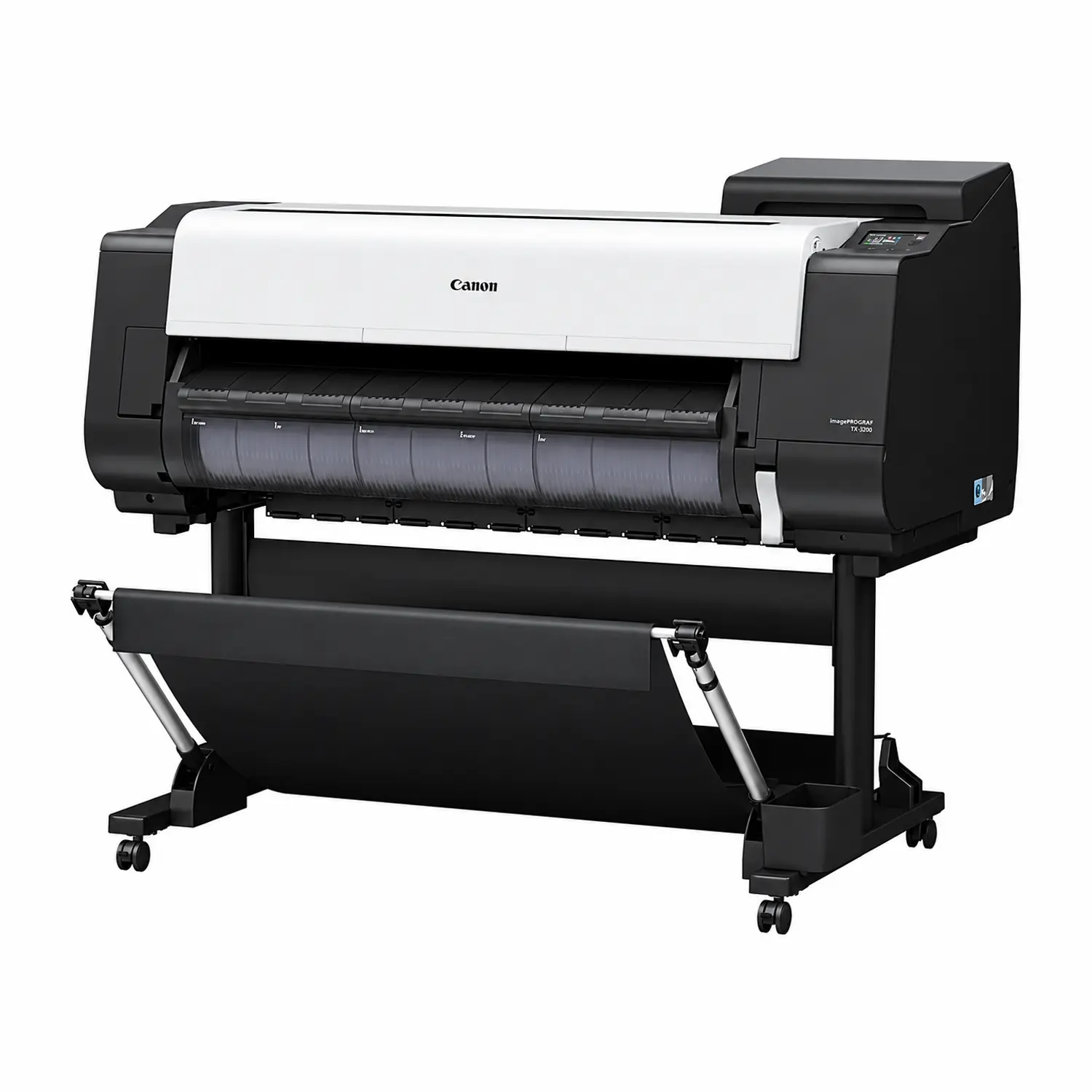
The TX-3200 (36-inch) and TX-4200 (44-inch) sit above the TM series for offices and reprographics rooms that print all day. They use the same LUCIA TD ink, but the step up is in capacity and handling: ink tanks are available in 160 ml, 330 ml and 700 ml sizes, Canon rates continuous output at up to 3.3 D-size prints per minute, and the printers include a 500 GB hard drive for job storage.
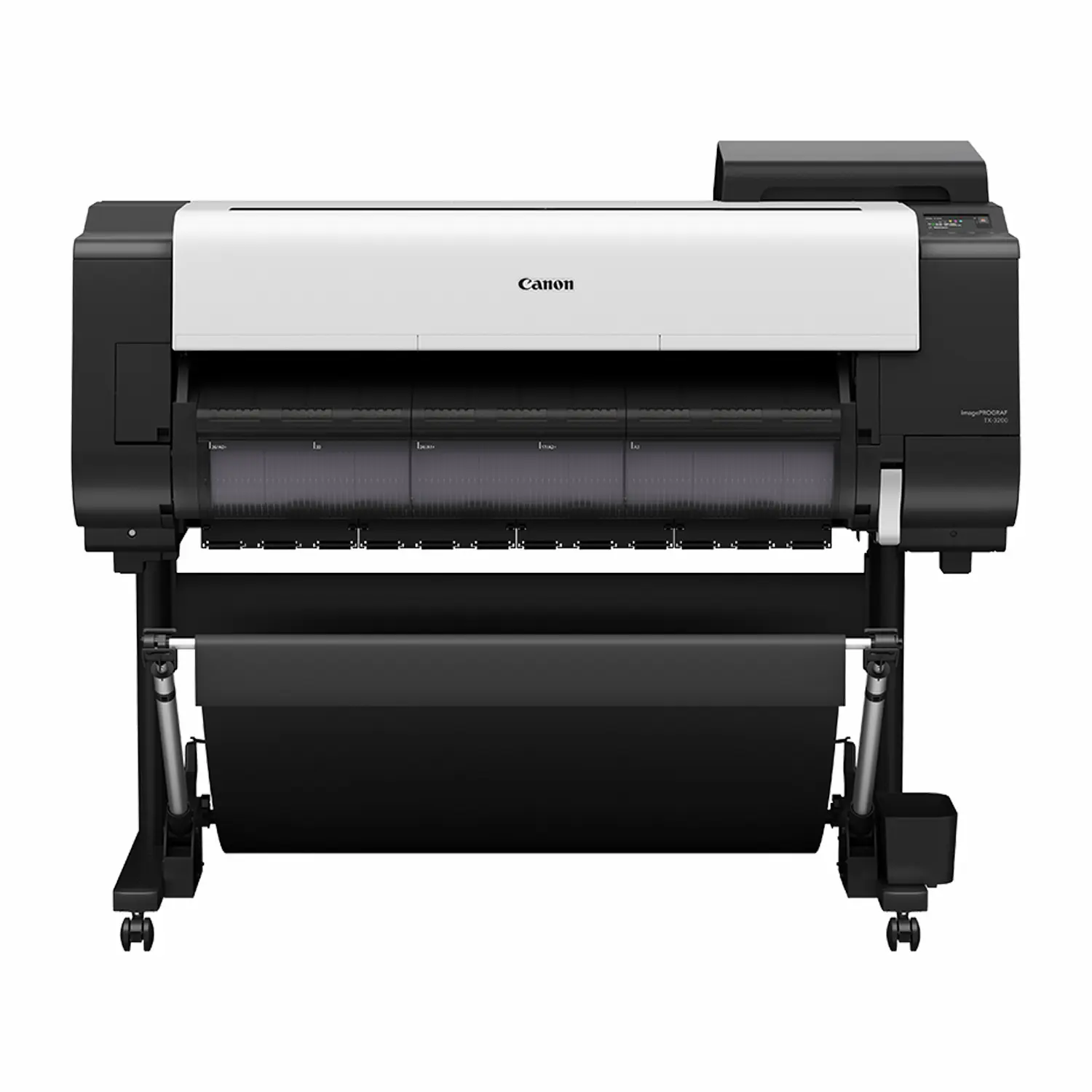
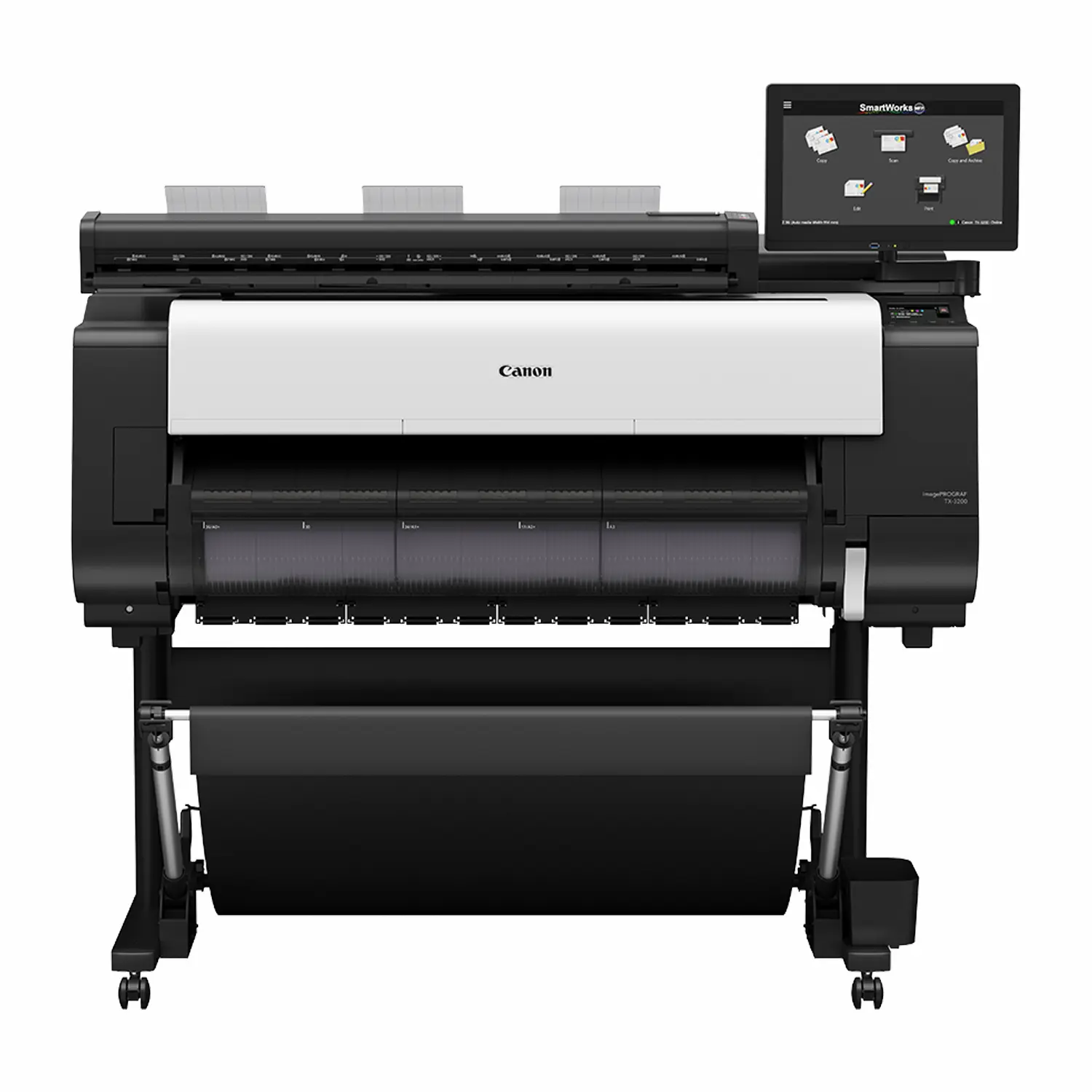
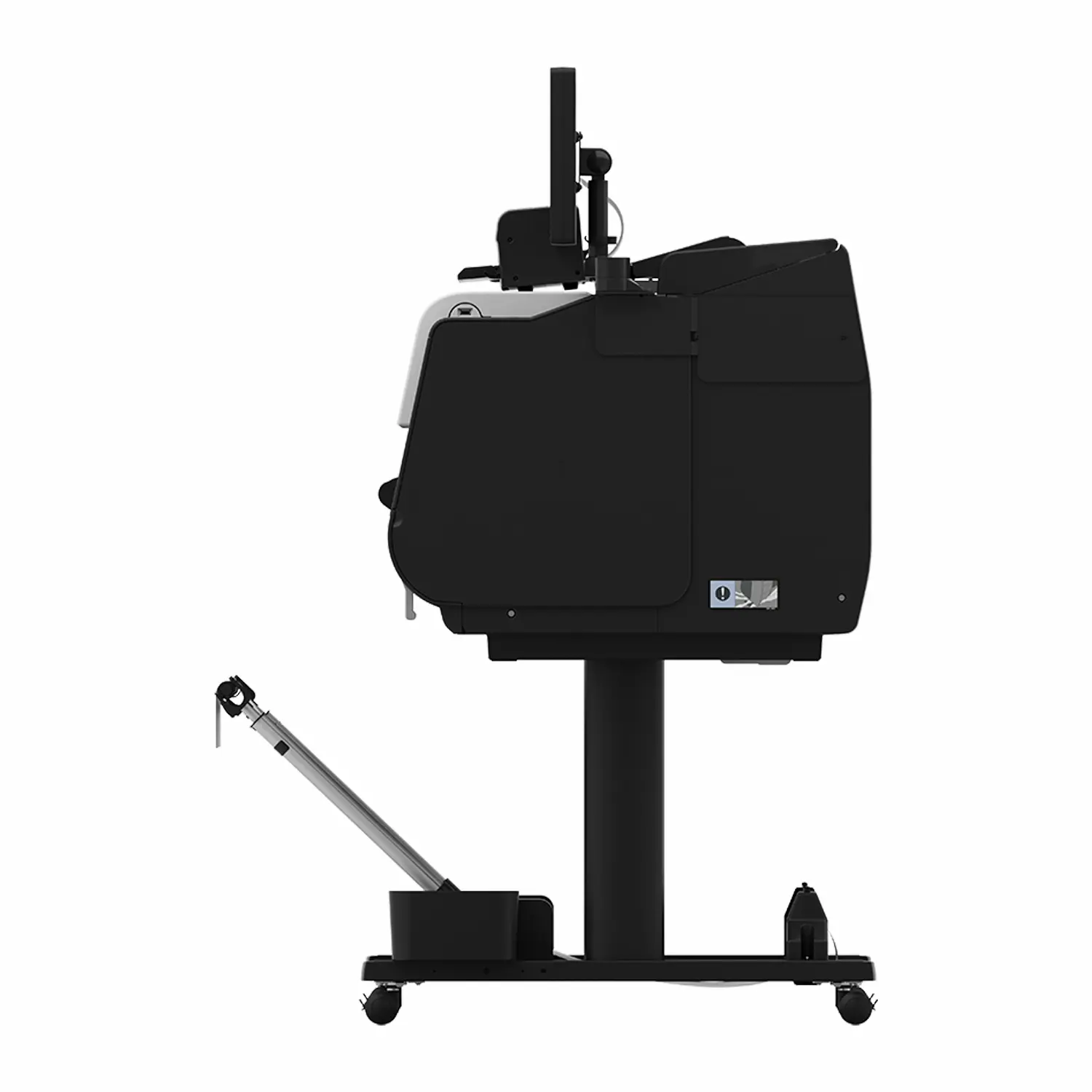
The most important TX choice is output handling. We offer each model with a catch basket or a stacker:
- Catch basket: sheets drop into a fabric basket in front of the printer. Fine for a few drawings at a time or for posters you collect right away.
- Stacker: collects up to 100 drawings flat and in order, so a full set can print unattended overnight or while you are in a meeting. For anyone printing multi-sheet drawing sets, the stacker pays for itself in sorting time.
Shop the configurations: TX-3200 with Stacker, TX-4200 with Stacker, and the MFP versions listed in the scanner section below.
TM-350 vs TX-3200: both are 36-inch LUCIA TD printers with similar line quality. Choose the TX-3200 when weekly volume is high enough that 700 ml tanks and a stacker meaningfully cut labor and ink cost. Choose the TM-350 when the printer runs a few hours a day and a smaller footprint matters more.
Canon TZ-32000: Best for Production CAD and Poster Runs
The Canon imagePROGRAF TZ-32000 is the production machine of Canon’s technical line. It is a 36-inch, 5-color LUCIA TD printer built around three features the TM and TX do not combine: two rolls loaded as standard with front drawers and automatic switching, an integrated top output stacker that holds up to 100 ARCH E sheets, and Canon’s fastest technical print speed at up to 4 D-size prints per minute.


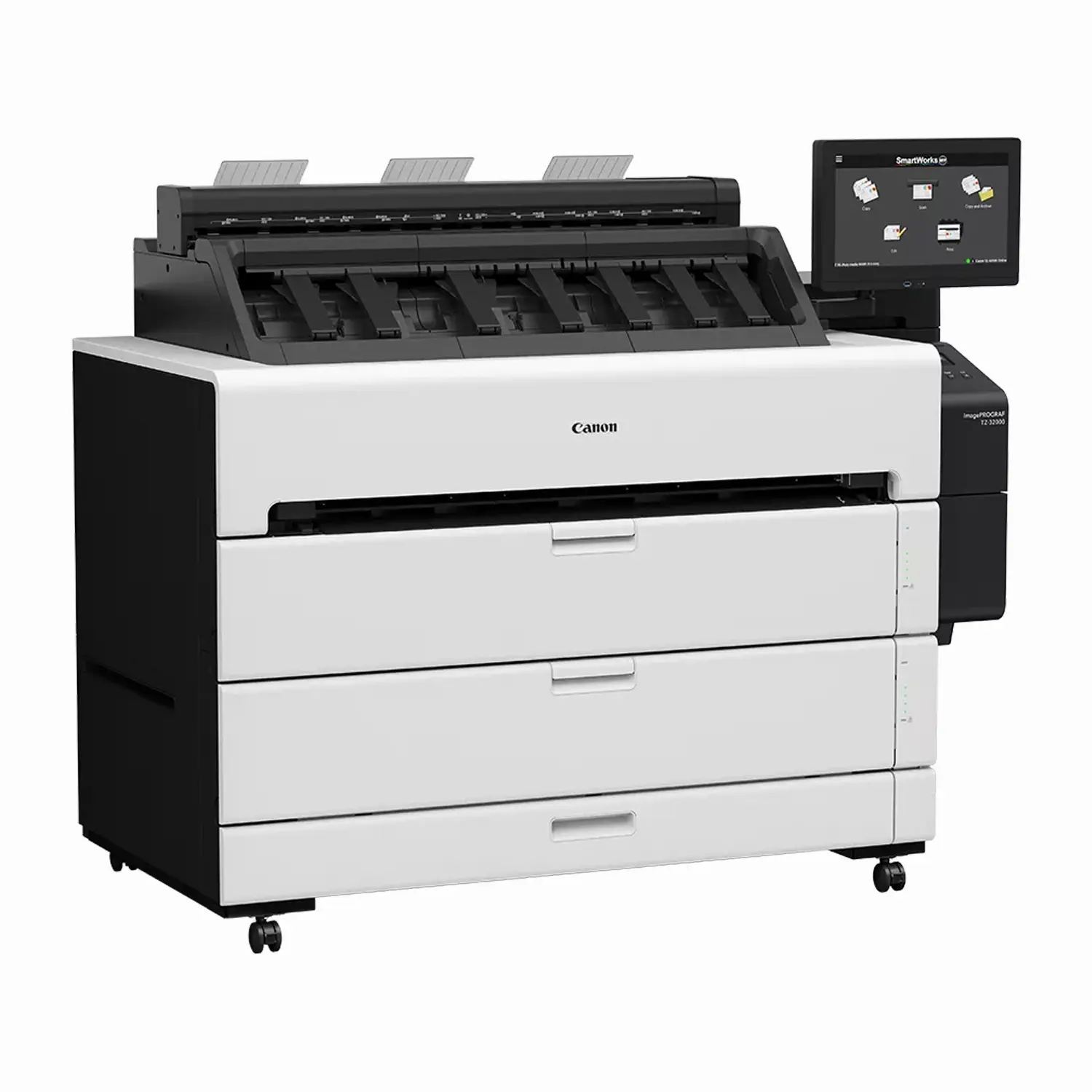
Dual rolls matter more than they sound. With bond on one roll and coated or film on the other, the printer switches automatically by job, and when one roll runs out mid-set it can continue on the second. Intelligent media handling detects the media type, width and remaining length when a roll is loaded, which reduces wrong-paper reprints.
Choose the TZ-32000 if you run a reprographics department, a print-for-pay counter serving contractors, or a large firm where several teams send full sets to one printer. For a single studio printing a handful of sheets a day, it is more machine than you need. A TM-350 or TX-3200 will do the same quality of work.
Canon GP Series: Best for Retail Signage, Brand Color and Premium Posters
The GP (Graphic Production) series is where Canon focuses on color impact rather than line work. It comes in three distinct groups, and they solve different problems.
GP-200 and GP-300: Fluorescent Signage on a Budget
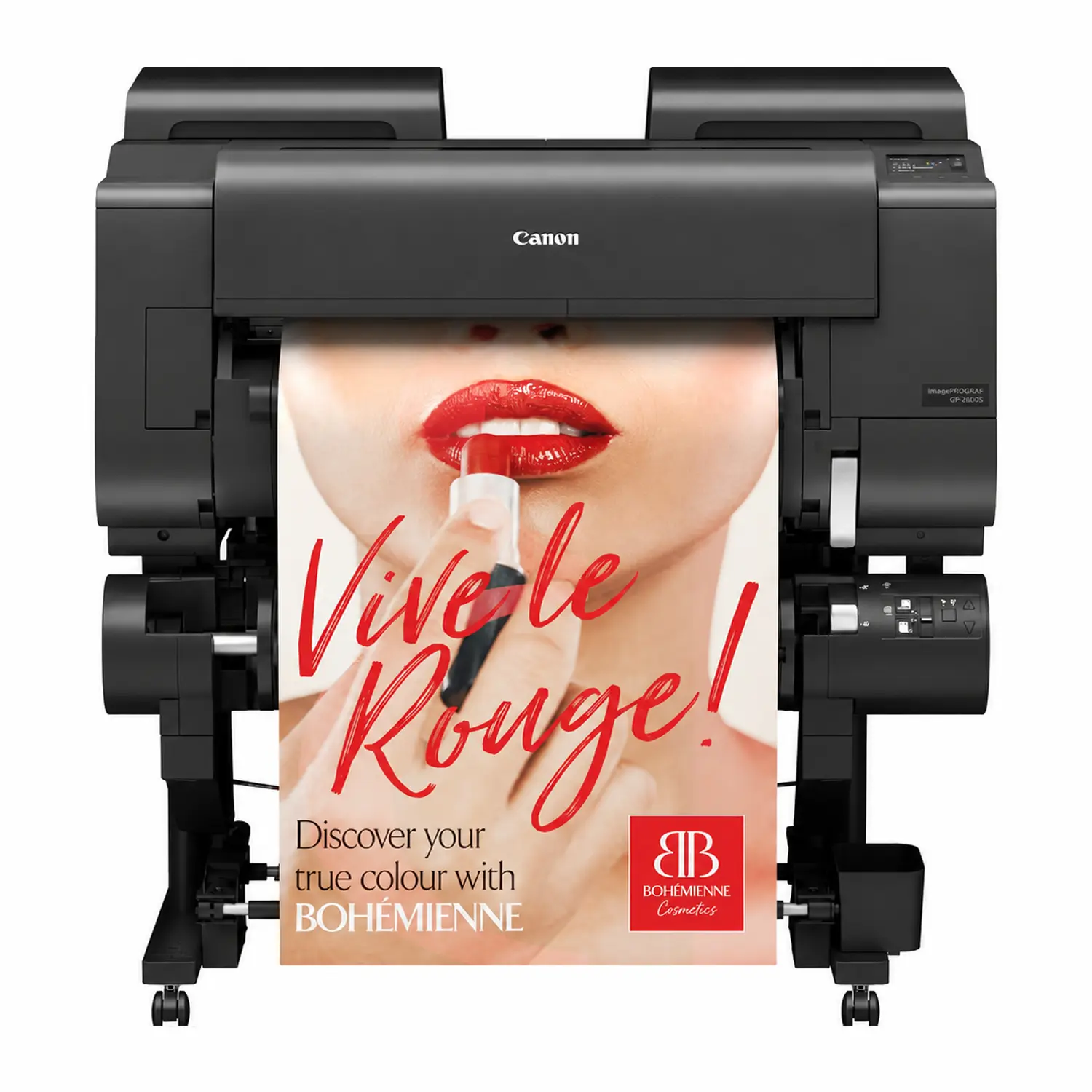
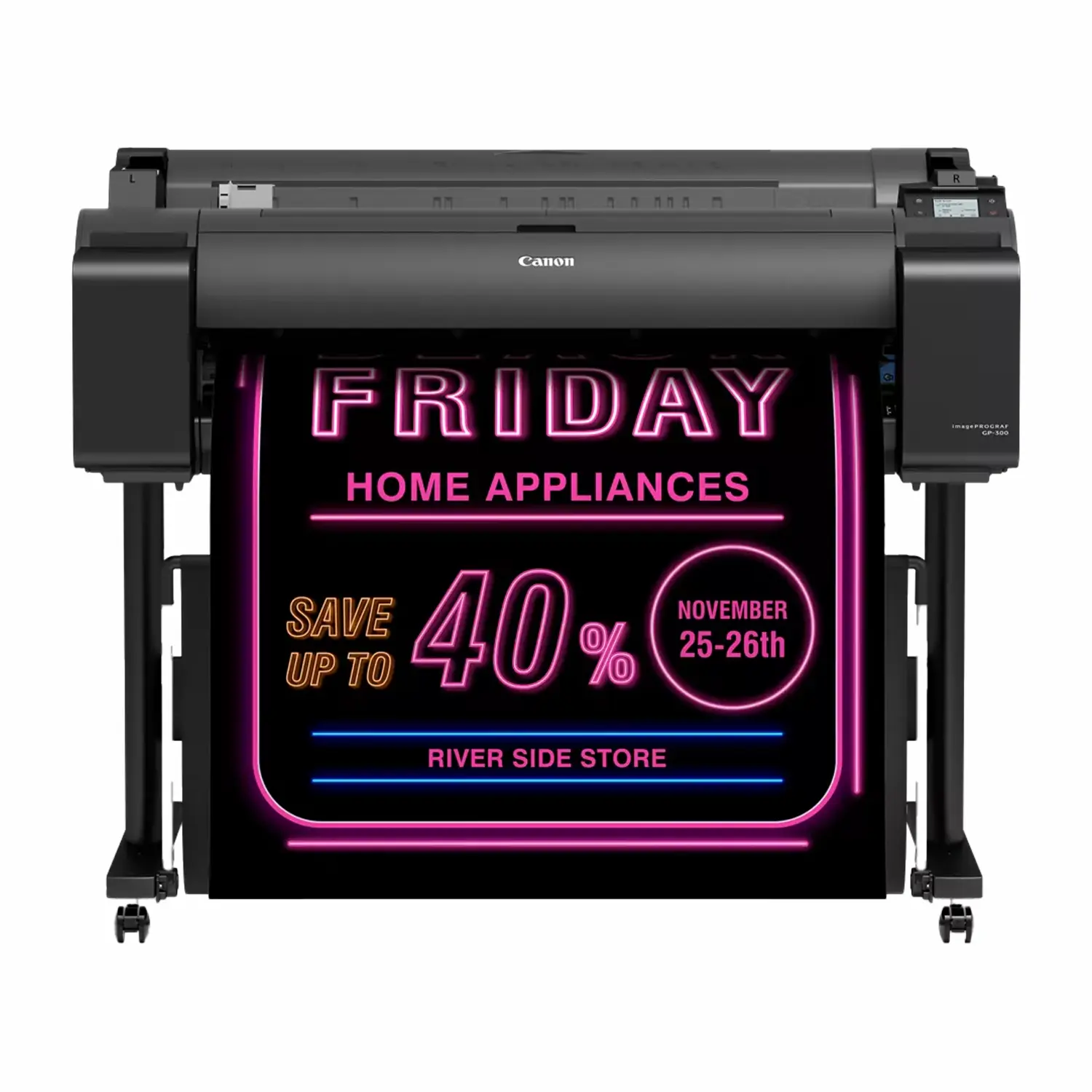
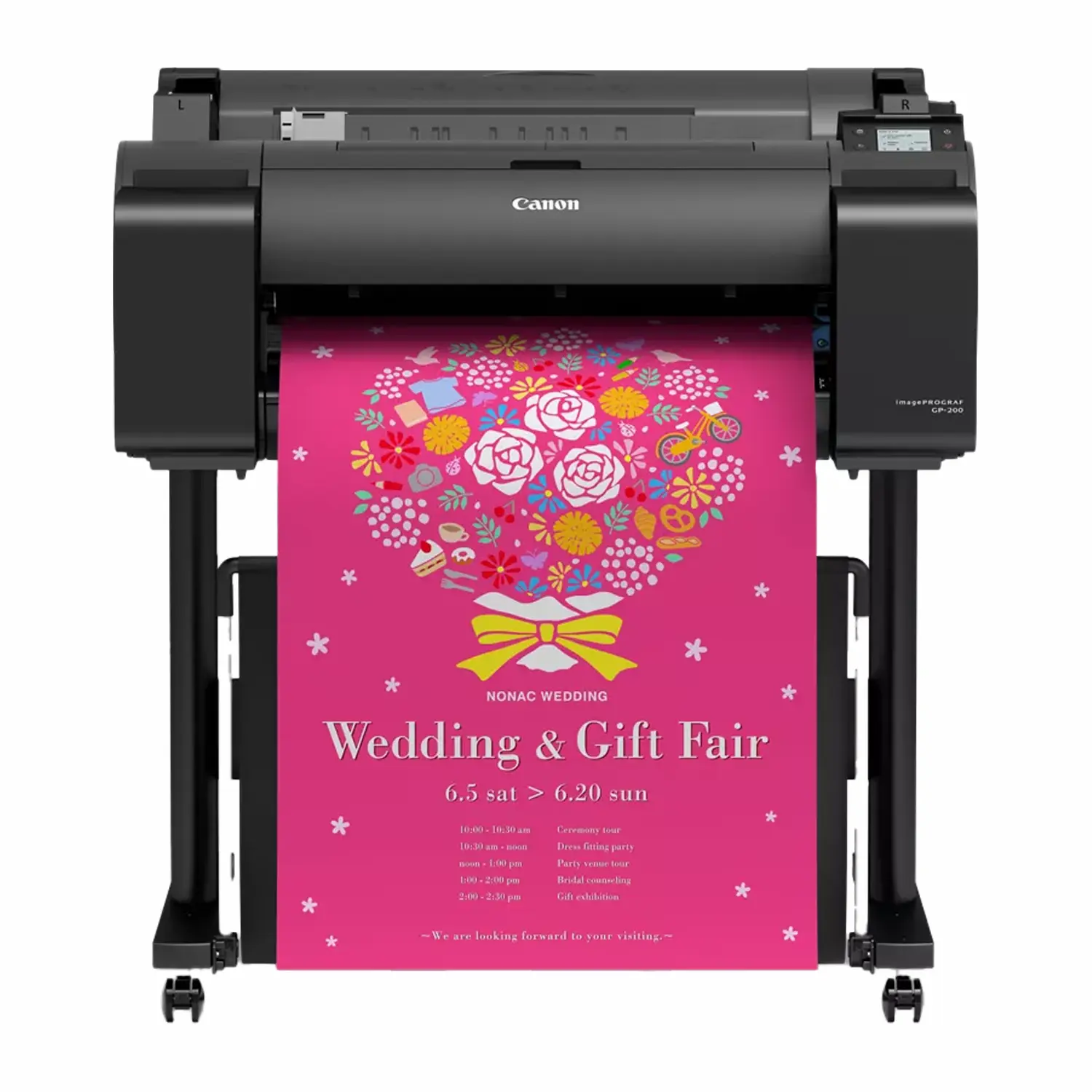
The GP-200 (24-inch) and GP-300 (36-inch) pair five standard colors with a fluorescent pink ink. Canon’s Radiant Infusion process layers that pink with the other inks, producing brighter, more saturated pinks, reds, oranges and skin tones than a normal CMYK printer. The effect is most striking under store lighting, which makes these printers a strong fit for sale signs, menu boards, cosmetics and fashion displays, school events and party graphics.
GP-2000 and GP-4000: The Widest Color Range
The GP-2000 (24-inch) and GP-4000 (44-inch) use 11 inks: matte black, black, grey, cyan, magenta, yellow, red, orange, green, violet and fluorescent pink. Those extra primaries reach saturated colors that a 5 or 7-ink printer simply cannot reproduce. They are the choice for design agencies, packaging mockups, print-for-pay shops that accept any customer file, and anyone who needs vivid greens, purples and oranges as well as fluorescent pop.
GP-2600S, GP-4600S and GP-6600S: Brand Color and Longevity
The newest GP models, the GP-2600S (24-inch), GP-4600S (44-inch) and GP-6600S (60-inch), use a 7-color LUCIA PRO II set that includes grey and orange. Canon reports 96% coverage of the PANTONE Formula Guide Solid Coated library on its Premium Semi-Glossy Paper 2, which is why these printers suit corporate colors, retail brand graphics and premium posters. The ink includes wax for better scratch resistance on glossy and semi-glossy media, and Canon rates prints for up to 200 years of lightfastness under its test conditions.
A practical bonus: the GP-x600S printers share LUCIA PRO II ink cartridge families with the PRO series, which simplifies supplies for shops that run both.
| GP Group | Inks | Standout Color | Best For |
|---|---|---|---|
| GP-200 / GP-300 | 6 (5 + fluorescent pink) | Fluorescent pink | Retail sale signage, menus, events, budget-friendly color impact |
| GP-2000 / GP-4000 | 11 (including R, O, G, V + fluorescent pink) | Widest gamut | Agencies, packaging comps, print-for-pay, any-file color |
| GP-2600S / 4600S / 6600S | 7 LUCIA PRO II (including grey + orange) | Pantone matching | Brand colors, premium posters, long display life, 60-inch output |
Canon PRO Series: Best for Photography and Fine Art
The PRO-2600 (24-inch), PRO-4600 (44-inch) and PRO-6600 (60-inch) are Canon’s gallery and photo printers. Each uses 11 LUCIA PRO II pigment colors plus a Chroma Optimizer, 12 cartridges in total: matte black, photo black, grey, photo grey, cyan, photo cyan, magenta, photo magenta, yellow, red and blue.
The light inks (photo cyan, photo magenta, photo grey) produce smooth skies and skin with less visible grain. The two greys deliver neutral black-and-white prints without color casts. The Chroma Optimizer is a clear ink applied over the image on glossy and semi-glossy papers, evening out gloss, reducing bronzing and deepening blacks. Built-in color calibration keeps prints consistent across a run and between printers, and intelligent media handling detects paper type, width and remaining length on loading.
The PRO-6600 includes the Multifunction Roll Unit as standard, which lets it hold a second roll or act as a take-up reel for unattended canvas and long-print runs. It is optional on the PRO-2600 and PRO-4600.
Choose PRO when you sell photographic prints, reproduce artwork, run a giclée or museum print service, or print on fine art papers and canvas. Choose GP-x600S instead when your work is posters and brand graphics where Pantone matching and orange vibrancy matter more than photo-grade gradation.
Canon PRO vs GP: Which One Should You Buy?
This is the comparison we are asked about most, because the PRO-4600 and GP-4600S look alike, share a width and even share ink families.
| Decision Factor | PRO Series | GP-x600S Series |
|---|---|---|
| Ink count | 11 colors + Chroma Optimizer | 7 colors |
| Special inks | Photo cyan, photo magenta, photo grey, blue, red, Chroma Optimizer | Orange, grey |
| Strongest at | Gradation, skin tones, black-and-white, gloss uniformity | Brand and Pantone colors, vivid orange, poster impact |
| Typical customers | Photographers, fine art studios, giclée services, museums | Retail, corporate in-plant, design studios, print-for-pay |
| Running cost | More cartridges to stock | Fewer cartridges, simpler supplies |
If you print mostly photographs or art, buy PRO. If you print mostly posters, signs and branded graphics, buy GP-x600S. If you do both evenly, the PRO series handles posters well, while a GP will not reach the same photographic finesse.
Canon MFP Printers: Lm Scanner vs Z36 Scanner
An MFP pairs a Canon printer with a large format scanner and controller so one station can print, scan and copy. Canon offers two scanner tiers:
- Lm24 and Lm36 (entry): compact scanners for quick copies, scan-to-USB and scan-to-network. Ideal when scanning is occasional and space is tight. Paired with the TM-240 MFP Lm24, TM-250 MFP Lm24, TM-340 MFP Lm36 and TM-350 MFP Lm36.
- Z36 (professional): a faster, higher-precision 36-inch scanner with a 15.6-inch touchscreen controller and SmartWorks MFP software, rated at 13 inches per second for monochrome. It prints and scans at the same time and suits offices that scan every day or archive large drawing libraries. Paired with the TM-350 MFP Z36, TM-355 MFP Z36, TX-3200 MFP Z36 (catch basket), TX-3200 MFP Z36 (stacker), TX-4200 MFP Z36 (catch basket), TX-4200 MFP Z36 (stacker) and TZ-32000 MFP Z36.
Rule of thumb: if someone in the office scans a few times a week, Lm is enough. If scanning is part of daily workflow, or you digitize old paper archives, the Z36 is worth the step up.
Running Costs: What to Budget Beyond the Printer
The printer is a one-time purchase. Ink, media and maintenance are what you pay for the next five or more years. A few points that change the real cost of ownership:
- Buy the largest ink tank your volume justifies. Larger Canon cartridges cost less per milliliter. On TM-250/350/355 printers, mixing a 300 ml matte black with 130 ml colors is a common way to balance cost and freshness.
- Count the cartridges. A 5-ink TM printer and a 12-ink PRO printer have very different supply lists. Make sure you will stock every color you need on hand.
- Budget for maintenance cartridges and print heads. Both are user-replaceable on current imagePROGRAF models, so there is rarely a service call for routine replacement.
- Use media profiled for your printer. Plain bond is fine for CAD. Posters, photos and fine art need coated, photo or aqueous inkjet media matched to the ink system for the results Canon advertises.
- Print regularly. Pigment printers stay healthiest when used. A printer that sits idle for weeks spends more ink on cleaning cycles.
Find genuine LUCIA cartridges in our Canon ink category and stands, roll holders and other add-ons in Canon accessories.
Before You Order: Space, Power and Setup Checklist
- Floor space and clearance: measure for the printer plus room behind and in front for roll loading, basket or stacker output, and service access. 44-inch and 60-inch models are long; check doorways and elevators too.
- Weight and delivery: 36-inch and wider printers ship by freight and often need two or more people to place. Plan liftgate and inside delivery if needed.
- Network: all current models offer Gigabit Ethernet; most also offer Wi-Fi. A wired connection is more reliable for large files.
- Stand: most models include a stand. The TM-240 is offered without one for desktop placement, so add the stand if it will sit on the floor.
- Software: Canon includes Direct Print Plus, PosterArtist and driver tools for CAD and poster workflows. Check compatibility with your RIP if you use one for color-managed production.
Which Canon Printer Should You Buy?
- Lowest-cost 24-inch CAD printer: Canon TM-240
- Best 24-inch for daily office use: Canon TM-250
- Most affordable 36-inch: Canon TM-340
- Best all-round 36-inch for AEC: Canon TM-350
- Best for secure environments: Canon TM-355
- Best for high daily volume with a stacker: Canon TX-3200 with Stacker
- Best 44-inch technical and poster printer: Canon TX-4200
- Best production plotter: Canon TZ-32000
- Best for fluorescent retail signage: Canon GP-200 or GP-300
- Widest color gamut: Canon GP-4000 or GP-2000
- Best for brand and Pantone colors: Canon GP-4600S
- Best 60-inch graphics printer: Canon GP-6600S
- Best 24-inch photo and fine art printer: Canon PRO-2600
- Best 44-inch photo and fine art printer: Canon PRO-4600
- Best 60-inch gallery printer: Canon PRO-6600
Comparing Canon with other brands? Browse our full CAD and graphic plotter printers and photographic and graphic art printers categories.
Canon Large Format Printer FAQs
What is the best Canon large format printer for CAD drawings?
For most AEC offices, the 36-inch Canon TM-350 is the best balance of speed, line quality, ink capacity and footprint. Smaller offices on 24-inch sheets should look at the TM-250. Firms printing full sets all day should step up to the TX-3200 with stacker or the dual-roll TZ-32000.
What is the difference between the Canon TM-250 and TM-240?
Both are 24-inch printers with the same print engine and 5-color LUCIA TD ink. The TM-250 accepts larger 130 ml and 300 ml ink tanks that can be mixed by color and ships with a stand and basket. The TM-240 uses smaller cartridges only and is offered without a stand. The same difference applies to the 36-inch TM-340 and TM-350.
Is the Canon PRO series or GP series better for photography?
The PRO series. Its 11 colors plus Chroma Optimizer include photo cyan, photo magenta and two greys, which deliver smoother gradations, more natural skin tones and neutral black-and-white prints. The GP series is optimized for posters, signage and brand colors.
What does fluorescent pink ink do on the Canon GP printers?
Fluorescent pink is layered with the other inks to produce brighter pinks, reds, oranges and warm tones than standard inks can reach. Prints look especially vivid under retail lighting, which is why the GP-200, GP-300, GP-2000 and GP-4000 are popular for sale signs, cosmetics, fashion and event graphics.
Can Canon TM printers print posters?
Yes. TM printers produce good-quality posters on coated and photo media, and the newer magenta ink improves reds. Canon includes PosterArtist software for layout. For color-critical or photographic posters, a GP or PRO printer will produce noticeably richer results.
What is a Canon MFP printer?
MFP stands for multifunction printer. Canon MFP models combine a large format printer with a scanner and controller so you can print, scan and copy wide documents from one station. Lm scanners are the entry tier for occasional scanning; the Z36 is the professional tier for daily scanning and archiving.
Should I get a stacker or a catch basket?
Choose a stacker if you print multi-sheet drawing sets or run unattended jobs; it collects up to 100 sheets flat and in order. A catch basket is fine for a few sheets at a time or posters you collect right away.
Do Canon imagePROGRAF printers use pigment or dye ink?
All current models in this guide use pigment ink. LUCIA TD powers the TM, TX and TZ printers; the GP and PRO series use LUCIA PRO II and related pigment sets. Pigment resists fading and water better than dye, which matters for drawings handled on job sites and prints displayed for years.
Can I change ink while the printer is printing?
Yes. Current imagePROGRAF printers use a sub-tank system that supports hot-swap ink replacement, so an empty cartridge can be replaced without stopping the job.
What width Canon printer do I need?
Choose 24 inches for ARCH C and D sheets and standard posters, 36 inches for full ARCH E drawing sets, 44 inches for large posters and banners, and 60 inches for wall graphics and oversized fine art. Size for your most common large job, not your rarest.
Need Help Choosing the Right Canon Printer?
Talk to a Buffalo Imaging specialist about print width, ink system, scanner options, stacker or basket output, media and freight delivery. Tell us what you print each week and we will tell you when a smaller printer is the smarter buy.
Buffalo Imaging
2015 Saybrook Ave.
Commerce, CA 90040
Local pickup available.