




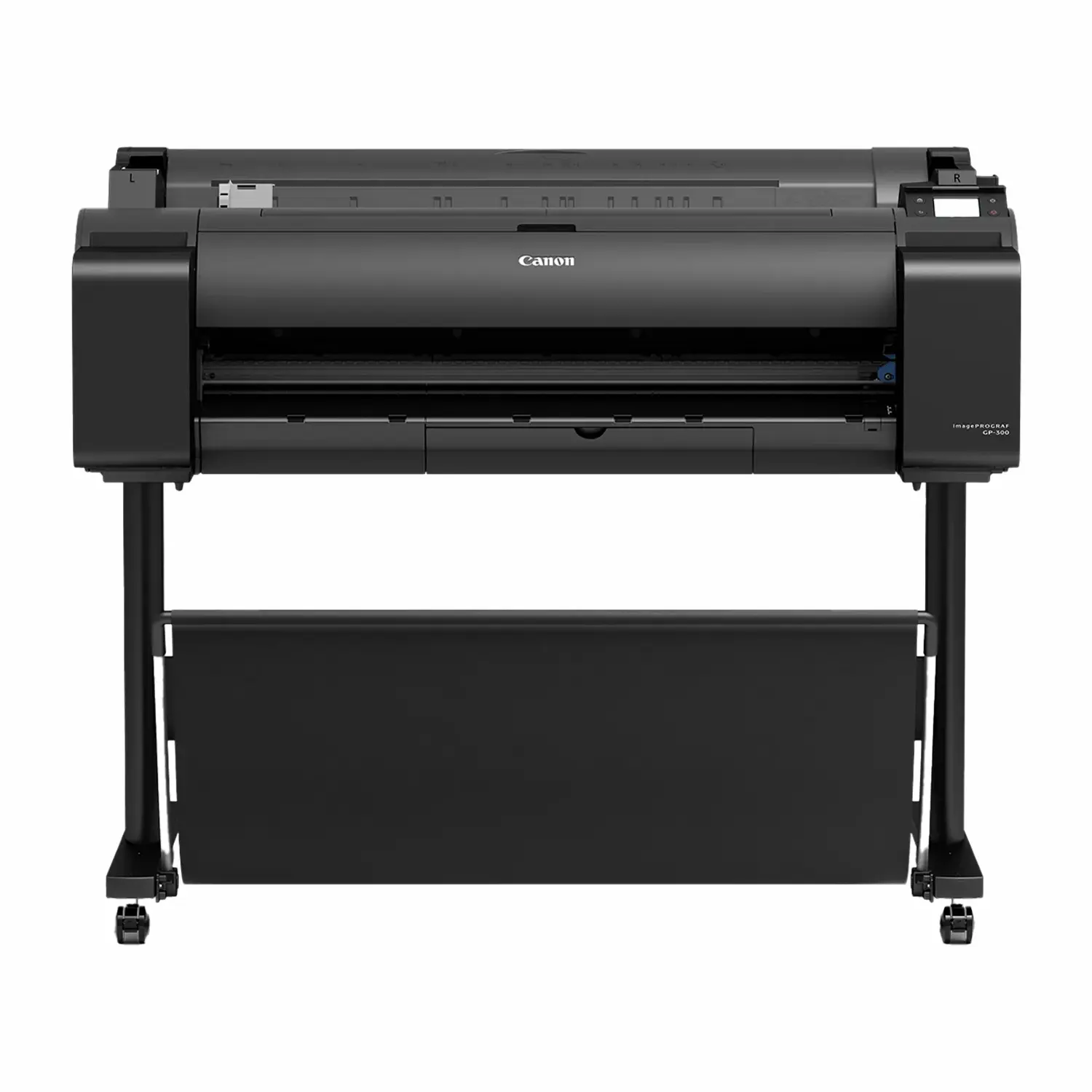
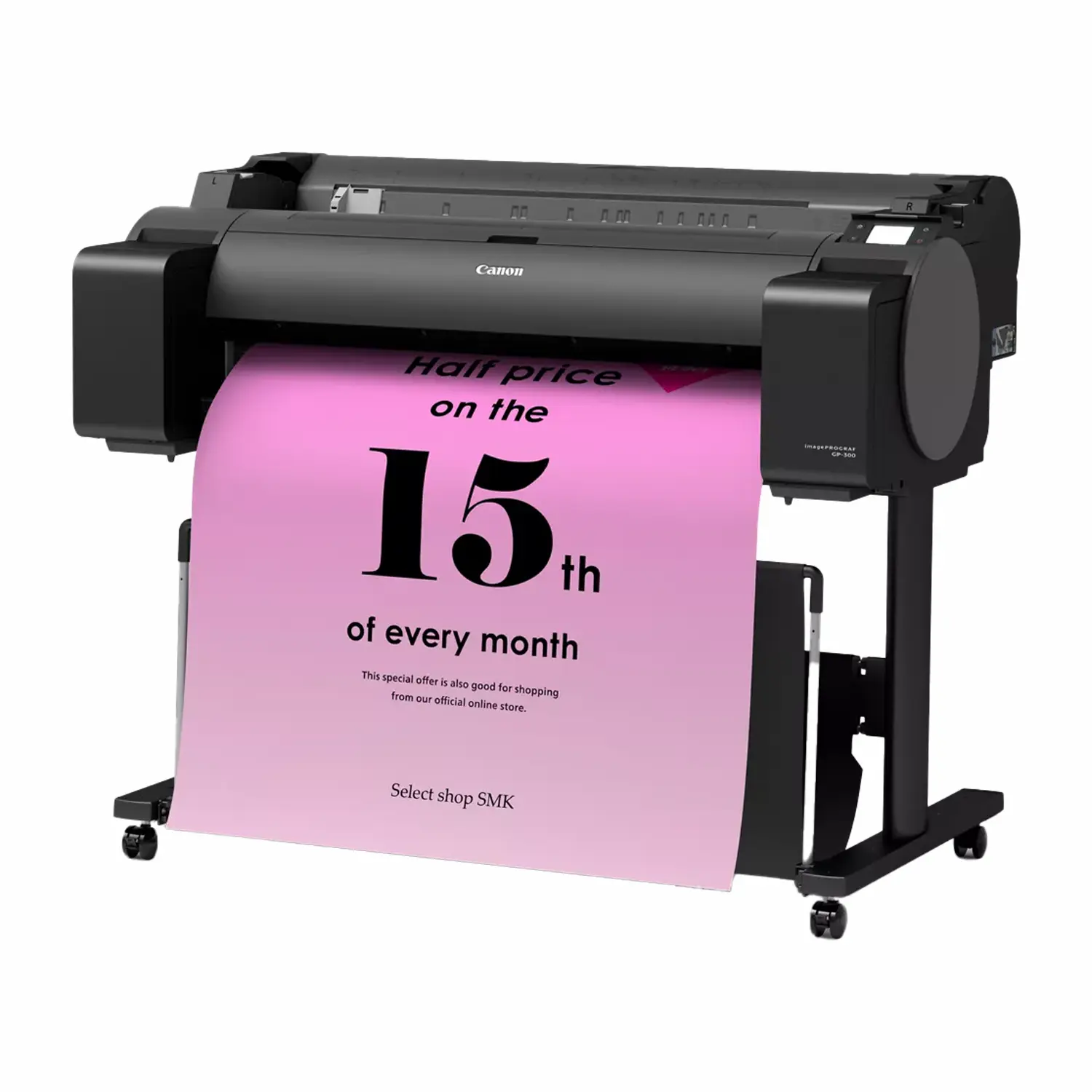
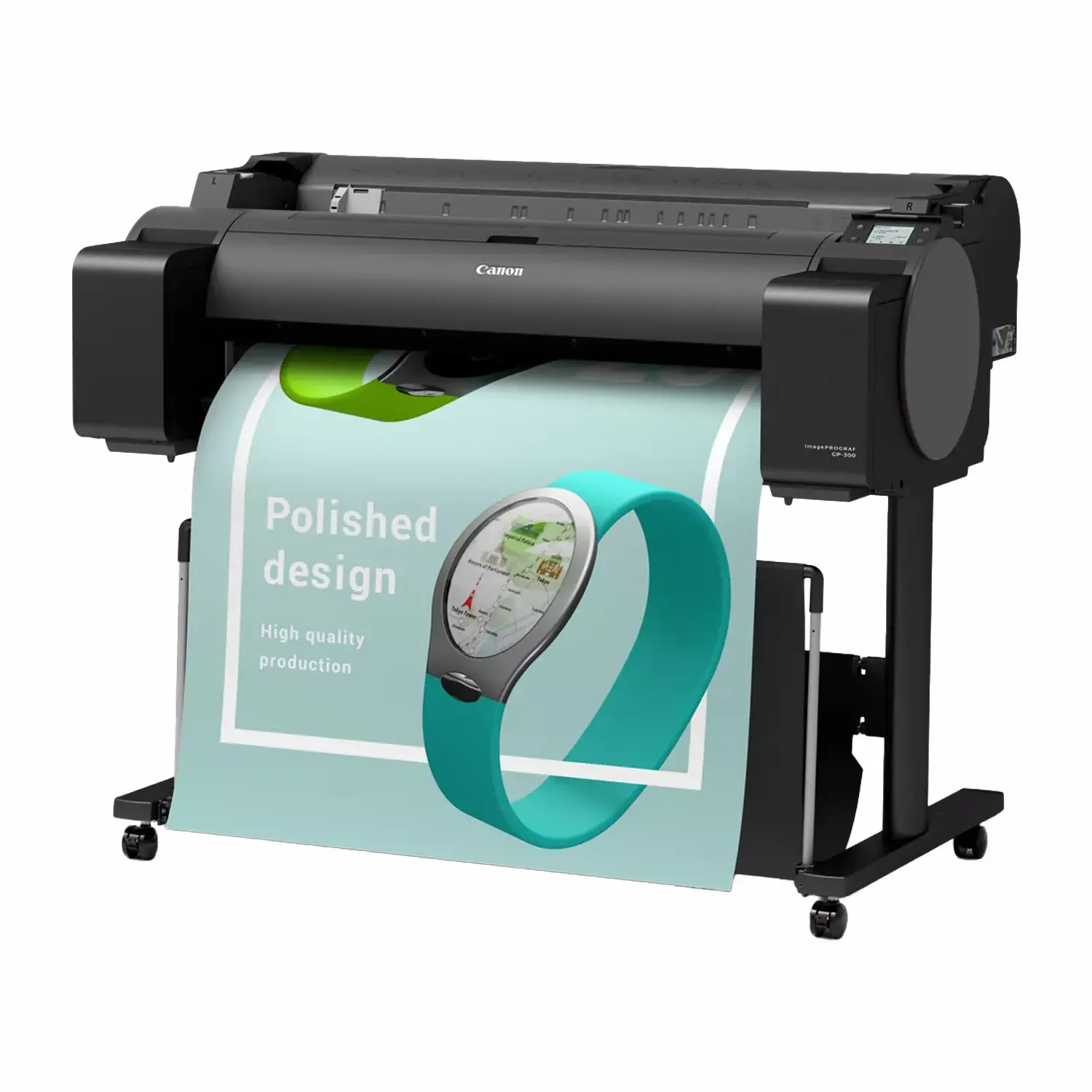
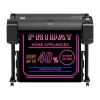
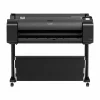
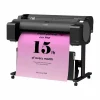
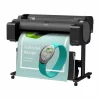

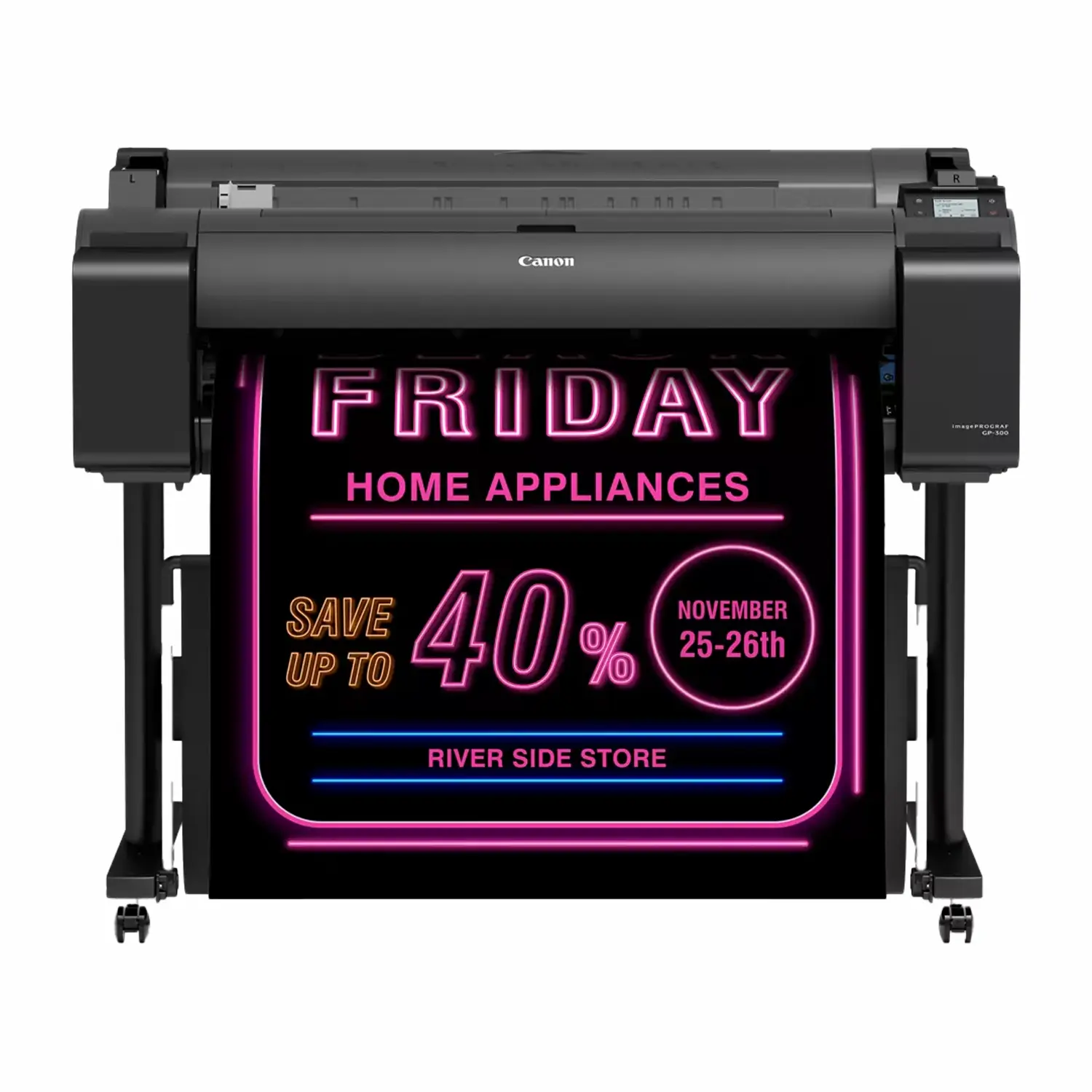
Canon imagePROGRAF GP-300 36″ 6-Color Large-Format Printer
$6,575.00
Print Width
- Canon GP-300 Fluorescent Pink Ink: Aqueous pigment fluorescent pink for standout posters, neons, and retail graphics.
- Compact Office-Ready Design: Fits in classrooms, retail counters, and small offices without a dedicated production space.
- Direct USB Printing: Print PDF and JPEG files straight from a USB drive without a computer connection.
- 36″ Print Width: Handles roll and cut-sheet media from 8″ to 36″ wide with borderless printing.
The Canon GP-300 is a compact 36″ large-format printer built for in-house poster and signage production in offices, retail stores, restaurants, schools, and small studios. It’s part of the world’s first large-format printer line with aqueous pigment Fluorescent Pink ink, giving it a wider color gamut than most printers its size. Buffalo Imaging serves professional print shops and studios with the equipment and supplies they need to keep production moving.
Fluorescent Pink Ink in a Compact Footprint
Canon’s Radiant Infusion technology layers Fluorescent Pink ink with the printer’s other pigment colors on the paper surface, creating bright, soft color reproduction that standard printers can’t reach. The GP-300 packs this into a compact design that fits into small offices and classrooms without needing dedicated production floor space, while stepping up to 36″ for larger posters and signage than the GP-200 can handle.
PANTONE Calibrated Accuracy
The GP Series is the world’s first PANTONE Calibrated line for the PANTONE Pastels & Neons Guide Coated, covering fluorescent and pastel colors most printers can’t reproduce. This matters for brand-accurate signage and in-house marketing materials where color consistency is important.
Direct Printing and Security
PDF and JPEG files can be printed directly from a USB thumb drive without a computer connection, using the printer’s color touchscreen to preview and print. The GP-300 also includes Secure Print with PIN-protected job release, along with panel lock and remote UI access controls, useful in shared office or school environments.
Connectivity and Compatibility
The printer connects via USB 2.0, Ethernet, or Wi-Fi, with a built-in USB port for direct printing from external media. It’s compatible with both Mac and Windows workflows and comes bundled with Canon’s PosterArtist Lite poster creation software. It uses the same PF-07 print head and PFI-120/PFI-320 ink cartridges as the Canon GP-200, so shops running both models can share consumables.
What’s in the Box
- imagePROGRAF GP-300 printer with stand
- Catch basket
- Print Head (PF-07)
- 2″/3″ core media spool with adapters
- 6 starter ink tanks, 90ml each (Fluorescent Pink, Cyan, Magenta, Yellow, Black, Matte Black)
- Maintenance cartridge (pre-installed)
- Power cable, tools, and screws
- User manual, quick setup guide, and media guide
- Software discs (Windows drivers, PosterArtist Lite)
- Warranty statements and product registration materials
Full Specifications
| Spec | Detail |
|---|---|
| Print Technology | Thermal inkjet, 5-color pigment plus Fluorescent Pink (6 total) |
| Ink Colors | Matte Black, Black, Cyan, Magenta, Yellow, Fluorescent Pink |
| Max Print Width | 36″ |
| Max Resolution | 2400 x 1200 dpi |
| Print Head | PF-07, 15,360 nozzles total (2,560 per ink) — same as Canon GP-200 |
| Media Handling | Roll and cut sheet, 8″ to 36″ wide, up to 5.9″ roll diameter |
| Borderless Printing Width | Up to 34″ |
| Connectivity | USB 2.0, Ethernet, Wi-Fi, USB thumb drive printing |
| OS Compatibility | Windows and Mac |
| Power Consumption | 74W max, 2.0W standby, ~0.3W power off |
| Operating Environment | 59-86°F, 10-80% relative humidity, non-condensing |
| Noise Level | 49 dB(A) operation, 35 dB(A) standby |
| Printer Dimensions | 51″ W x 35″ D x 42″ H |
| Weight | 130 lbs (roll holder included, no ink, no print head) |
| SKU | 5251C002AA |
| Alternate SKU | 5251C002AB |
| UPC | 013803341881 |
| User-Replaceable Items | Print Head (PF-07), Maintenance Cartridge (MC-31), Ink Tanks (PFI-120/PFI-320), Cutter Blade (CT-08) |
| Bundled Software | PosterArtist Lite, Quick Utility Toolbox, Accounting Manager, Device Management Console, Media Configuration Tool |
What is the Canon imagePROGRAF GP-300 used for?
The GP-300 is a compact 36″ large-format printer built for in-house poster and signage production. It’s commonly used by offices, retail stores, restaurants, schools, and small studios that want vibrant color and bigger output than a 24″ printer without moving up to a full production machine.
What is the best Canon printer for a small office needing larger posters?
The GP-300 is Canon’s compact 36″ graphics printer, purpose-built to fit in a small office, classroom, or retail counter footprint while offering more width than the 24″ GP-200. If you need occasional larger poster and signage output without full production-scale demands, it’s designed specifically for that.
What makes the Fluorescent Pink ink different from a standard printer?
The GP-300 is part of the world’s first large-format printer line with aqueous pigment Fluorescent Pink ink. Canon’s Radiant Infusion technology layers the fluorescent pink with other pigment colors during printing, producing bright, soft color reproduction and a wider color gamut than most printers its size.
What’s the difference between the Canon GP-300 and the GP-200?
The GP-300 and GP-200 use the exact same PF-07 print head and PFI-120/PFI-320 ink cartridges, so they’re the same underlying platform. The main difference is print width: the GP-300 handles up to 36″ media, while the GP-200 tops out at 24″. Shops running both models can share consumables between them.
What media types and paper sizes does the GP-300 support?
The printer handles roll and cut-sheet media from 8″ to 36″ wide, with a maximum roll diameter of 5.9″. Borderless printing widths cap out at 34″ specifically, even though the printer is marketed as a 36″ model.
Does the GP-300 work with the RU-23 or RU-43 roll unit accessories?
No. The RU-23 and RU-43 are designed for the FINE piezoelectric printer platform used by the GP-2000/GP-4000 and PRO Series. The GP-300 uses a different thermal inkjet architecture and does not share roll unit accessories, ink cartridges, or print heads with those printers.
Is the Canon GP-300 the best compact printer for schools or retail needing 36-inch output?
It’s purpose-built for that use case: a compact footprint, direct USB printing without a computer, and PIN-protected Secure Print for shared environments like schools and offices, scaled up to 36″ width. Whether it’s the best fit depends on your color and volume needs, but it’s specifically the wider option in Canon’s compact office-tier lineup.
Can the GP-300 print without a computer connected?
Yes. The printer supports direct printing of PDF and JPEG files from a USB thumb drive. You preview the image on the touchscreen and print directly, without needing a computer connection.
What connectivity options does the GP-300 have?
USB 2.0, Ethernet, and Wi-Fi are all built in, along with USB thumb drive printing for direct file printing. It works with both Mac and Windows and comes bundled with Canon’s PosterArtist Lite poster creation software.
What is the best way to secure print jobs on a shared office printer?
The GP-300 includes Secure Print with PIN-accessed job release, along with panel lock and remote UI access controls. This is especially useful in shared environments like schools and offices where multiple people have access to the printer but you want to control who can release printed jobs.
| Print Width | 36" |
|---|---|
| Weight | 130 lbs |
| Dimensions | 51 × 35 × 42 in |
Add a review
 Canon imagePROGRAF GP-300 36" 6-Color Large-Format Printer
Your review
* Review is required
Name
* Name is required
Email
* Email is required
Reviews
There are no reviews yet