




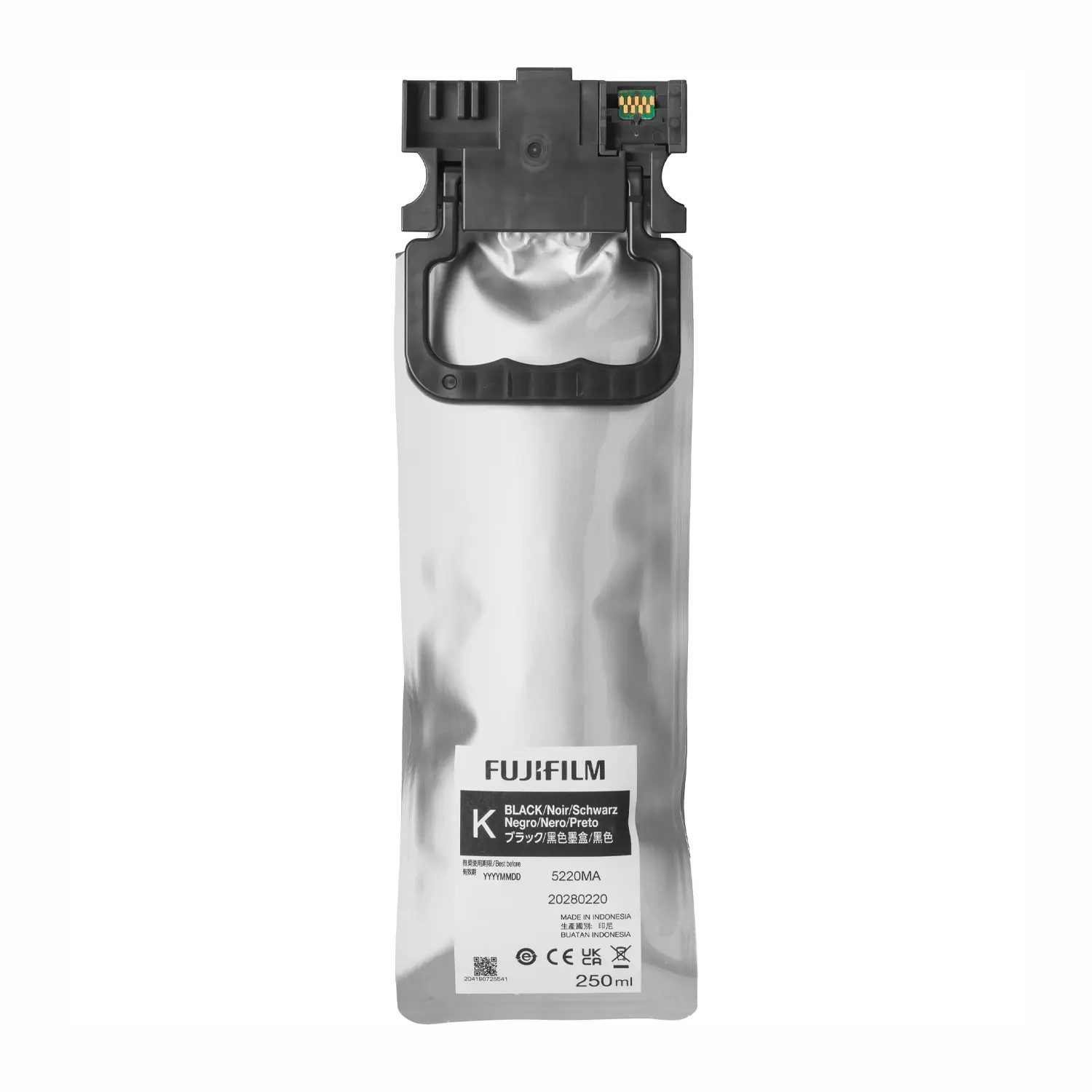

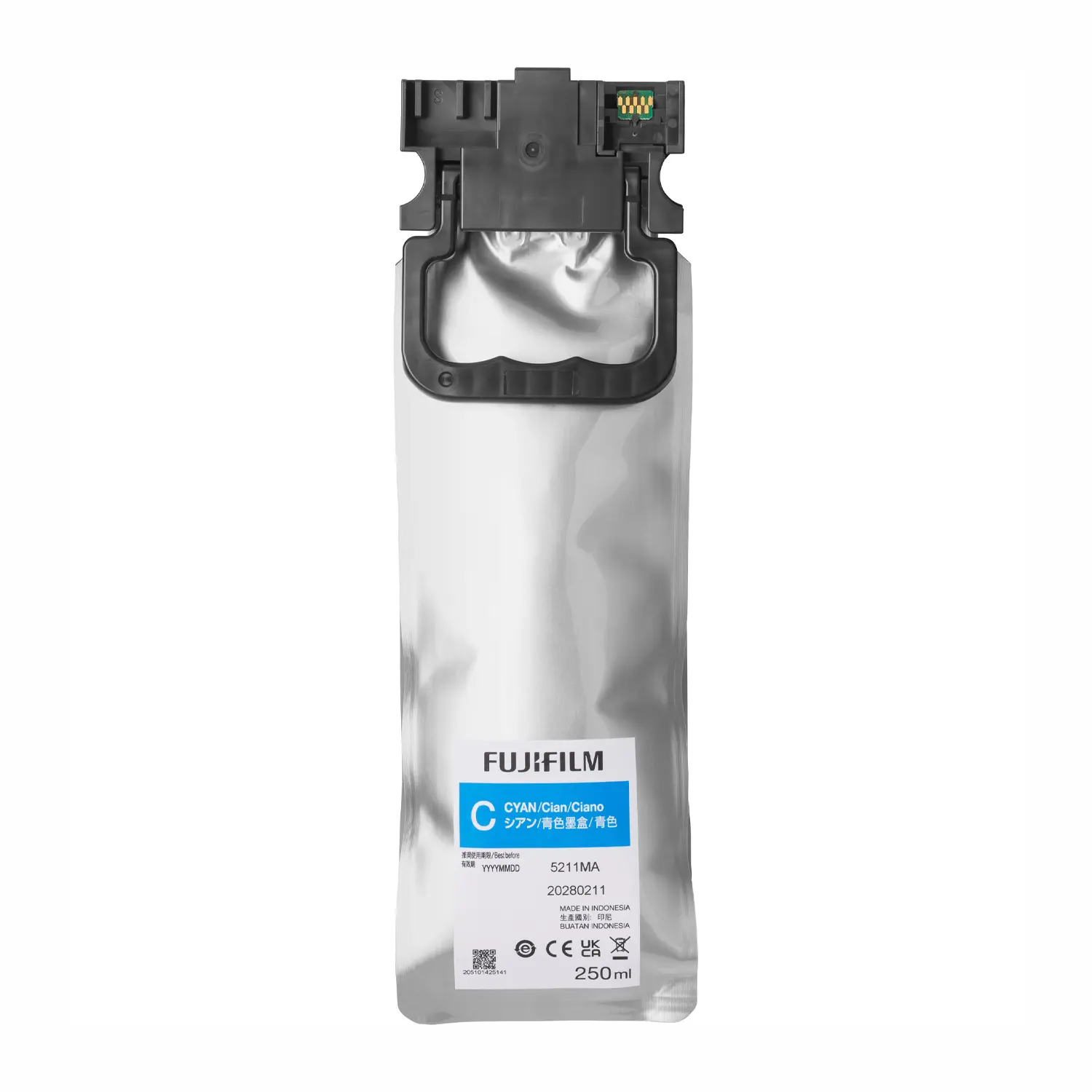

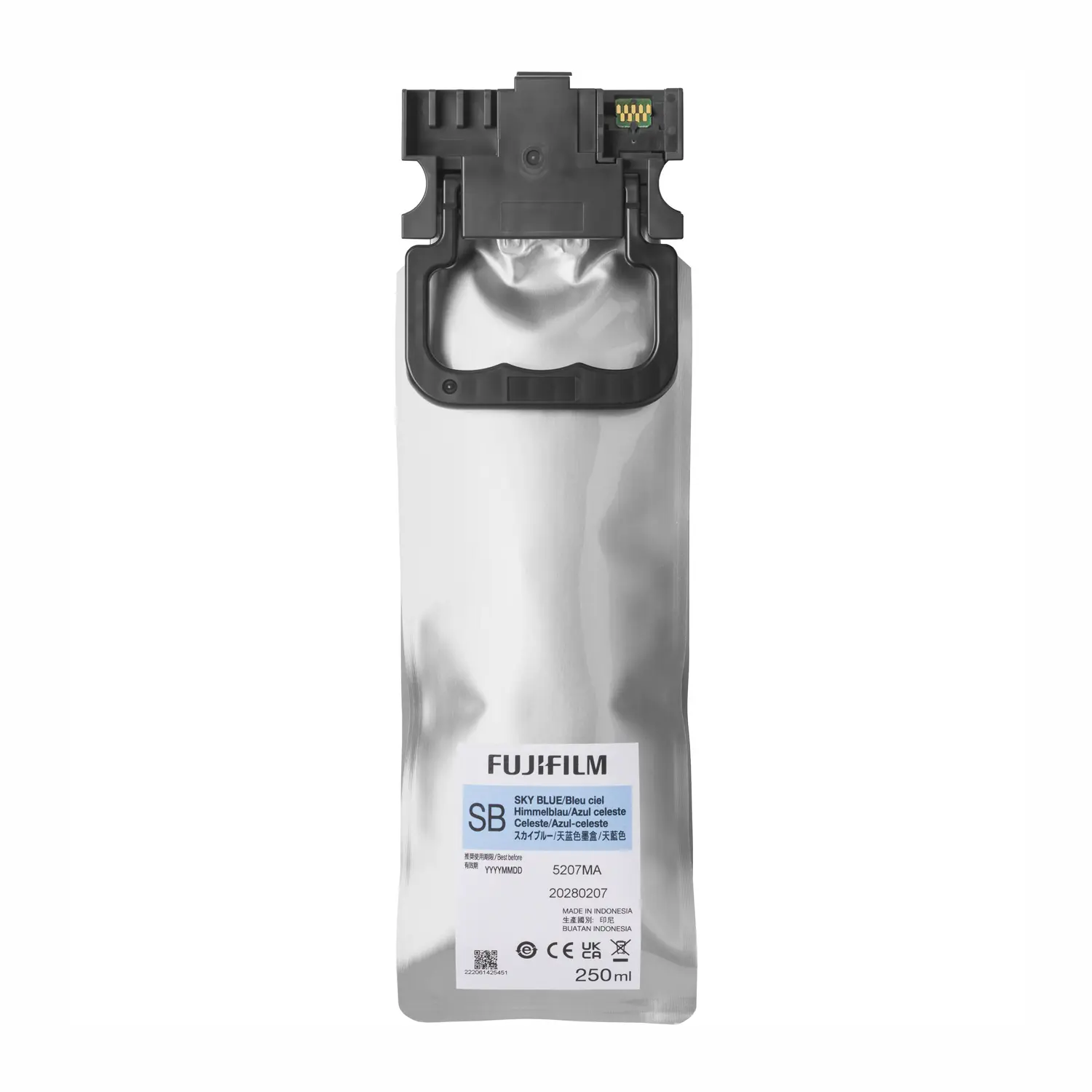
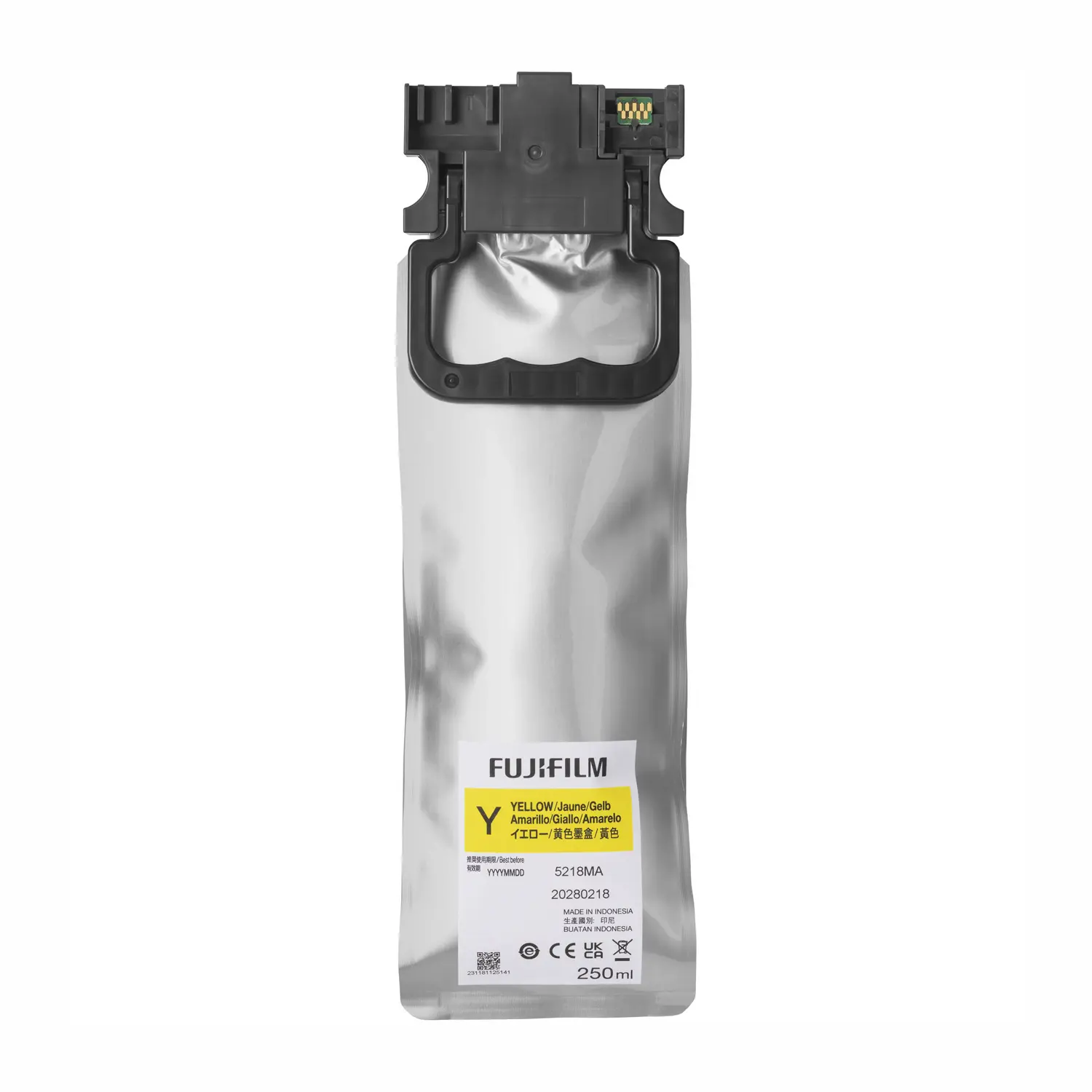
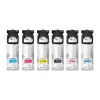
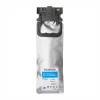
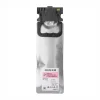
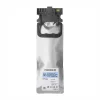
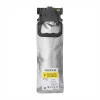

Fujifilm DX400 Ink Supply 250 mL — Cyan, Magenta, Yellow, Black, Sky Blue, Pink
$79.00–$469.00
- Compatibility: Genuine Fujifilm DX400 ink — fits Frontier DX400W only.
Select your color above — all 6 channels required for full-gamut output. - Ink System: 6-color dye ink — C, M, Y, K, Sky Blue, Pink — 250 mL per pack.
Sky Blue and Pink extend gamut beyond CMYK — richer skin tones, smoother skies. - Pack Format: Soft pouch design — 49% less plastic waste than DX100 cartridges.
25% more ink volume per unit vs prior model — fewer swaps during production runs. - Output: Works on Glossy and Luster Fujifilm dry photo paper — all roll widths.
Formulated to DX400W factory ICC profiles — no color adjustment needed. - Availability: All 6 colors in stock — authorized Fujifilm dealer since 1989.
Same-day shipping before 2 PM PST — free shipping on orders over $149.
Fujifilm DX400 Ink Supply — Genuine 250 mL Dye Ink Packs for the Frontier DX400W
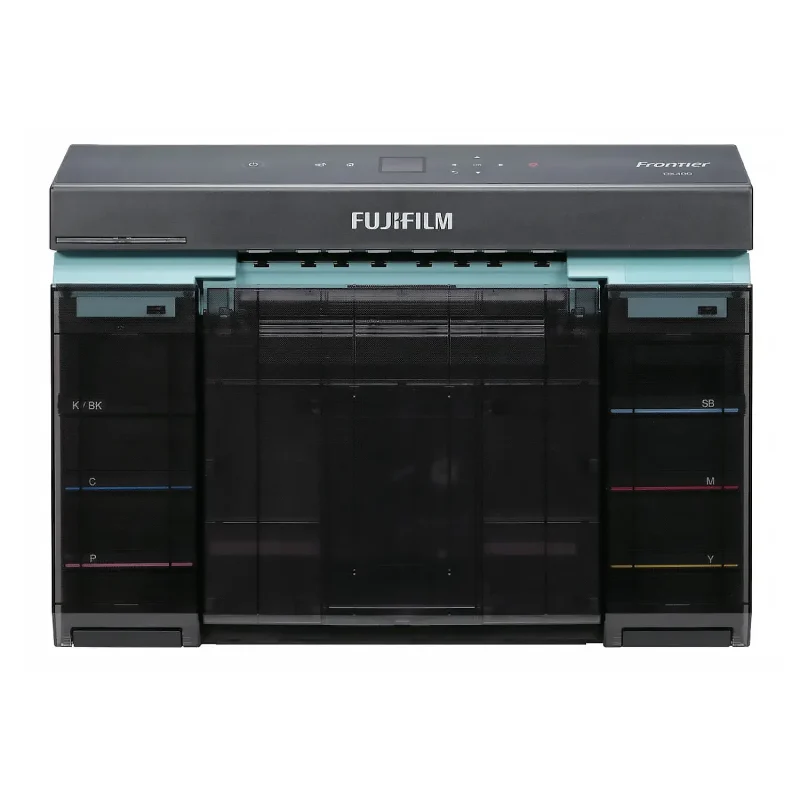
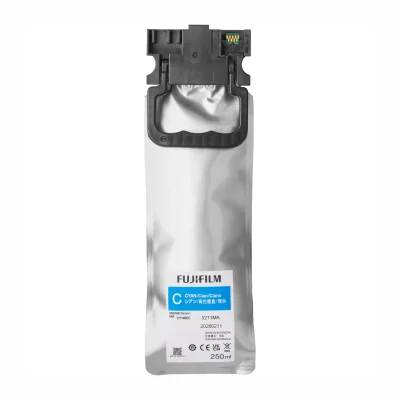
Fujifilm DX400 ink is the genuine 6-color dye ink system designed exclusively for the Fujifilm Frontier DX400W compact inkjet photo printer. Available in Cyan, Magenta, Yellow, Black, Sky Blue, and Pink in 250 mL soft-pouch packs, this is the only ink formulated to the DX400W’s factory ICC profiles and printhead specifications. All six channels are required for full-gamut output — the printer will not operate correctly with any channel missing or substituted with third-party ink.
6-Color Dye Ink System — Why Sky Blue and Pink Matter
The DX400W goes beyond a standard four-color CMYK system by adding two extended gamut channels: Sky Blue and Pink. Sky Blue handles the light-toned blue spectrum — sky gradients, water, and soft backgrounds where standard Cyan at reduced density would introduce grain or color shifts. Pink handles the lighter, softer end of the warm-tone spectrum — pastel complexions, highlight skin tones, and delicate warm gradients where Magenta alone would produce a heavier, less accurate result. Together the six channels give the DX400W a wider color gamut and more accurate skin tone reproduction than a standard CMYK photo printer can achieve — which matters most in portraits, weddings, school photos, and event work where skin accuracy is the primary output standard.
250 mL Soft Pouch — Less Waste, More Volume
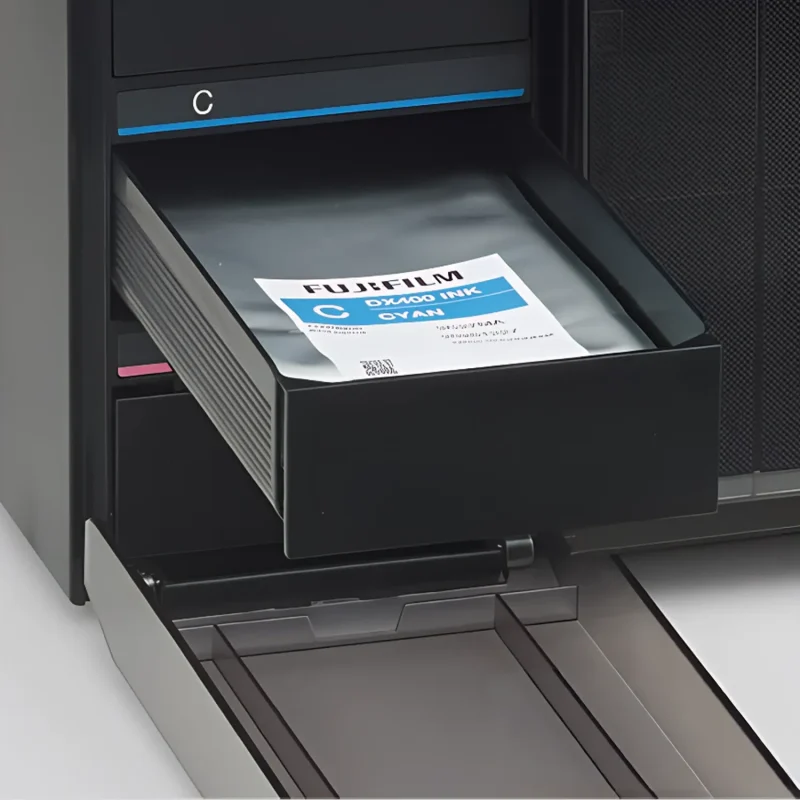
The DX400W uses a cartridge-less soft pouch ink supply system. Each 250 mL pack eliminates the hard plastic shell of the previous DX100 cartridge format, reducing plastic waste by approximately 49%. The pouch also delivers 25% more ink volume per unit compared to the DX100’s 200 mL cartridges — fewer ink swaps per production run and lower cost per print over time. Installation is front-access: the ink supply tray pulls out from the front of the printer for fast replacement without moving the unit.
Genuine Fujifilm Ink — Why It Matters for the DX400W
The Frontier DX400W’s color management system is calibrated at the factory to specific ink density, hue, and viscosity values for each of the six channels. Genuine Fujifilm DX400 ink matches those values precisely. Third-party inks are not formulated to Fujifilm’s specifications for this printer — even small hue or density deviations in channels like Magenta, Pink, or Sky Blue produce visible skin tone shifts and color casts in portrait and event output. Using non-genuine ink also voids Fujifilm warranty coverage. Buffalo Imaging is an authorized Fujifilm dealer and stocks only genuine, factory-sealed Fujifilm DX400 ink packs.
Compatible Paper
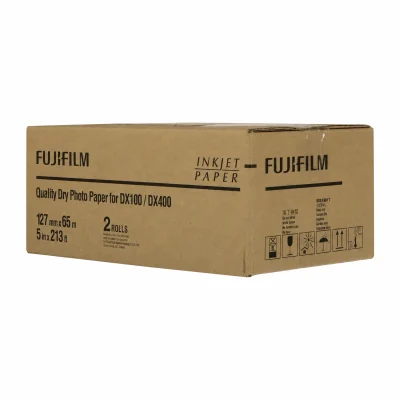
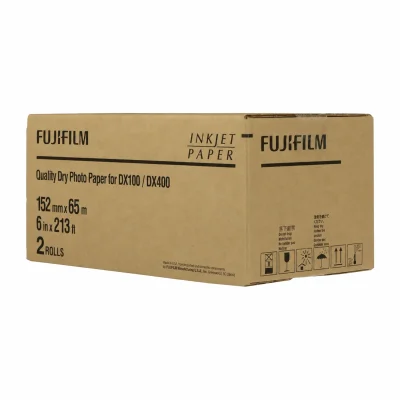
Fujifilm DX400 ink works with FUJIFILM Quality Dry Photo Paper in both Glossy and Luster finishes across all six supported roll widths: 3.5 in, 4 in, 5 in, 6 in, 8 in, and 8.3 in. Using non-Fujifilm paper may affect color accuracy and print quality, and is not covered under manufacturer warranty.
Color Guide — What Each Channel Does
| Black (K) | Deep shadows, neutral density, sharp text, and detail rendering across all print types |
| Cyan (C) | Blues, greens, and neutral tones — foundational CMYK channel for cool and neutral color mixing |
| Magenta (M) | Reds, purples, and saturated warm tones — critical for bold color and shadow-side skin tones |
| Yellow (Y) | Greens, oranges, warm neutrals — interacts with C and M across the full color gamut |
| Sky Blue (SB) | Light blue gradients, skies, water, and soft backgrounds — eliminates grain in light cyan zones |
| Pink (P) | Highlight skin tones, pastel complexions, and light warm gradients — extends warm gamut beyond Magenta |
What’s in the Box
- 1 x Fujifilm DX400 Ink Supply Pack — 250 mL (color as selected)
Ink is sold individually by color. A full set requires one pack of each: Cyan, Magenta, Yellow, Black, Sky Blue, and Pink. View the Fujifilm Frontier DX400W printer.
What ink does the Fujifilm Frontier DX400W use?
The Fujifilm Frontier DX400W uses genuine Fujifilm DX400 ink in a 6-color dye-based system: Cyan, Magenta, Yellow, Black, Sky Blue, and Pink. Each color comes in a 250 mL soft pouch pack. All six channels are required for full-gamut output — the printer will not operate with any channel missing. Ink is not included with the printer and must be purchased separately. Buffalo Imaging stocks all six colors for same-day shipping.
How much does Fujifilm DX400 ink cost?
Fujifilm DX400 ink is $79.00 per 250 mL pack at Buffalo Imaging. All six colors are priced the same — Cyan, Magenta, Yellow, Black, Sky Blue, and Pink are each $79.00. A full set of all six colors costs $474.00. Budget for a complete 6-color set as part of your initial DX400W setup. Orders over $149 ship free, and orders placed before 2 PM PST ship the same business day.
What is the difference between Fujifilm DX400W Sky Blue ink and Cyan ink?
Sky Blue and Cyan are two separate channels in the DX400W’s 6-color ink system and they handle different parts of the blue spectrum. Cyan handles saturated blues, teals, and blue-green mixed colors at full density. Sky Blue handles the light-toned blue spectrum — sky gradients, water reflections, and soft blue backgrounds — where printing Cyan at reduced density would introduce grain or hue shifts. Sky Blue eliminates that grain by using a lighter, more delicate formulation specifically for those tonal zones. Both channels must be installed for the printer to operate.
What is the difference between Fujifilm DX400W Pink ink and Magenta ink?
Pink and Magenta both handle warm tones but at different ends of the spectrum. Magenta covers the saturated end — bold reds, deep pinks, rich purples, and darker shadow-side skin tones. Pink covers the lighter, softer end — pastel complexions, highlight skin tones, and delicate warm gradients. Together they give the DX400W a wider and more accurate warm-tone gamut than a standard CMYK system can achieve. This separation is especially important for portrait and event photography where skin tone accuracy in lighter complexions is critical.
Can I use third-party ink in the Fujifilm Frontier DX400W?
No. The Fujifilm Frontier DX400W is calibrated at the factory to specific ink density, hue, and viscosity values for each of its six channels. Third-party inks are not formulated to Fujifilm’s specifications for this printer. Even small hue or density deviations — especially in the Magenta, Pink, and Sky Blue channels — produce visible skin tone shifts and color casts in portrait and event output. Using non-genuine ink also voids Fujifilm warranty coverage. Only genuine Fujifilm DX400 ink packs are compatible.
How many prints does a 250 mL Fujifilm DX400 ink pack produce?
Fujifilm does not publish a fixed print yield per ink pack for the DX400W because yield depends on image content, color coverage, print size, and the balance of ink usage across all six channels. In typical event and portrait photo printing, all six channels deplete at different rates — Pink and Sky Blue tend to deplete faster on skin-heavy and outdoor content respectively. For production planning, monitor the LCD consumables panel on the DX400W and keep at least one
What is the Fujifilm DX400 ink pouch format and how does it reduce waste?
The Fujifilm DX400 ink uses a soft-pouch supply unit instead of the hard plastic cartridge used in the previous DX100 model. The pouch format reduces plastic waste by approximately 49% compared to DX100 cartridges. Each pouch also holds 250 mL versus the DX100’s 200 mL capacity — a 25% increase in ink volume per unit. Installation is front-access on the DX400W: the ink supply tray pulls out from the front of the printer for fast replacement without repositioning the unit.
What paper works with Fujifilm DX400W ink?
Fujifilm DX400 ink is formulated to work with FUJIFILM Quality Dry Photo Paper in Glossy and Luster finishes. Compatible roll widths are 3.5 in, 4 in, 5 in, 6 in, 8 in, and 8.3 in in 65-meter rolls. Using third-party paper may affect print quality and color accuracy, and is not covered under Fujifilm warranty. Buffalo Imaging stocks DX400W-compatible Fujifilm paper rolls for same-day shipping.
Do I need all 6 ink colors installed in the Fujifilm DX400W at the same time?
Yes. The Fujifilm Frontier DX400W requires all six ink channels — Cyan, Magenta, Yellow, Black, Sky Blue, and Pink — to be installed and functional for the printer to operate. The printer will not print if any channel is empty or missing. Because all six channels are used across every print job (even if some contribute more than others depending on image content), you should have at least one spare pack of each color available before starting a production run.
How do I know when to replace Fujifilm DX400W ink?
The Fujifilm Frontier DX400W has an LCD control panel on the front of the unit that displays remaining ink levels for all six channels at a glance. The printer will alert you when any channel reaches a low level and will stop printing before a channel is fully depleted to prevent printhead damage. For production environments, replace ink as soon as the low-level alert triggers — do not wait for the channel to run out during a job. Pink and Sky Blue tend to deplete faster in portrait and event workflows and should be monitored more closely.
Is Buffalo Imaging an authorized Fujifilm dealer for DX400W ink?
Yes. Buffalo Imaging is an authorized Fujifilm dealer and stocks all six genuine Fujifilm DX400 ink pack colors — Cyan, Magenta, Yellow, Black, Sky Blue, and Pink — at $79.00 per 250 mL pack. All ink is factory sealed and sourced directly through authorized Fujifilm distribution channels. Orders placed before 2 PM PST ship the same business day. Orders over $149 qualify for free shipping. Local pickup is also available at 2015 Saybrook Ave, Commerce, CA 90040. Buffalo Imaging has supplied professional photo labs, studios, and print businesses with Fujifilm equipment and consumables since 1989.
| Ink Color | Black, Magenta, Cyan, Pink, Sky Blue, Yellow, Ink Set |
|---|---|
| Weight | N/A |
| Dimensions | N/A |
Add a review
Fujifilm DX400 Ink Supply 250 mL — Cyan, Magenta, Yellow, Black, Sky Blue, Pink Your review
* Review is required
Name
* Name is required
Email
* Email is required
Related Products

Buffalo Imaging Supplies
Drylab Paper Roll 213ft | 250 GSM | Glossy & Luster | Epson SureLab & Fuji DX100/DX400 Compatible
$55.18–$240.00
This product has multiple variants. The options may be chosen on the product page 
Drylab Paper
$168.28–$275.10
This product has multiple variants. The options may be chosen on the product page 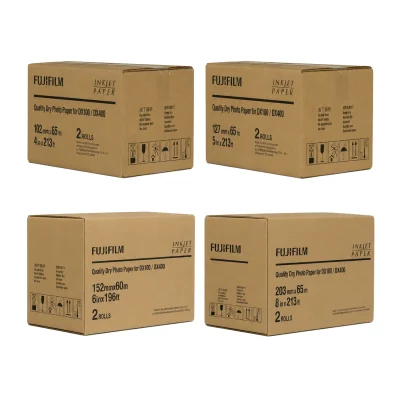
$69.00–$212.94
This product has multiple variants. The options may be chosen on the product page 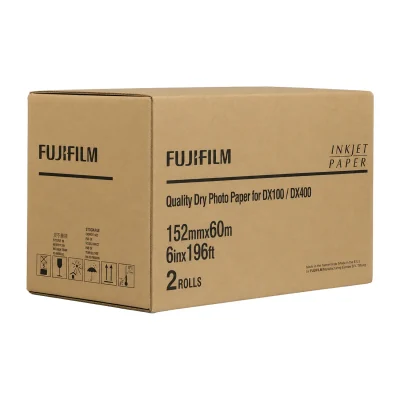
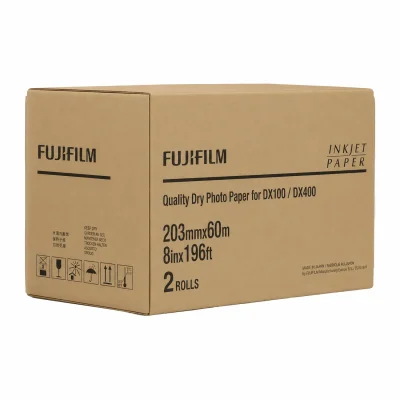
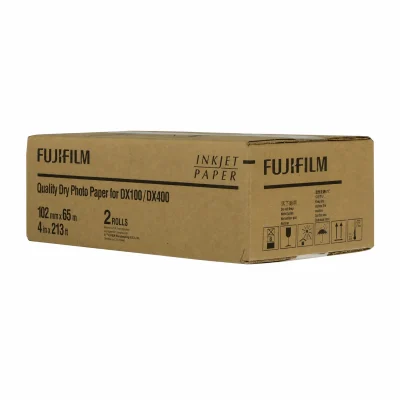
Original price was: $96.22.$73.83Current price is: $73.83.
Original price was: $105.96.$74.38Current price is: $74.38.
Original price was: $119.22.$109.38Current price is: $109.38.
Original price was: $150.70.$142.72Current price is: $142.72.
Original price was: $96.22.$69.00Current price is: $69.00.
Original price was: $105.96.$94.38Current price is: $94.38.
Original price was: $119.22.$109.38Current price is: $109.38.

$79.00–$469.00
This product has multiple variants. The options may be chosen on the product page 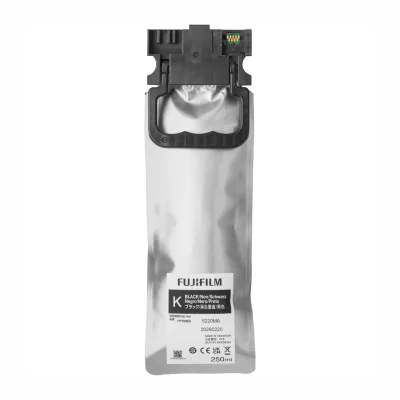
Original price was: $82.50.$79.00Current price is: $79.00.
Original price was: $82.50.$79.00Current price is: $79.00.
Original price was: $474.00.$469.00Current price is: $469.00.
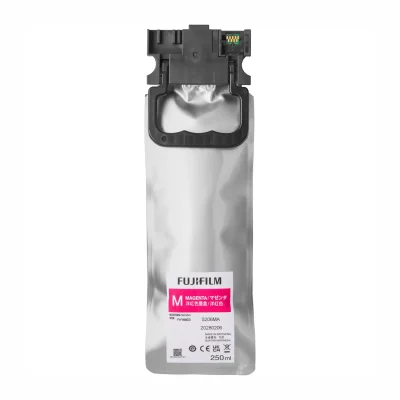
Original price was: $82.50.$79.00Current price is: $79.00.
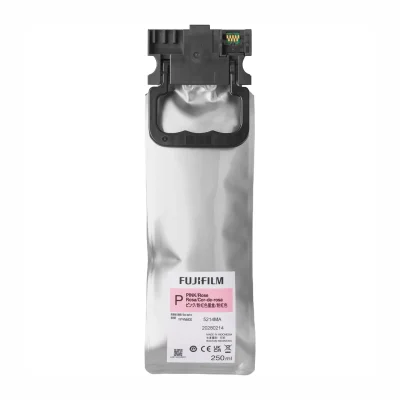
Original price was: $82.50.$79.00Current price is: $79.00.
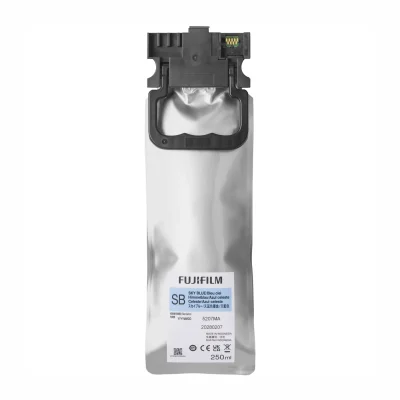
Original price was: $82.50.$79.00Current price is: $79.00.
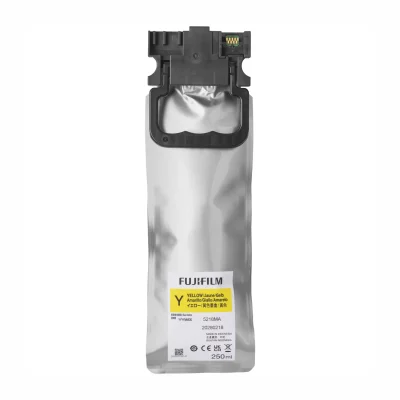
Original price was: $82.50.$79.00Current price is: $79.00.
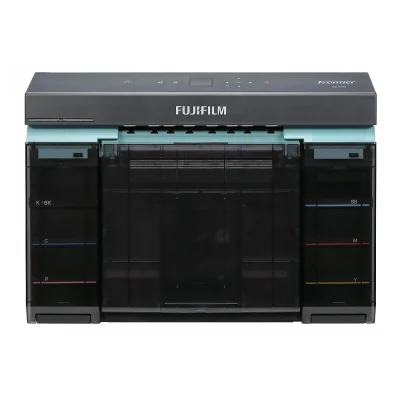
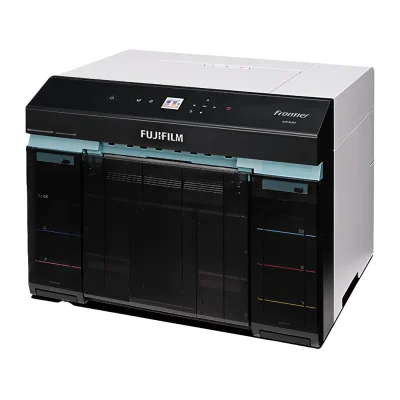
Photo Booth and Studio Printers
Fujifilm Frontier DX400W Compact Inkjet Photo Printer (Windows Only)
Original price was: $2,995.00.$2,895.00Current price is: $2,895.00.
Reviews
There are no reviews yet