




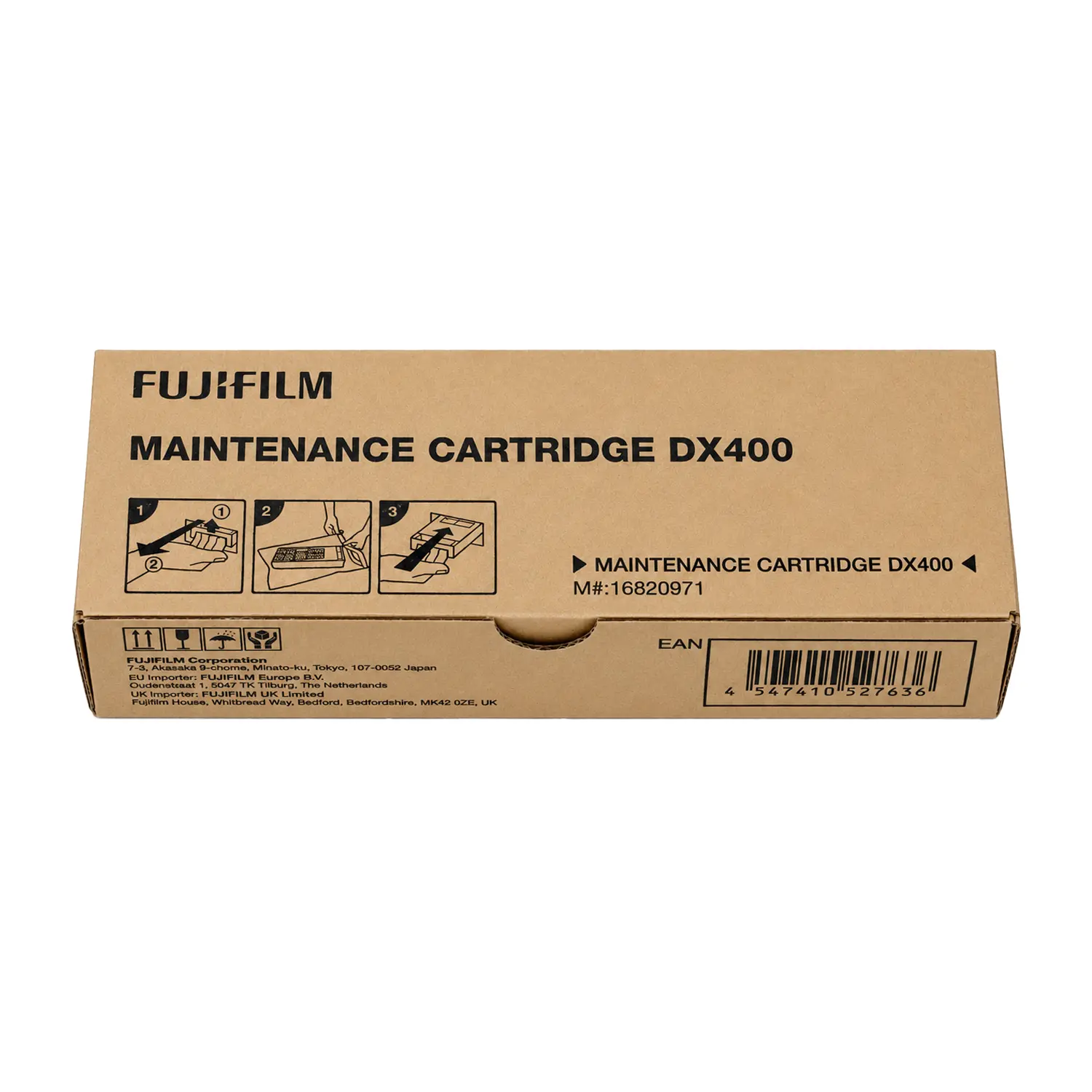

Fujifilm DX400W Waste Ink Tank — SKU 16820971
$49.00
In Stock - Commerce, CA
- Compatibility: Genuine Fujifilm waste ink tank for the Frontier DX400W only.
Direct front-access replacement — no tools required, open and remove. - Construction: Sturdy plastic housing — sealed unit, no mess during removal.
Genuine Fujifilm part SKU 16820971 — ensures fit and printer sensor compatibility. - Why Genuine Matters: Third-party tanks may not trigger the printer’s fill sensor correctly.
Non-genuine units can cause false full alerts or undetected overflow — avoid both. - Availability: In stock — authorized Fujifilm dealer since 1989.
Free shipping on orders over $149.
Fujifilm DX400W Waste Ink Tank — Genuine Replacement for the Frontier DX400W Printer
The Fujifilm DX400W waste ink tank (SKU 16820971) is the genuine replacement waste tank for the Fujifilm Frontier DX400W inkjet photo printer. The DX400W collects excess ink from nozzle cleaning cycles, purges, and print head maintenance into a dedicated waste tank. When the tank reaches capacity, the printer alerts you to replace it before it overflows. Using a genuine Fujifilm waste ink tank ensures the printer’s fill sensor reads correctly and the unit seats flush in the waste tank bay — no leaks, no false alerts, no sensor errors.
When to Replace the DX400W Waste Tank
The Fujifilm Frontier DX400W monitors waste ink tank capacity automatically and displays a replacement alert on the front LCD panel when the tank approaches full. Do not continue printing once this alert appears — ignoring it risks internal ink overflow, which can damage the printer’s base unit and void warranty coverage. Keep at least one spare waste ink tank on hand so replacement is immediate and the printer stays in production without waiting for a supply order.
Front-Access Replacement — No Tools Required
The DX400W is designed for front-access maintenance throughout. The waste tank bay opens from the front of the printer — the same access panel used for paper and ink replacement. Removal is an open-and-pull process with no tools required. The used tank is a sealed plastic unit — no loose ink during removal. Insert the new tank, close the panel, and reset the counter through the printer’s maintenance menu.
Why Use Genuine Fujifilm Part 16820971
The DX400W’s waste tank sensor is calibrated to detect the specific resistance and fill characteristics of the genuine Fujifilm tank. Third-party waste tanks may not trigger the fill sensor correctly — producing false full alerts that stop production prematurely, or worse, failing to alert before actual overflow. The genuine tank also matches the exact physical dimensions of the DX400W waste bay, ensuring a flush seal that prevents leaks during operation.
Compatible Printer
- Fujifilm Frontier DX400W
This waste tank is not compatible with the Fujifilm Frontier-S DX100 or DX100W — those printers use a different waste tank specification. View all Fujifilm DX400W supplies or shop Fujifilm DX400W ink to complete your maintenance order.
What’s in the Box
- 1 x Fujifilm DX400W Waste Ink Tank — SKU 16820971
| Brand | Fujifilm |
| SKU | 16820971 |
| Compatible Printer | Fujifilm Frontier DX400W |
| Construction | Sturdy plastic, sealed unit |
| Access | Front-access, no tools required |
What is the Fujifilm DX400W waste ink tank?
The Fujifilm DX400W waste ink tank (SKU 16820971) is a sealed plastic container that collects excess ink produced during the DX400W printer’s automatic nozzle cleaning cycles, purges, and print head maintenance routines. The printer routes this waste ink into the tank rather than letting it accumulate inside the machine. When the tank reaches capacity, the DX400W’s front LCD panel displays a replacement alert. The tank is a consumable part that must be replaced periodically to keep the printer operating correctly.
How do I replace the waste ink tank on the Fujifilm DX400W?
The Fujifilm DX400W waste ink tank is accessible from the front of the printer — the same panel used for paper and ink replacement. Open the front access panel, pull out the full waste tank, insert the new genuine Fujifilm waste tank (SKU 16820971), close the panel, and reset the waste tank counter through the printer’s maintenance menu on the front LCD. No tools are required. The tank is a sealed plastic unit — no loose ink spills during removal.
When should I replace the Fujifilm DX400W waste ink tank?
Replace the Fujifilm DX400W waste ink tank when the printer’s front LCD panel displays a waste tank replacement alert. The printer monitors tank capacity automatically and alerts you before it reaches overflow. Do not continue printing after the alert appears — continuing to print risks internal ink overflow, which can damage the printer’s base unit. For production environments, keep at least one spare waste tank on hand so replacement does not interrupt your workflow.
What happens if I don’t replace the DX400W waste ink tank?
If the Fujifilm DX400W waste ink tank is not replaced when the printer alerts, the tank will overflow. Waste ink will spill into the printer’s internal cavity, potentially damaging the base unit, circuit boards, and surrounding components. This type of damage is not covered under Fujifilm warranty if caused by a neglected waste tank alert. In most cases the printer will stop printing before overflow occurs, but relying on this as a safeguard rather than replacing the tank proactively is not recommended.
Is the Fujifilm DX400W waste ink tank the same as the DX100 waste tank?
No. The Fujifilm Frontier DX400W and the Frontier-S DX100/DX100W use different waste tank specifications. The DX400W waste tank is SKU 16820971. Do not attempt to use a DX100 waste tank in the DX400W — the dimensions, sensor compatibility, and capacity are different. Always use the genuine part number specific to your printer model.
Can I use a third-party waste ink tank in the Fujifilm DX400W?
Using a third-party waste ink tank in the Fujifilm DX400W is not recommended. The DX400W’s fill sensor is calibrated to detect the specific characteristics of the genuine Fujifilm tank. Third-party tanks may not trigger the sensor correctly — causing false full alerts that stop production early, or failing to alert before actual overflow occurs. The genuine tank also matches the exact physical dimensions of the waste bay, ensuring a leak-free seal during operation.
How often does the Fujifilm DX400W waste tank need to be replaced?
Replacement frequency depends on how heavily the DX400W is used and how often automatic cleaning cycles run. High-volume labs running the printer continuously will fill the waste tank faster than lower-volume operations. The printer tracks waste tank capacity automatically and alerts you when replacement is needed — there is no fixed print count interval published by Fujifilm. Monitor the waste tank level through the printer’s maintenance menu and replace when the alert triggers.
Where is the waste ink tank located on the Fujifilm DX400W?
The waste ink tank on the Fujifilm DX400W is located in the front access bay of the printer. It is accessed by opening the front panel — the same panel used to replace paper rolls and ink packs. The DX400W is designed for front-access maintenance throughout, so all consumable parts including the waste tank, ink, and paper are accessible from the front without moving or repositioning the printer.
Add a review
Fujifilm DX400W Waste Ink Tank — SKU 16820971 Your review
* Review is required
Name
* Name is required
Email
* Email is required
Related Products

Buffalo Imaging Supplies
Drylab Paper Roll 213ft | 250 GSM | Glossy & Luster | Epson SureLab & Fuji DX100/DX400 Compatible
$55.18–$240.00
This product has multiple variants. The options may be chosen on the product page 
Drylab Paper
$168.28–$275.10
This product has multiple variants. The options may be chosen on the product page 
$69.00–$212.94
This product has multiple variants. The options may be chosen on the product page 
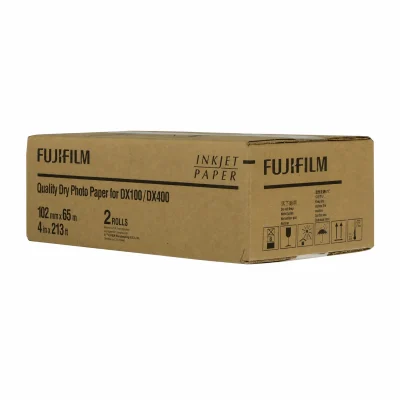
Original price was: $96.22.$73.83Current price is: $73.83.
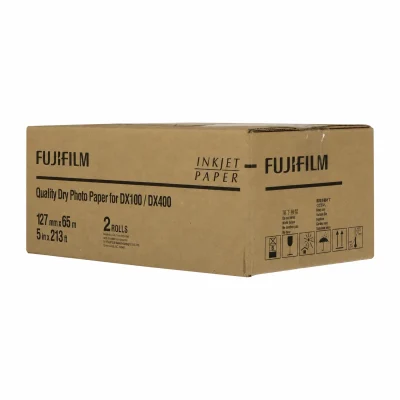
Original price was: $105.96.$74.38Current price is: $74.38.
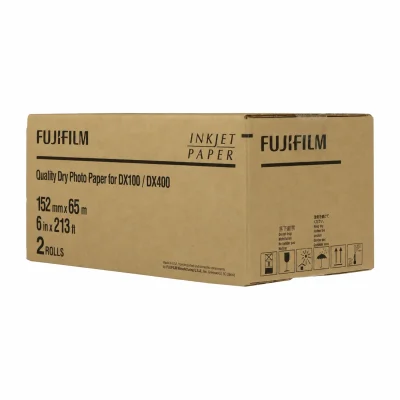
Original price was: $119.22.$109.38Current price is: $109.38.
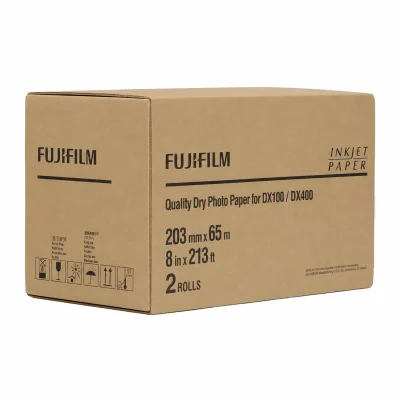
Original price was: $150.70.$142.72Current price is: $142.72.
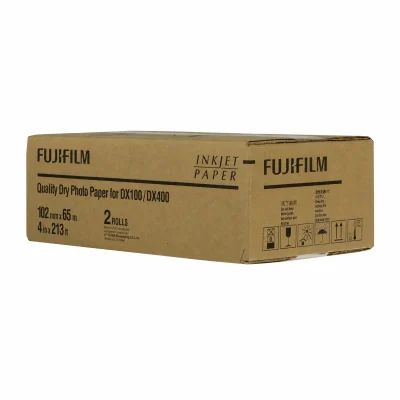
Original price was: $96.22.$69.00Current price is: $69.00.
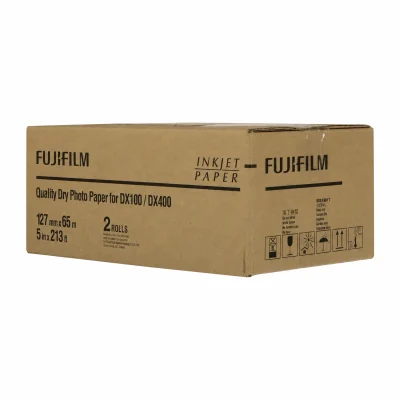
Original price was: $105.96.$94.38Current price is: $94.38.
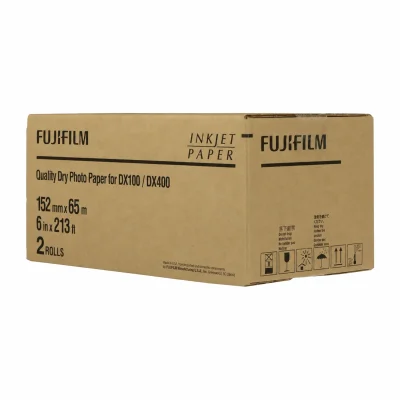
Original price was: $119.22.$109.38Current price is: $109.38.

$79.00–$469.00
This product has multiple variants. The options may be chosen on the product page 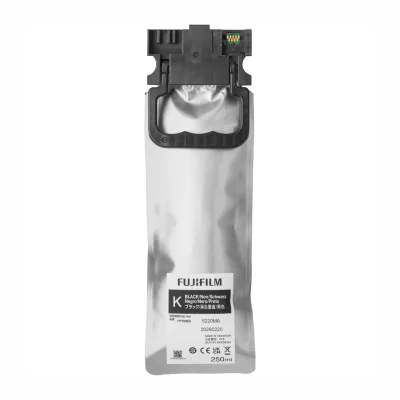
Original price was: $82.50.$79.00Current price is: $79.00.
Original price was: $82.50.$79.00Current price is: $79.00.
Original price was: $474.00.$469.00Current price is: $469.00.
Original price was: $82.50.$79.00Current price is: $79.00.
Original price was: $82.50.$79.00Current price is: $79.00.
Original price was: $82.50.$79.00Current price is: $79.00.
Original price was: $82.50.$79.00Current price is: $79.00.
Photo Booth and Studio Printers
Fujifilm Frontier DX400W Compact Inkjet Photo Printer (Windows Only)
Original price was: $2,995.00.$2,895.00Current price is: $2,895.00.
Reviews
There are no reviews yet