




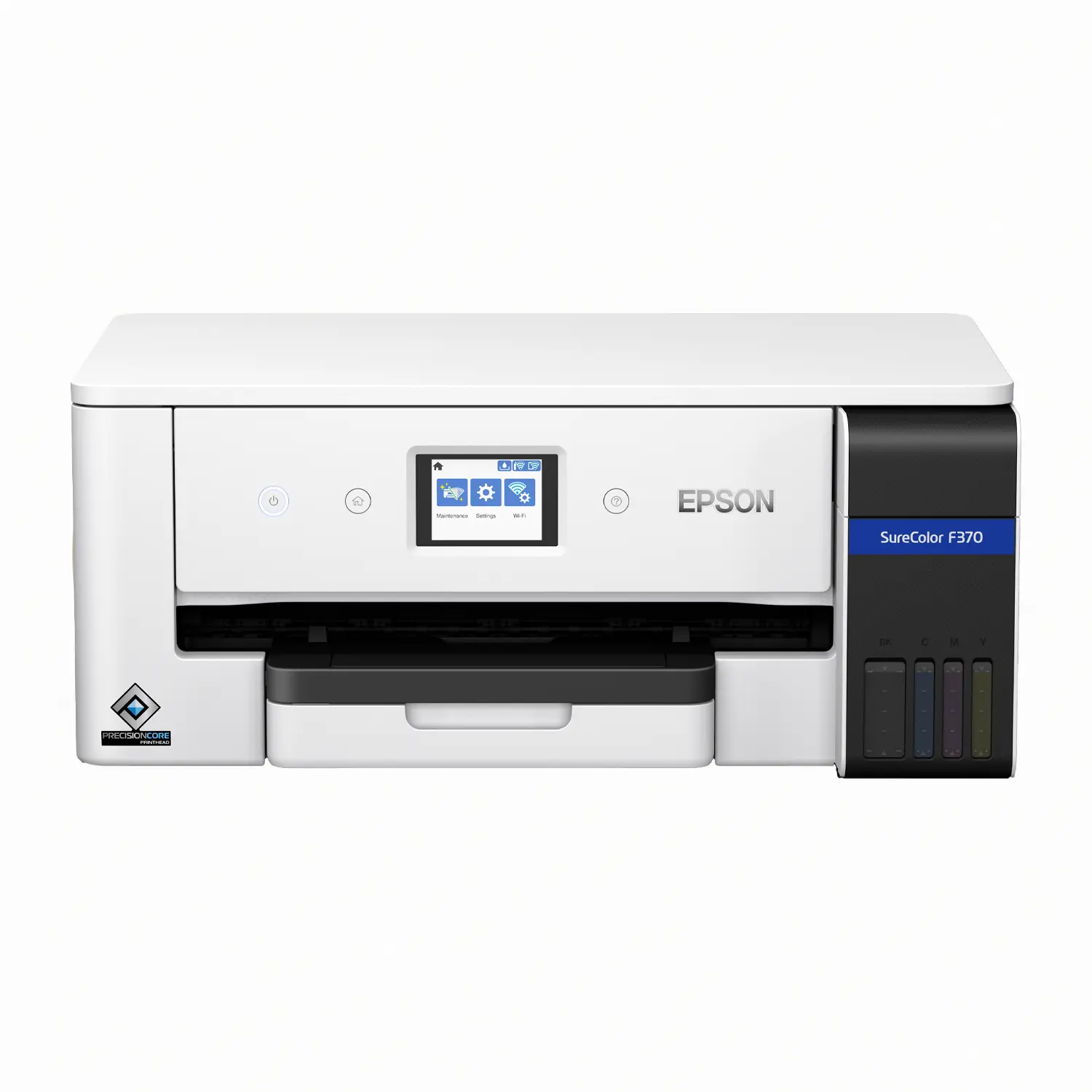
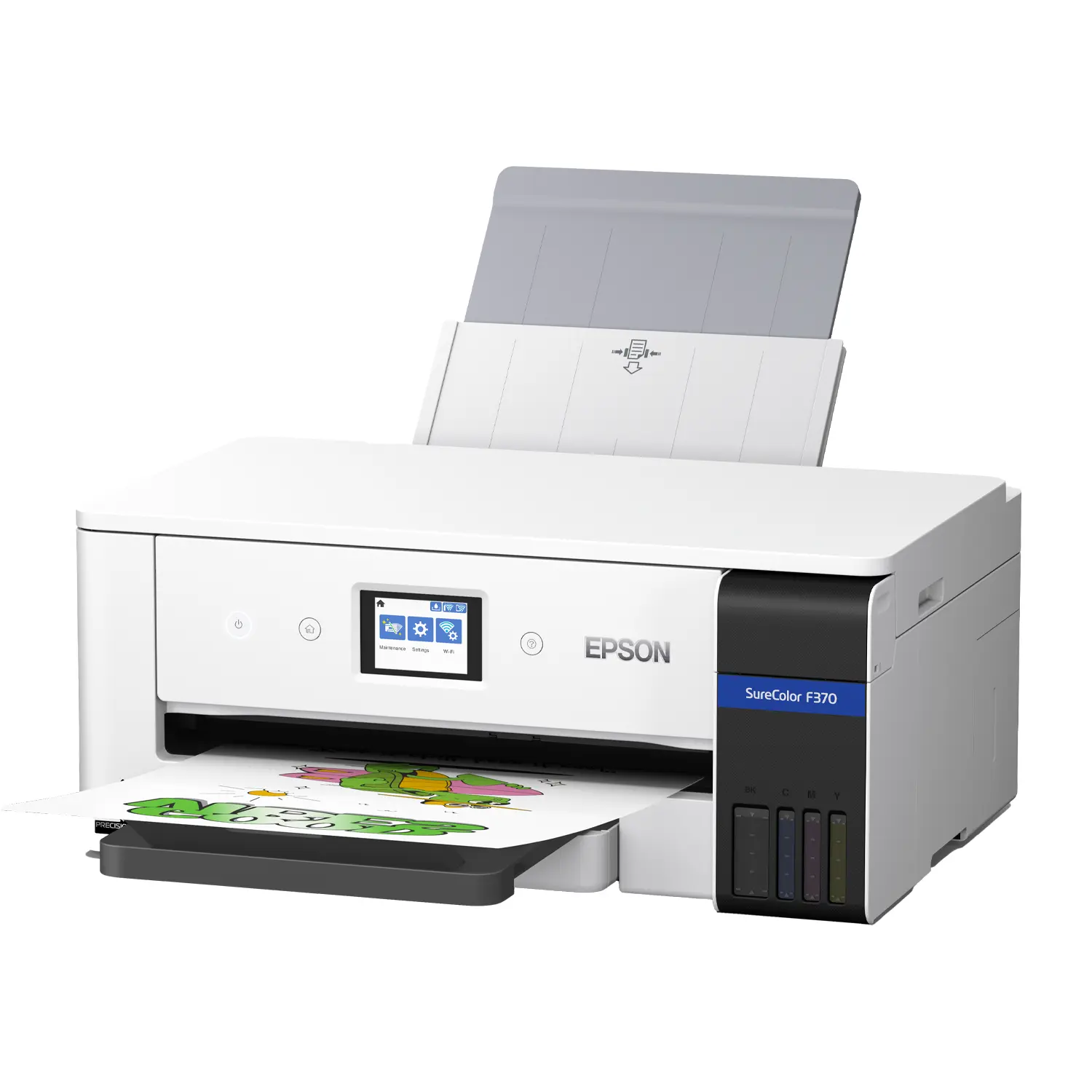
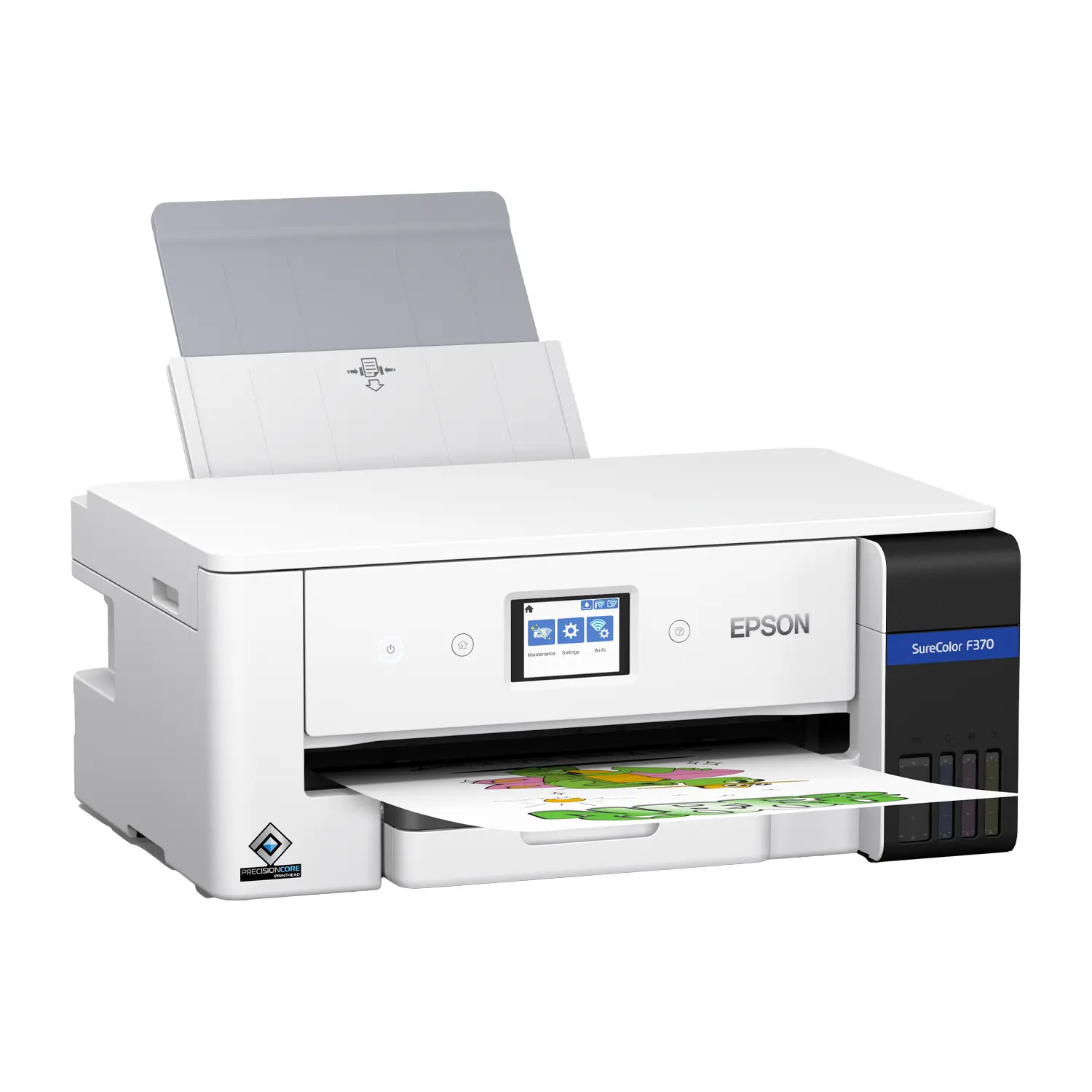
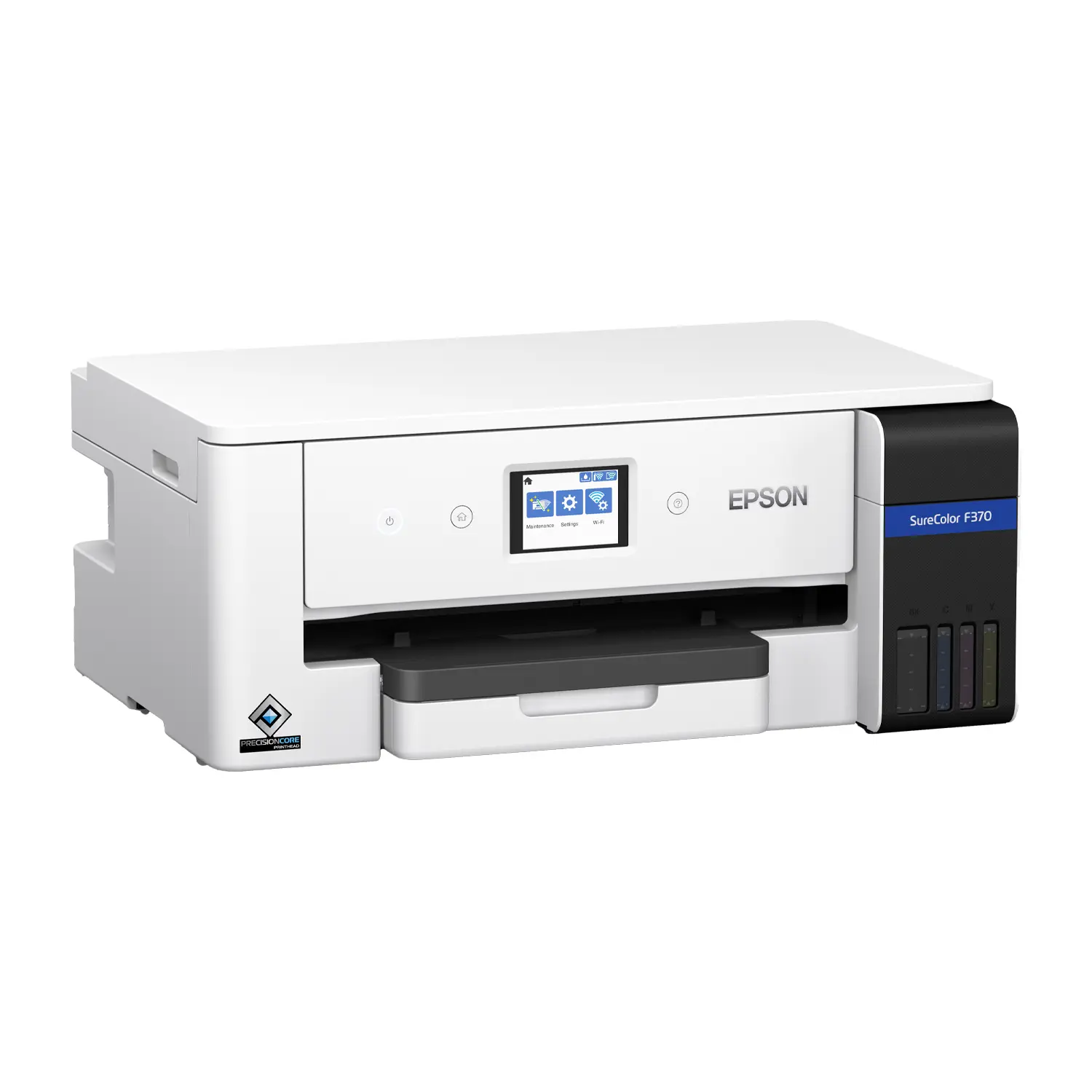
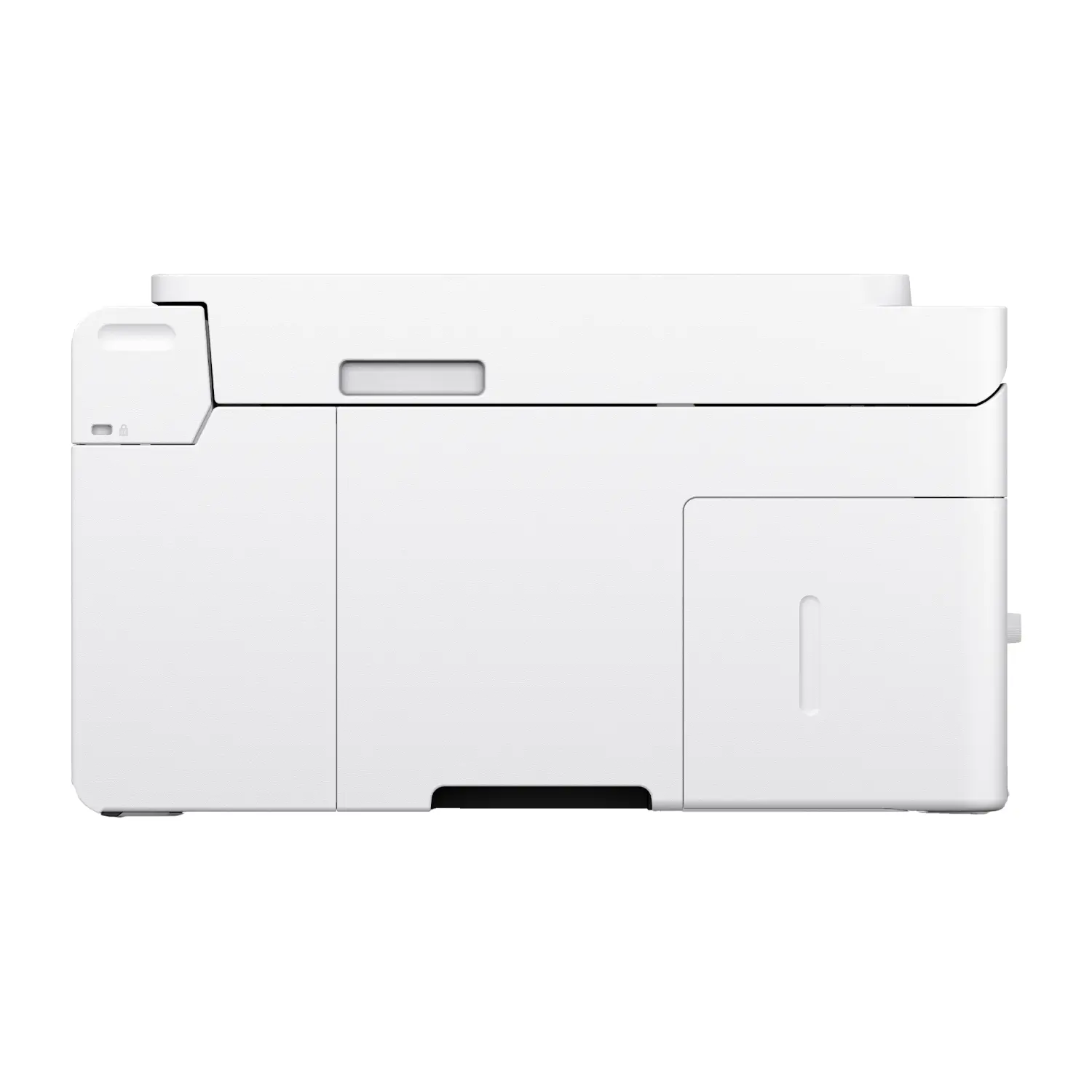
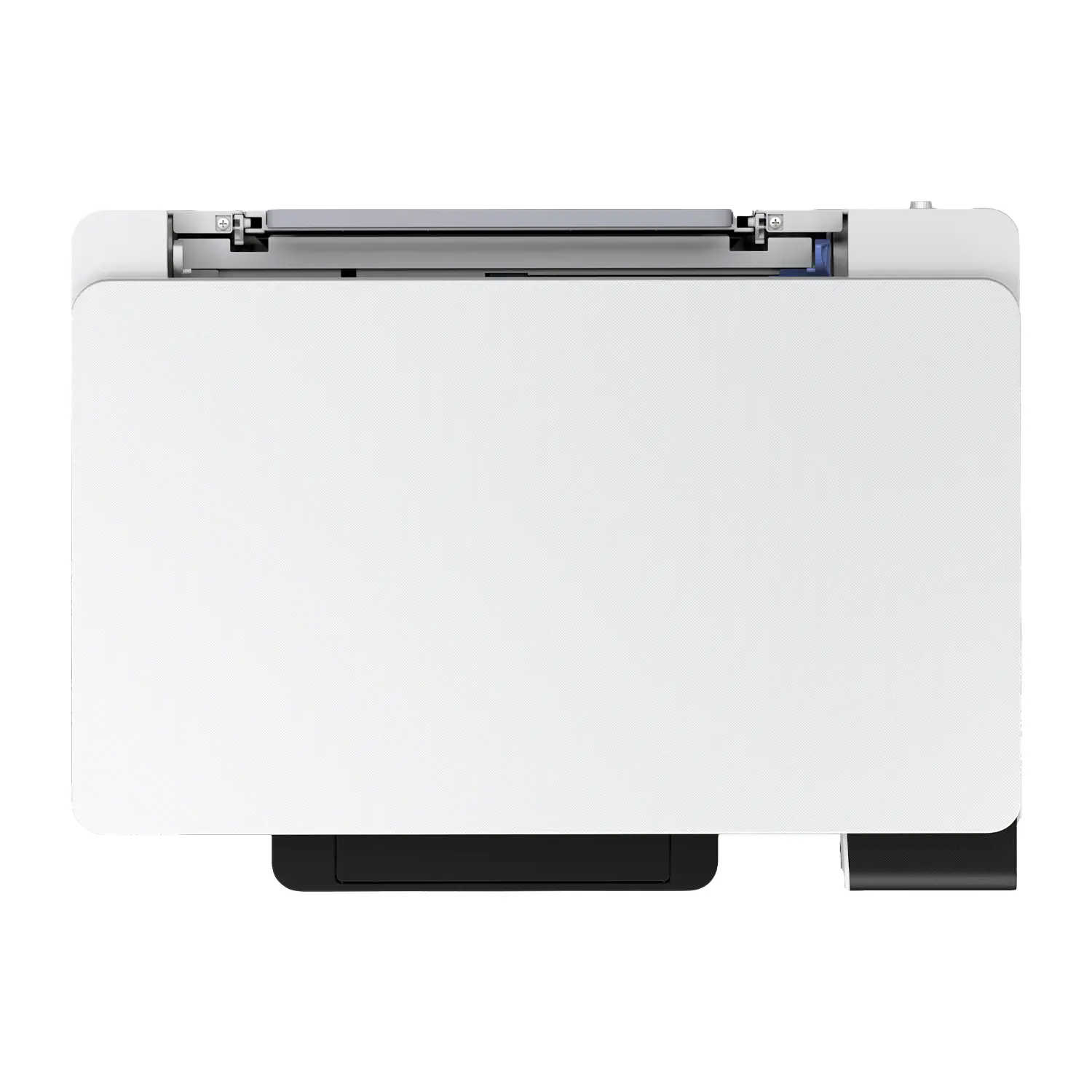
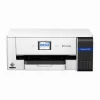
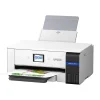
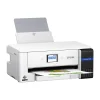
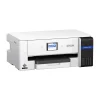
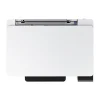

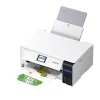

Epson SureColor F370 13″ Dye-Sublimation Printer (C11CM34201)
$999.00
PRE-ORDERExpected release: November 2026
- 13″ x 19″ Sublimation Prints: Go past letter size for adult tees, towels, totes, pillows and photo panels.
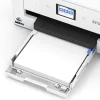
- Auto-Switching Dual Paper Paths: 150-sheet 8.5″ front cassette plus a rear tray for sheets up to 13″ x 47.2″.
- PrecisionCore Printhead: Micro TFP head built for dye-sub ink, with variable droplets up to 1200 x 600 dpi.
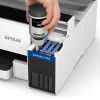
- Cartridge-Free T49M Ink: Refillable 140 mL bottles, full CMYK set included, OEKO-TEX ECO PASSPORT certified.
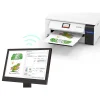
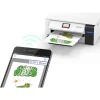
- Print From Any Device: Wi-Fi, Wi-Fi Direct, Ethernet and USB, plus AirPrint and Mopria mobile printing.
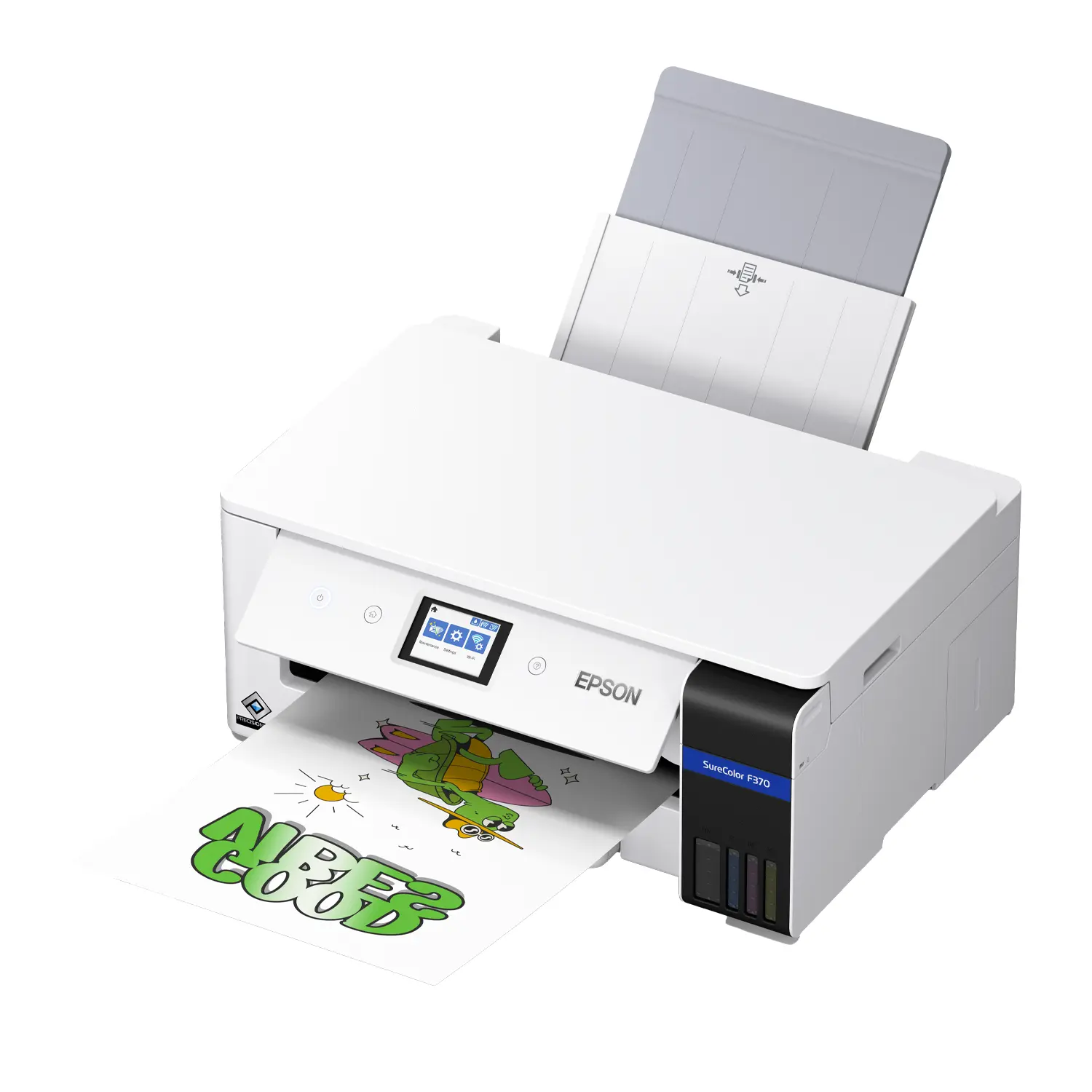
The Epson SureColor F370 is a 13-inch desktop dye-sublimation printer built for makers, Etsy sellers, schools and growing personalization shops that have outgrown letter-size transfers but are not ready for roll-fed equipment. It sits between the Epson SureColor F170 and the 24-inch Epson SureColor F570, pairing the proven F170 platform with 13″ x 19″ output, dual auto-switching paper paths and cartridge-free Epson T49M ink.
Why the Epson SureColor F370 Is the Step-Up Desktop Sublimation Printer
13″ x 19″ Output Without Roll Media
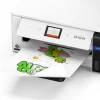
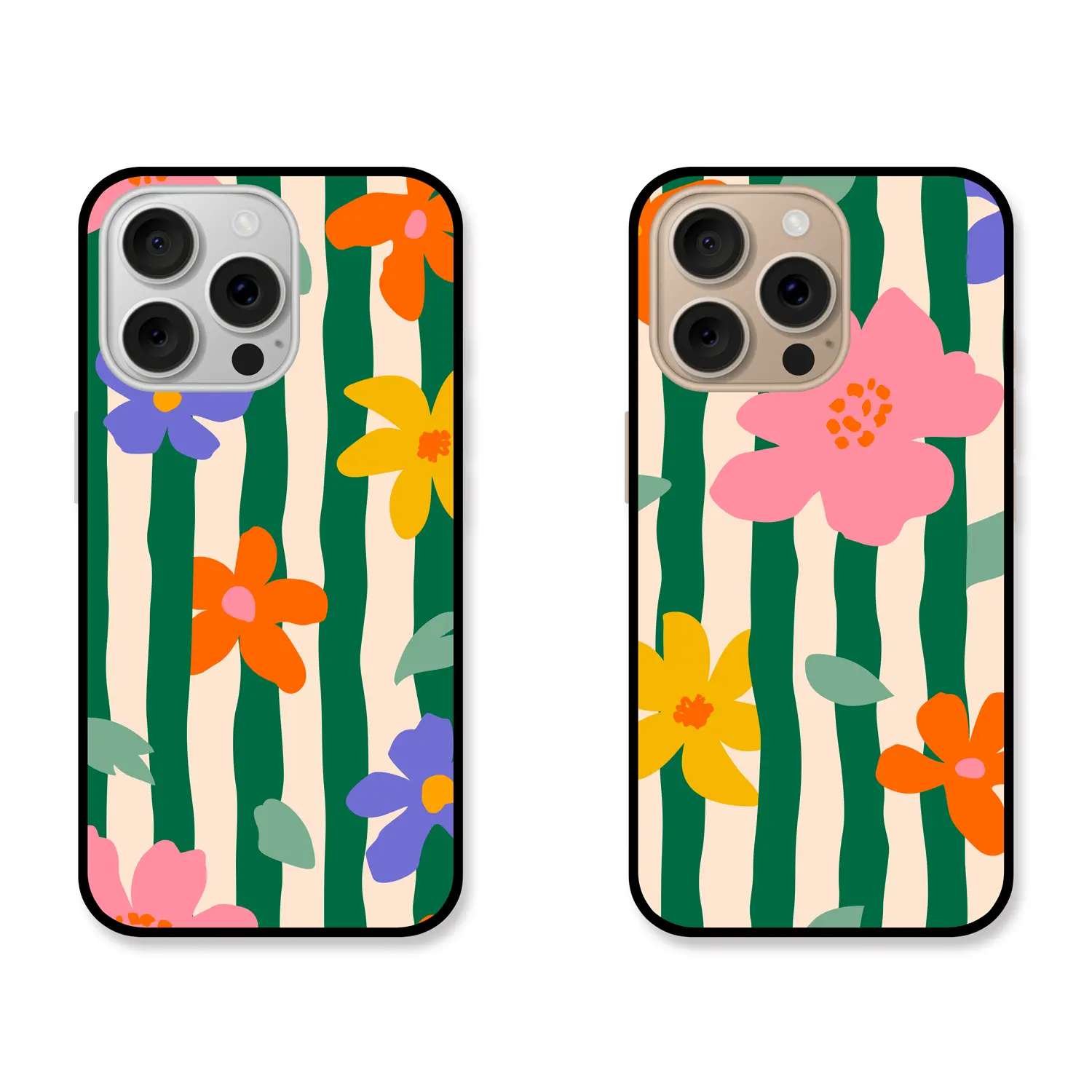
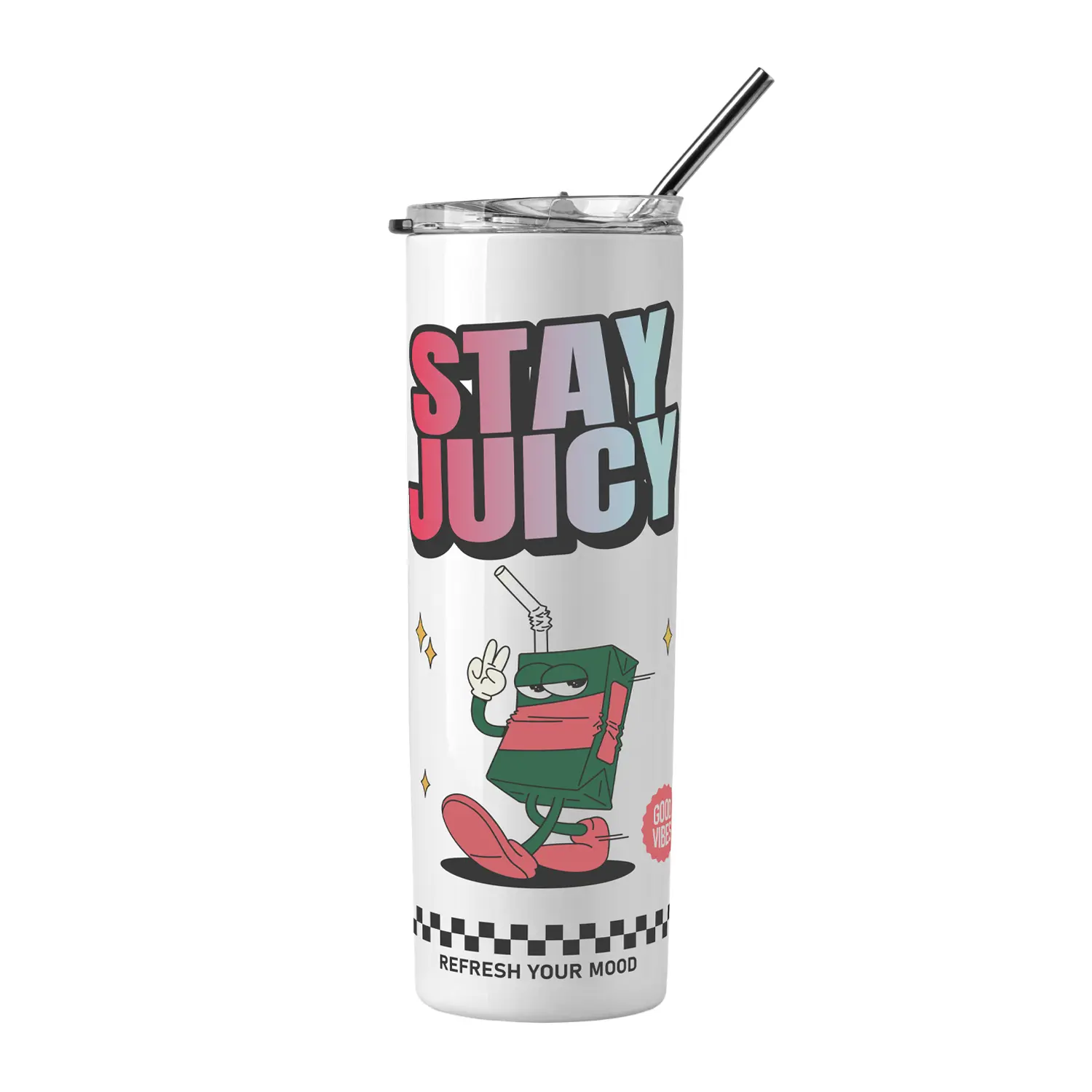
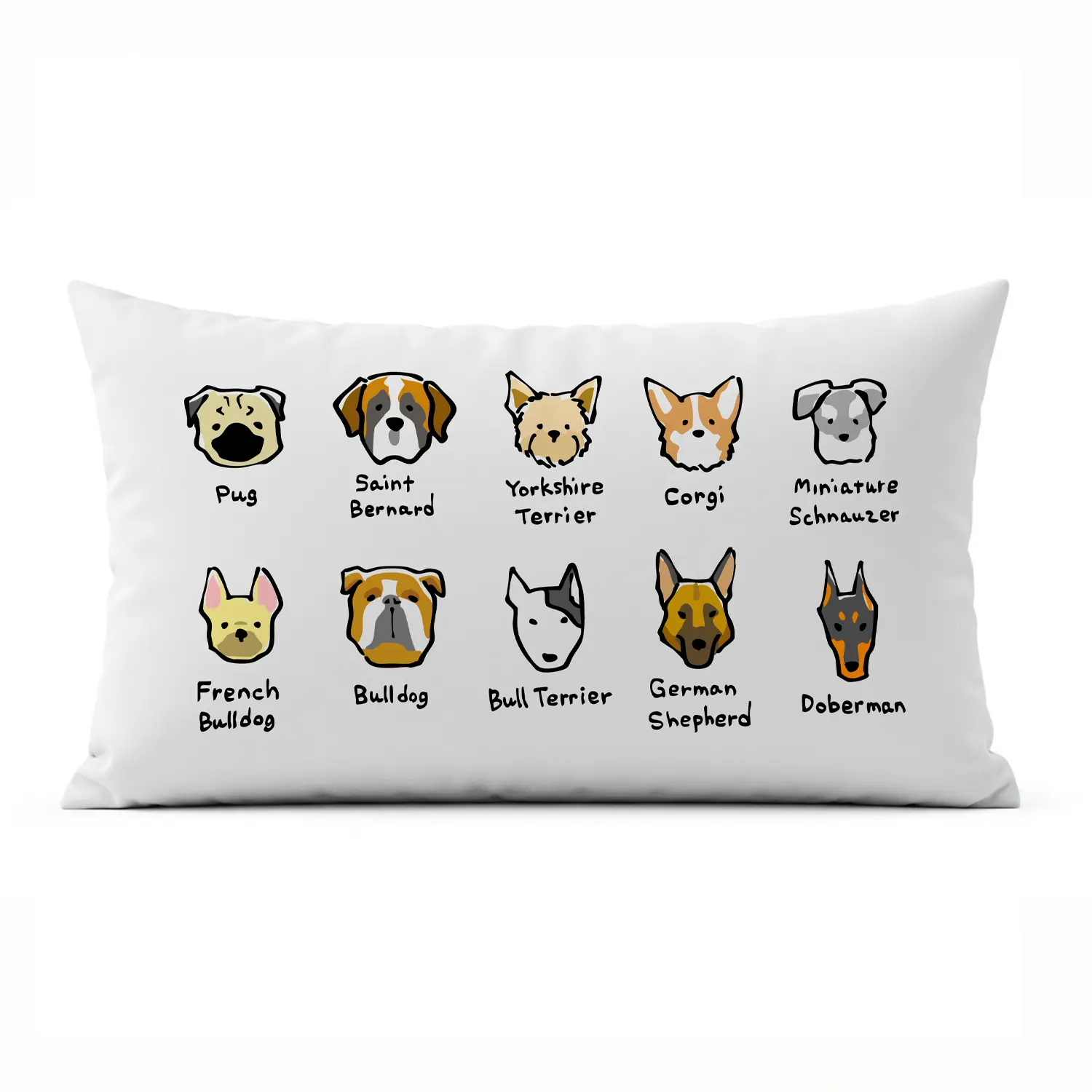
Print transfers up to 13″ x 19″ (and custom lengths up to 13″ x 47.2″) for full-size adult shirt graphics, spirit towels, tote bags, pillows, flags and photo panels. You get the larger image area customers pay more for while keeping a simple cut-sheet workflow.
Auto-Switching Dual Paper Paths
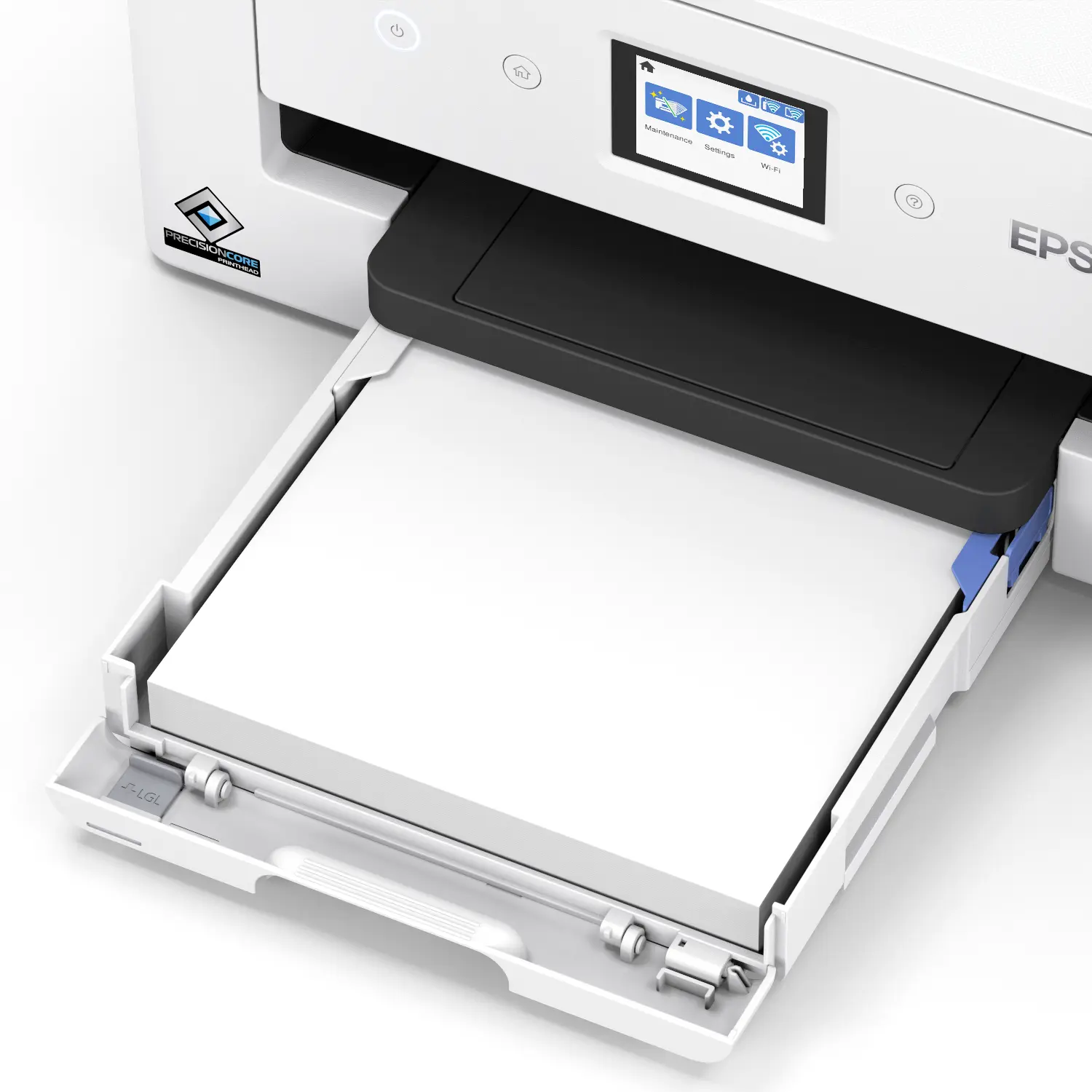
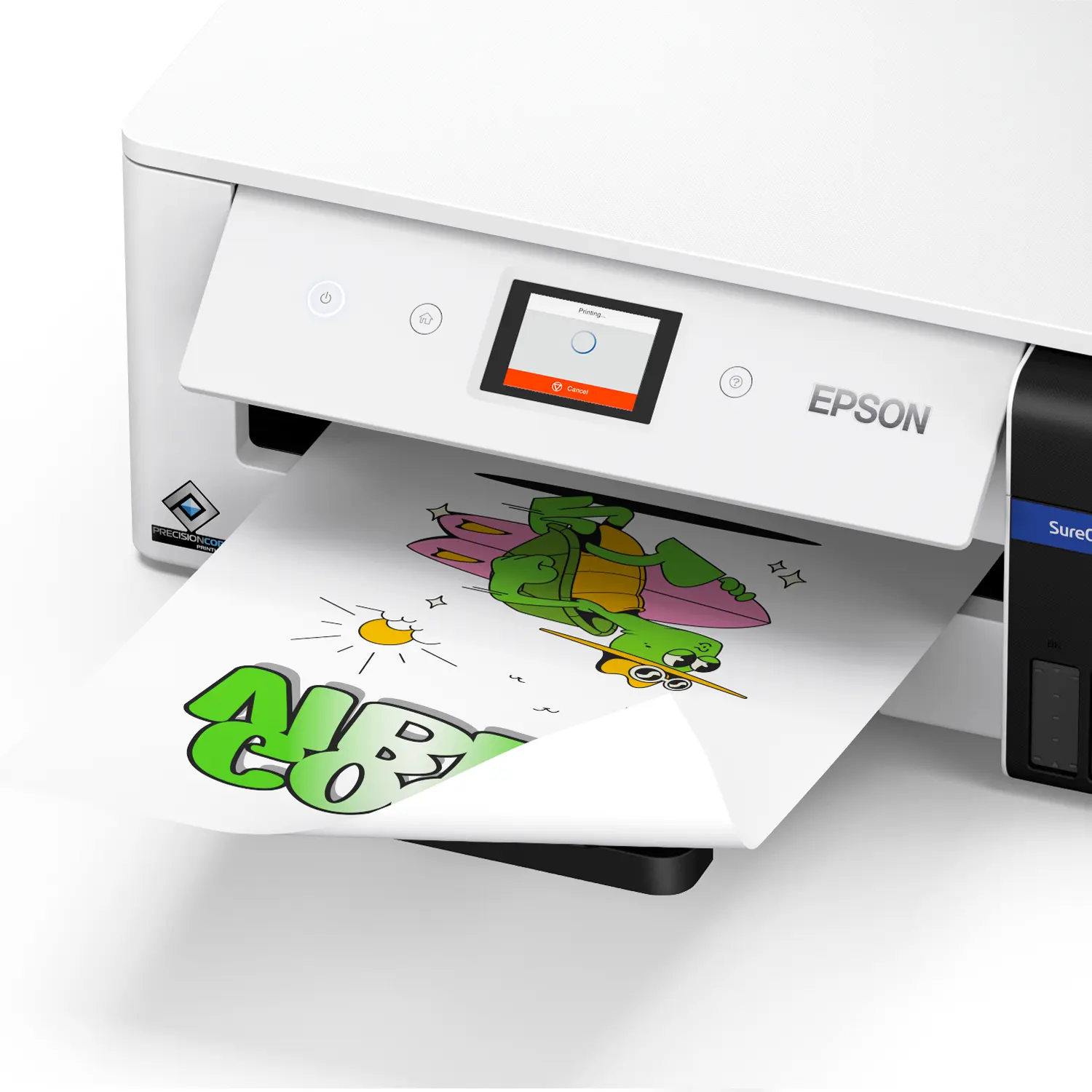
A 150-sheet front cassette handles everyday 8.5″ wide transfers, while the rear tray feeds sheets up to 13″ wide and folds away when you do not need it. The F370 switches between them automatically, so letter-size mug wraps and oversize shirt prints can run from the same queue.
PrecisionCore Micro TFP Printhead
Epson’s PrecisionCore printhead is optimized for dye-sublimation ink chemistry, with 784 nozzles and Variable-Sized Droplet Technology for sharp photos, smooth gradients and fine-detail graphics. Built on the same quality foundation as the F170 and F570, it is designed for fewer nozzle issues and lower maintenance frequency.
Cartridge-Free T49M Ink System
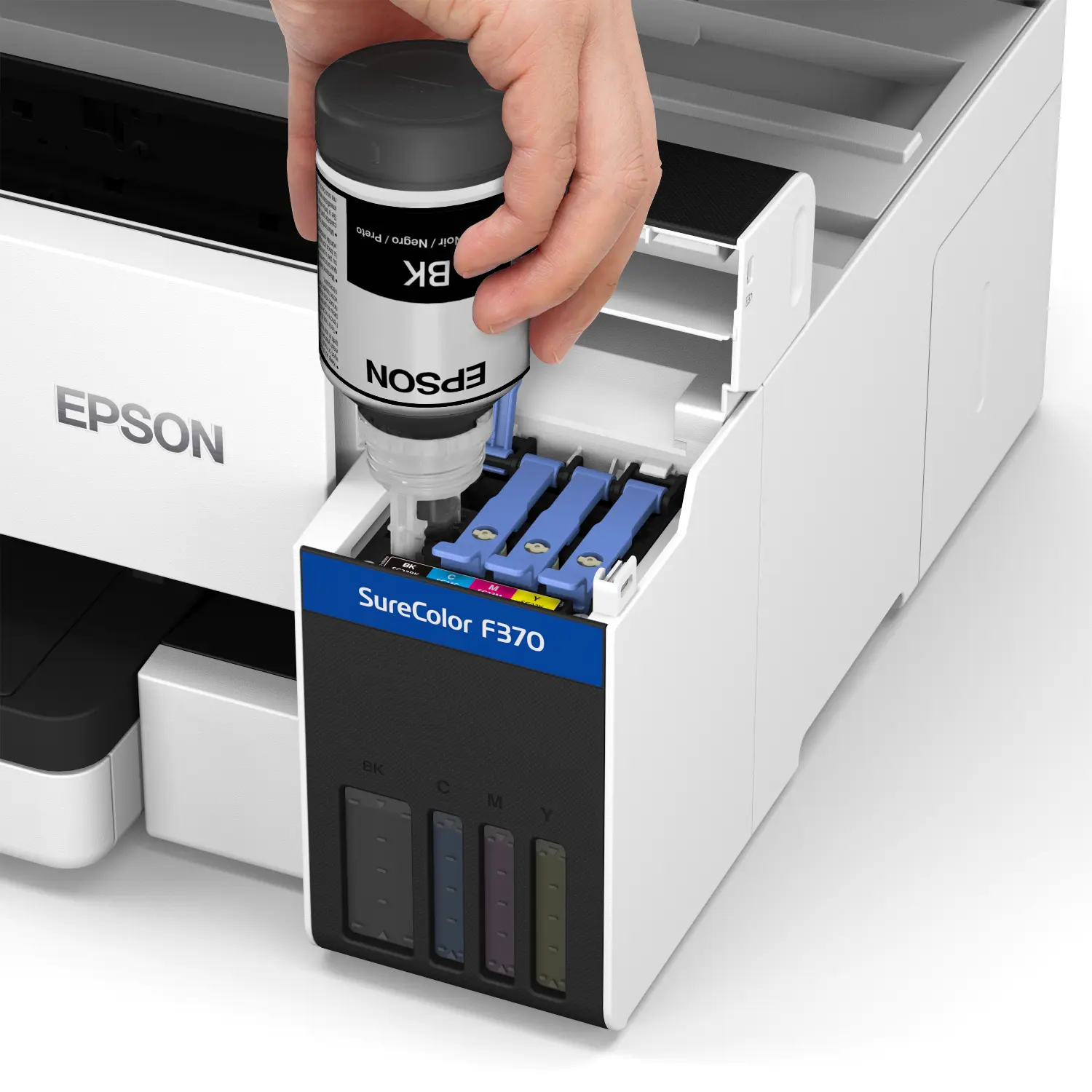
High-capacity refillable tanks use 140 mL Epson T49M ink bottles with Auto-Stop filling for clean, mess-free refills. A full CMYK set ships in the box, and the ink carries ECO PASSPORT by OEKO-TEX certification, so properly fixed garments are rated safe for adults, children and babies.
Print From Practically Any Device
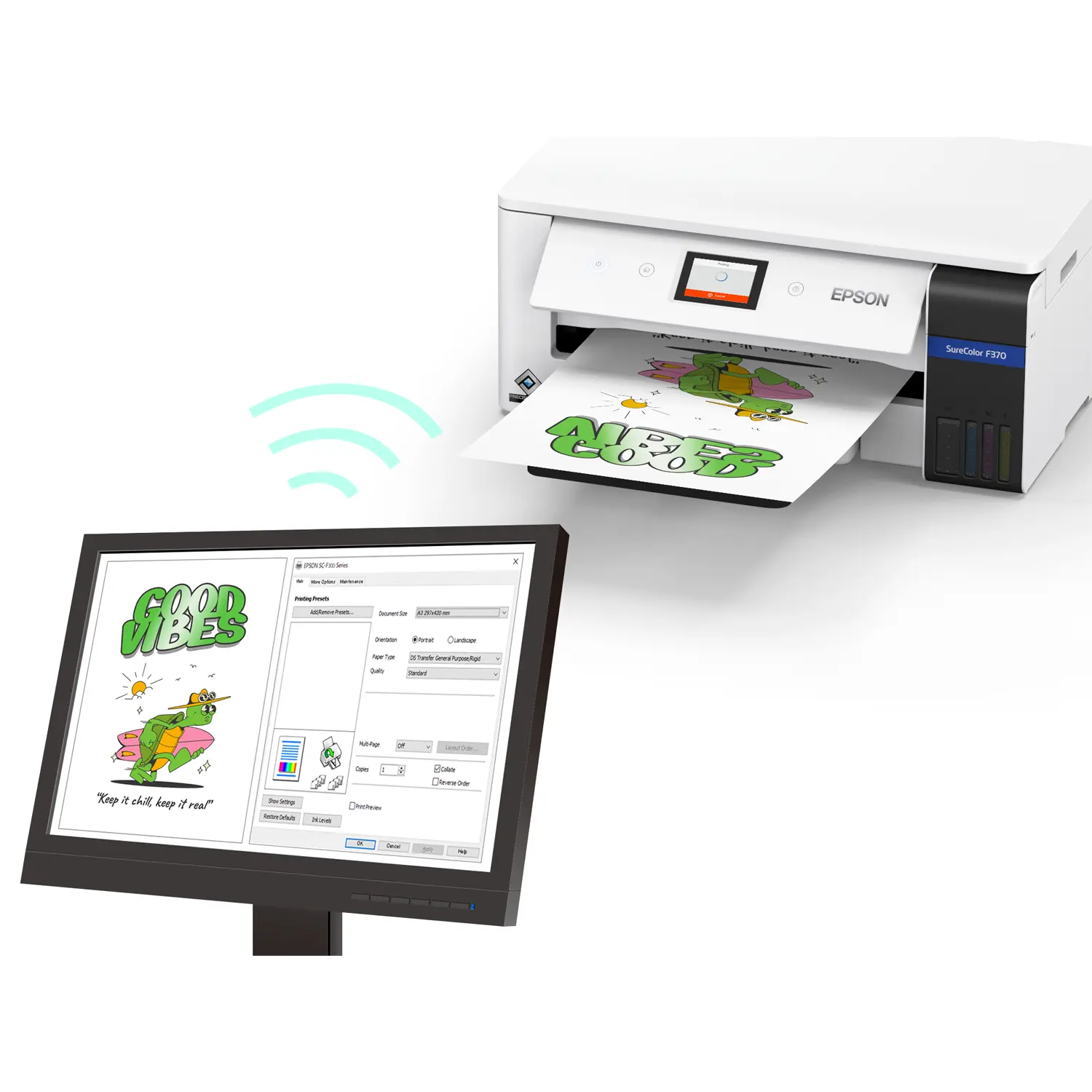
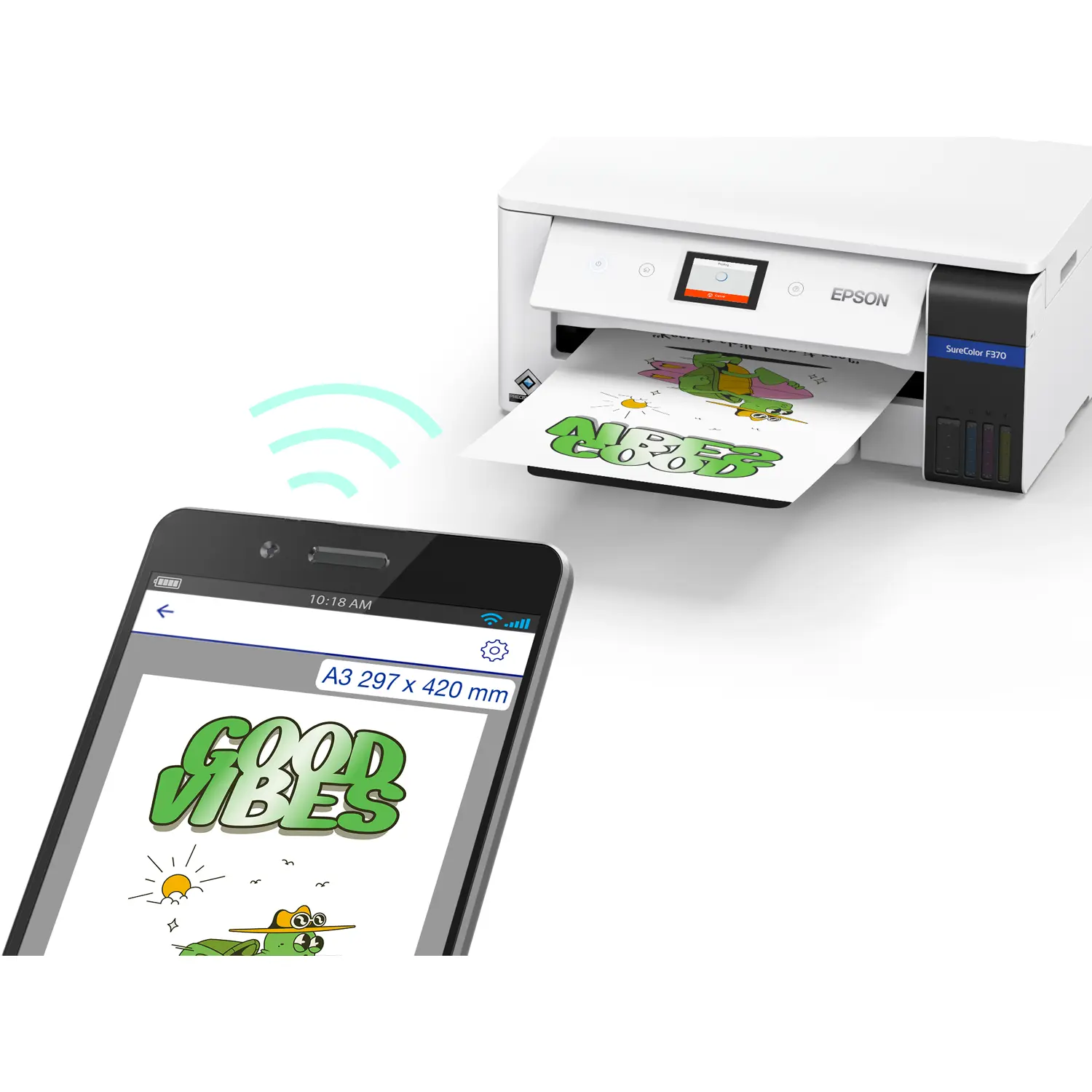
Send jobs from Windows and Mac computers, iPhone, iPad or Android devices over Wi-Fi, Wi-Fi Direct, Ethernet or USB. Built-in Apple AirPrint and Mopria support make it easy to print on the spot at a pop-up booth, in a classroom or at the counter.
Guided Touchscreen Setup
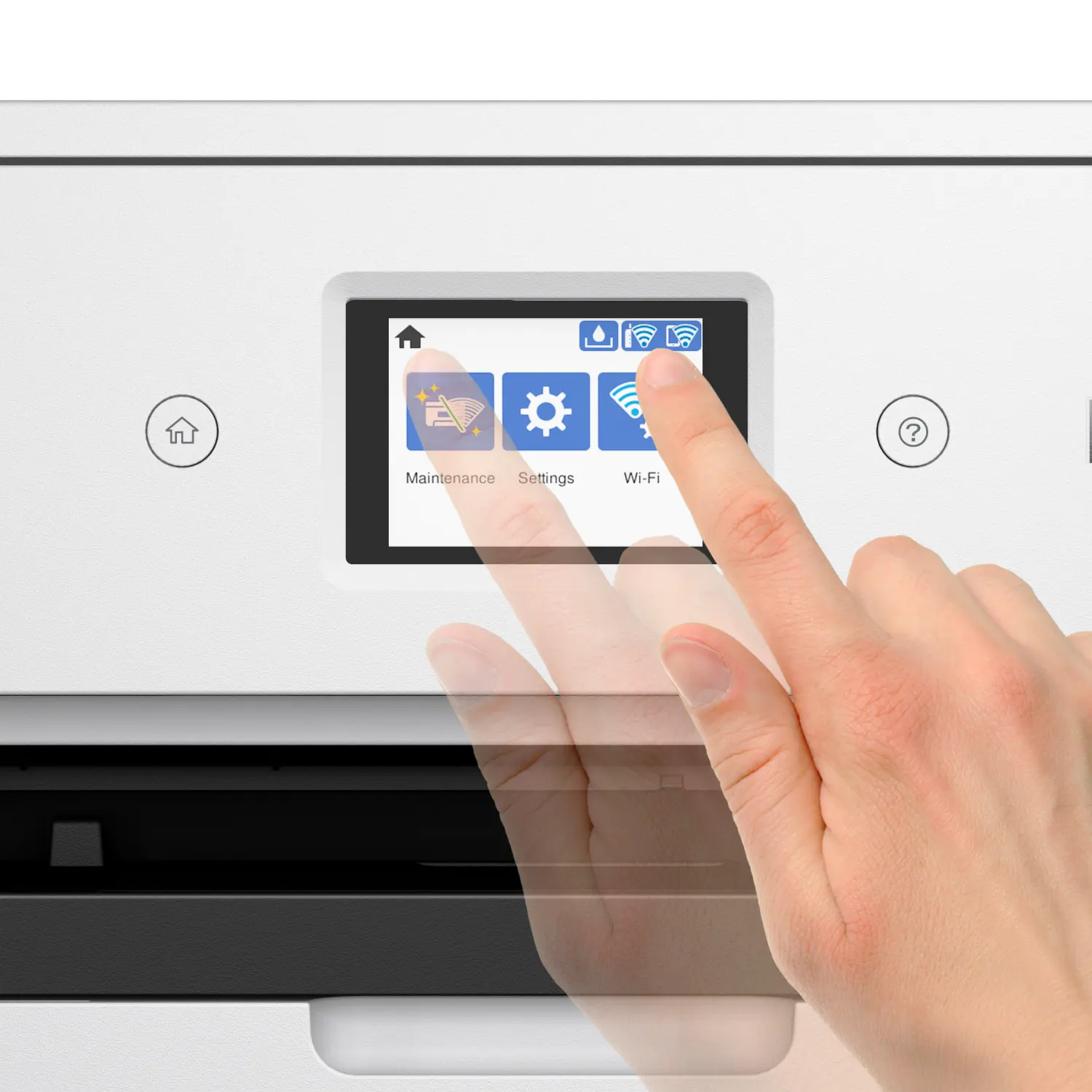
A tiltable 2.7-inch touchscreen walks new users through setup and maintenance, and dedicated transfer paper modes in the Epson driver deliver crisp, vibrant results on both fabrics and hard goods.
What You Can Make With the SureColor F370
- Adult apparel with larger graphic areas
- Cushions and pillow covers
- Spirit towels and tea towels
- Large tote bags
- Flags and soft signage
- Photo panels, cutting boards and other rigid items
- Mugs, tumblers, mouse pads and other sublimation blanks
Sublimate on Cotton With Epson Sublimation Primer for Cotton
Pair the F370 with Epson Sublimation Primer for Cotton (sold separately, 2 x 1-liter pouches) to sublimate on white and light-colored cotton, linen and blended fabrics. It is a waterless dyeing process that fits your existing transfer workflow and opens up cotton t-shirts, fashion apparel, home décor and promotional products.
Epson F170 vs F370 vs F570: Which Sublimation Printer Fits?
| SureColor F170 | SureColor F370 | SureColor F570 | |
|---|---|---|---|
| Maximum media width | 8.5″ | 13″ | 24″ |
| Media format | Cut sheet | Cut sheet, dual auto-switching paths | Roll and cut sheet |
| Ink | Epson T49M | Epson T49M | Epson T49M |
| Best for | Entry-level crafters | Growing makers, Etsy sellers, schools | Production shops and apparel decorators |
Build Your Complete Sublimation Setup
- Ink: Epson T49M bottles in Cyan, Magenta and Yellow, plus Black T49M120. Browse all Epson ink.
- Transfer paper: Epson All-Purpose Transfer Paper in Epson paper, or Buffalo sublimation paper.
- Heat press: Choose a flat, mug or combo press from our heat presses.
- Blanks: Shop sublimation blanks ready to personalize.
- Protection: Add an Epson Preferred Plus plan from Epson warranties.
What’s in the Box
- SureColor F370 Standard Edition printer
- Full set of initial T49M ink bottles (C, M, Y, K, 140 mL each)
- Start Here poster
- User guide
- AC power cable
Full Specifications
| Model / SKU | SureColor F370 Standard Edition, C11CM34201 |
| UPC | 198390012793 |
| Printer Type | Desktop dye-sublimation transfer printer (sheet-fed) |
| Printhead | PrecisionCore Micro TFP 4-channel, drop-on-demand |
| Nozzle Configuration | 784 nozzles: 400 Black, 128 each Cyan, Magenta, Yellow |
| Droplet Technology | Variable-Sized Droplet Technology |
| Maximum Resolution | 1200 x 600 dpi |
| Ink | Epson T49M dye-sublimation ink bottles, 4-color CMYK |
| Ink Bottle Volume | 140 mL per color (in-box and retail) |
| Replacement Ink SKUs | T49M120 Black, T49M220 Cyan, T49M320 Magenta, T49M420 Yellow |
| Ink Shelf Life | 2 years from production date, or 6 months after opening |
| Ink Certification | ECO PASSPORT by OEKO-TEX (NEP 1902) |
| Maximum Paper Size | 13″ x 47.2″ |
| Supported Paper Sizes | A6, Half Letter, A4, Executive, Legal, user defined 3.5″ x 5″ up to 13″ x 47.2″ |
| Left / Right Margins | 3 mm each |
| Paper Input | 170 sheets total: front cassette up to 150 sheets (A4, Letter, Legal, up to 8.5″ wide); rear feed up to 20 sheets (up to 13″ wide) |
| Paper Types | Sublimation transfer paper for fabric or rigid applications |
| Compatible Epson Transfer Paper | All-Purpose Transfer Paper 8.5″ x 11″ (S450361A), 8.5″ x 14″ (S450362A) |
| Display | 2.7″ LCD touchscreen, tiltable control panel |
| Connectivity | Hi-Speed USB, Wi-Fi 4 (802.11 b/g/n), Wi-Fi Direct, Ethernet 10/100 |
| Mobile Printing | Apple AirPrint, Mopria, Android and iOS printing |
| Operating Systems | Windows 11, Mac OS X 10.10 through macOS 26.x |
| Dimensions, Printing (W x D x H) | 19.6″ x 29.6″ x 8.3″ |
| Dimensions, Storage (W x D x H) | 19.6″ x 14.1″ x 8.3″ |
| Weight | 16.6 lb |
| Acoustic Noise | Power 6.8 B(A), Pressure 65 dB(A) |
| Operating Environment | 50 to 95 °F (10 to 35 °C), 20 to 80% RH, no condensation |
| Electrical | AC 100 to 240 V auto, 50 to 60 Hz, 0.4 to 0.2 A |
| Replacement Maintenance Tank | C13S210125 (same tank as SureColor F170) |
| Safety / EMI | UL60950, CSA C22.2 No. 60950; FCC Part 15 Subpart B Class B |
| Eco | ENERGY STAR qualified, RoHS compliant |
| Country of Origin | Philippines |
| Warranty | 1-year limited (U.S. and Canada), whole unit exchange, usually next business day |
Warranty and Support
The Epson SureColor F370 includes a 1-year limited warranty in the U.S. and Canada with whole unit exchange, usually next business day, plus free Epson phone support Monday through Friday. Epson Preferred Plus extended service plans are available. Epson recommends genuine Epson ink; damage caused by non-genuine ink is not covered by the limited warranty.
What is the Epson SureColor F370?
The Epson SureColor F370 is a 13-inch desktop dye-sublimation printer for makers, small businesses and schools. It prints transfers up to 13″ x 19″ (custom lengths up to 13″ x 47.2″) using Epson T49M ink and sits between the SureColor F170 and the SureColor F570 in Epson’s lineup.
When will the Epson SureColor F370 ship?
Epson announced the SureColor F370 on September 23, 2026, with availability through authorized Epson partners starting in November 2026. You can reserve yours with Buffalo Imaging now and we will ship as soon as our allocation arrives.
What size can the Epson F370 print?
The F370 is marketed for 13″ x 19″ sublimation prints. The rear feed accepts sheets up to 13″ x 47.2″, and user-defined sizes start at 3.5″ x 5″. The front cassette holds up to 150 sheets up to 8.5″ wide. Left and right margins are 3 mm each.
What is the difference between the Epson F370 and the F170?
Both use the same platform and Epson T49M ink, but the SureColor F170 is limited to 8.5″ wide sheets. The F370 adds 13″ wide printing, a second auto-switching rear paper path, Ethernet, a larger 2.7″ touchscreen and larger ink bottles, so you can make full-size shirt graphics, towels, totes and photo panels.
Should I buy the Epson F370 or the F570?
Choose the F370 if you want larger output on a desktop footprint with a simple cut-sheet workflow. Choose the 24-inch SureColor F570 if you need roll media, 24″ wide transfers, higher resolution or longer unattended production runs.
What ink does the Epson SureColor F370 use?
The F370 uses genuine Epson T49M dye-sublimation ink in 140 mL bottles: Black T49M120, Cyan T49M220, Magenta T49M320 and Yellow T49M420. These are the same T49M inks used by the SureColor F170 and F570. A full CMYK set is included in the box.
Can the Epson F370 sublimate on cotton?
Yes, when paired with Epson Sublimation Primer for Cotton (sold separately). The primer lets you sublimate on white and light-colored cotton, linen and blended fabrics using your normal transfer and heat press workflow. Standard sublimation without primer works on polyester fabrics and polymer-coated blanks.
What transfer paper works with the Epson F370?
Epson recommends its All-Purpose Transfer Paper, available in 8.5″ x 11″ (S450361A) and 8.5″ x 14″ (S450362A) 150-sheet packs. The driver includes transfer paper modes for fabric and rigid substrates. Browse Epson paper and Buffalo sublimation paper for compatible sheets.
What products can I make with the SureColor F370?
Popular F370 products include adult t-shirts with large graphics, spirit towels, tote bags, pillows, flags, cutting boards, photo panels, mugs, tumblers and mouse pads. You will also need a heat press and sublimation blanks. Shop our heat presses and sublimation blanks.
Can I print to the Epson F370 from my phone or iPad?
Yes. The F370 supports Apple AirPrint and Mopria, plus Wi-Fi, Wi-Fi Direct, Ethernet and USB, so you can print from iPhone, iPad, Android devices, Windows PCs and Macs. Most wireless features require a network connection.
Is the Epson F370 good for beginners?
Yes. Epson designed the F370 for creators new to dye-sublimation, with guided touchscreen setup, cartridge-free ink bottles that fill cleanly and optimized transfer paper modes. It is also a natural upgrade for F170 owners who want larger prints.
What comes in the box with the Epson SureColor F370?
The box includes the SureColor F370 Standard Edition printer, a full set of initial CMYK T49M ink bottles (140 mL each), a Start Here poster, a user guide and an AC power cable. Part of the first ink set is used to initialize the printer.
What maintenance tank does the Epson F370 use?
The F370 uses replacement maintenance tank C13S210125, the same tank used by the SureColor F170.
How big is the Epson SureColor F370?
The F370 measures 19.6″ W x 14.1″ D x 8.3″ H in storage and 19.6″ x 29.6″ x 8.3″ with trays extended for printing. It weighs 16.6 lb, small enough for a home studio or classroom desk.
Is Epson sublimation ink safe for kids’ clothing?
Epson T49M dye-sublimation ink is certified by ECO PASSPORT by OEKO-TEX. When applied to fabric and properly fixed, garments have been determined safe for adults, children and babies.
What warranty comes with the Epson SureColor F370?
The F370 includes a 1-year limited warranty in the U.S. and Canada with whole unit exchange, usually next business day, plus free phone support Monday through Friday. You can extend coverage with an Epson Preferred Plus plan from our Epson warranties page.
Can I use third-party ink in the Epson F370?
Epson designed the F370 to use only genuine Epson T49M ink. Using non-genuine ink can affect print quality and may cause damage that is not covered by the printer’s limited warranty.
Manuals
Fact Sheets
Additional Resources
| Brand | Epson |
|---|---|
| Printer Model | |
| Print Width | 13" |
| Weight | 24 lbs |
| Dimensions | 25 × 18 × 12.2 in |
Add a review
 Epson SureColor F370 13" Dye-Sublimation Printer (C11CM34201)
Your review
* Review is required
Name
* Name is required
Email
* Email is required
Reviews
There are no reviews yet