




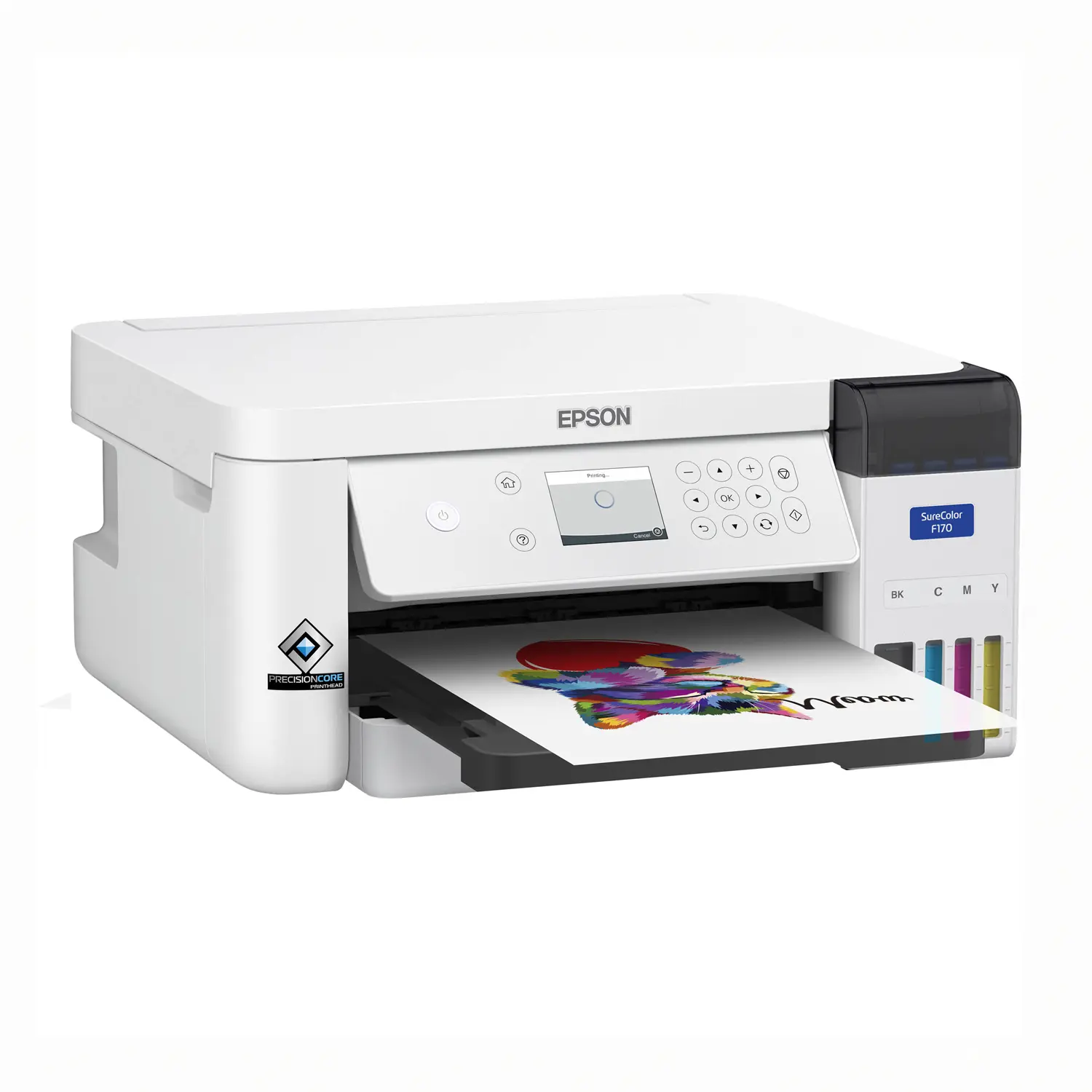
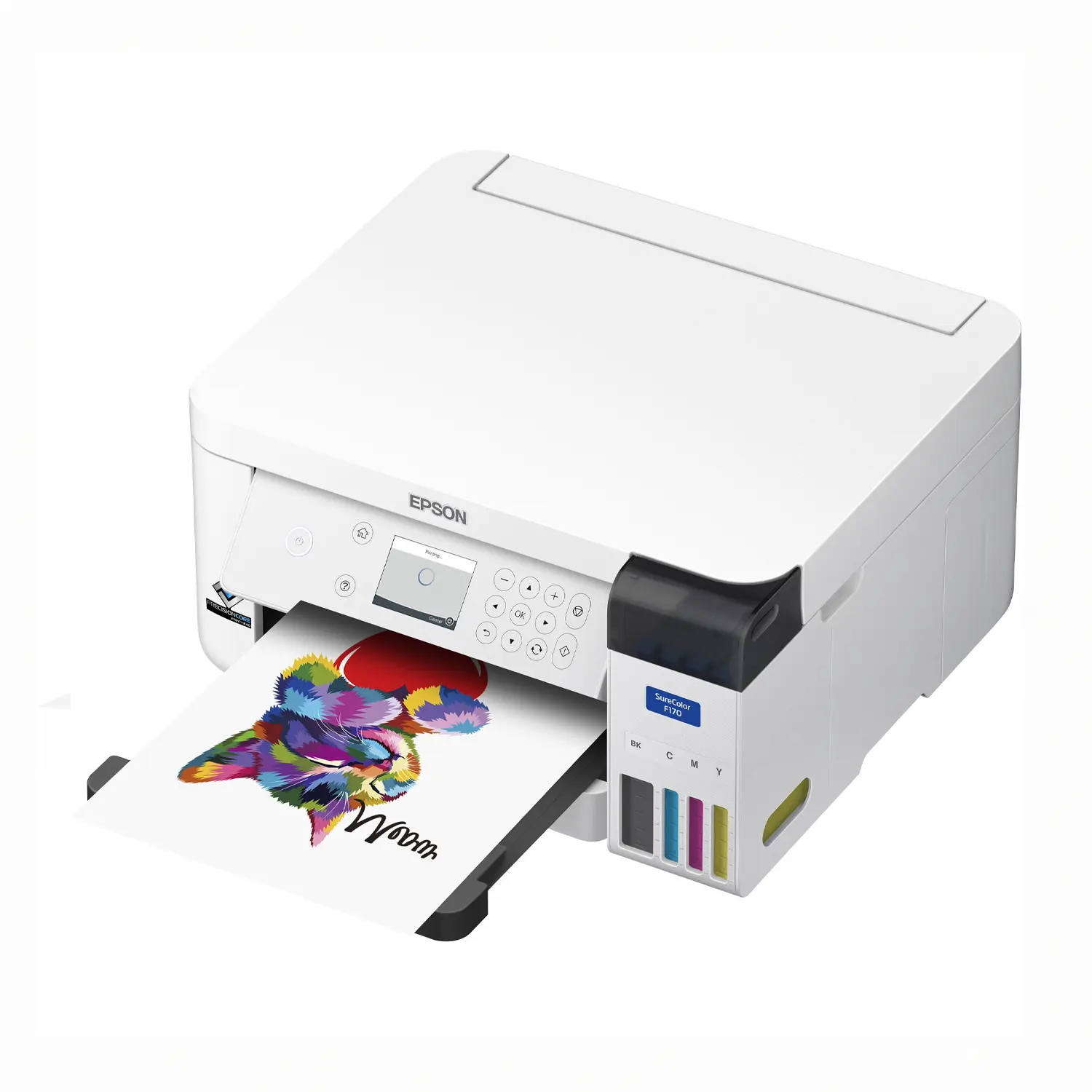
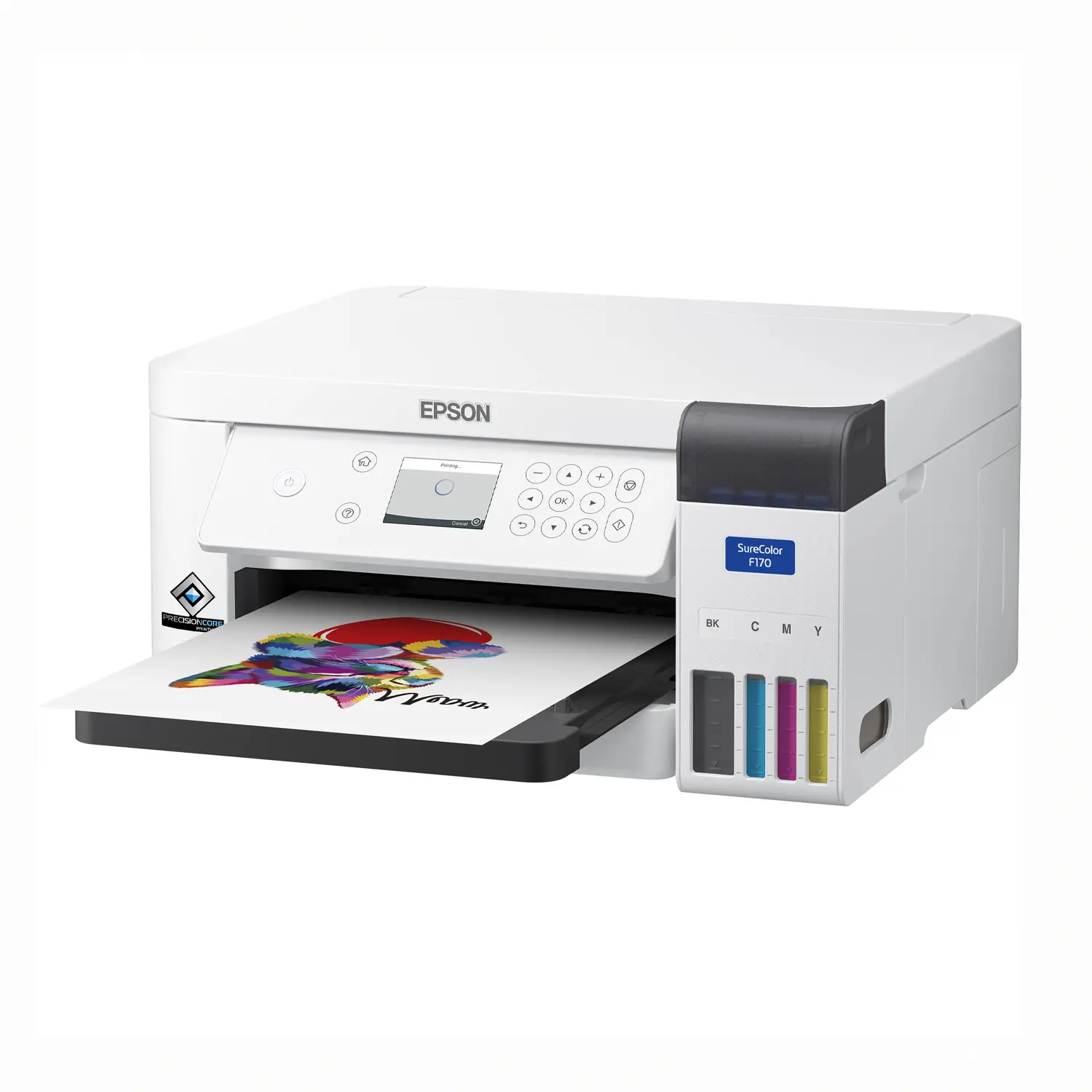
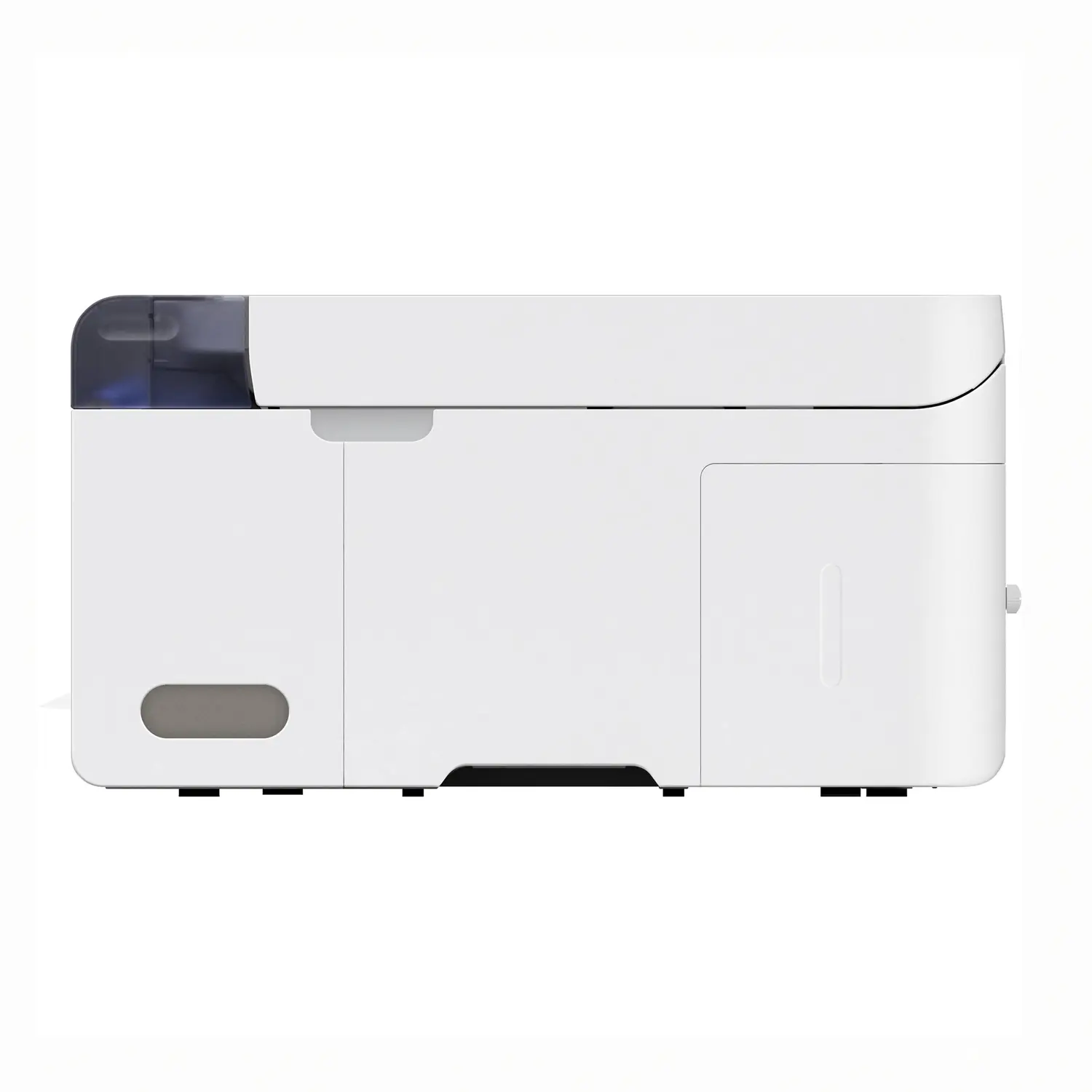
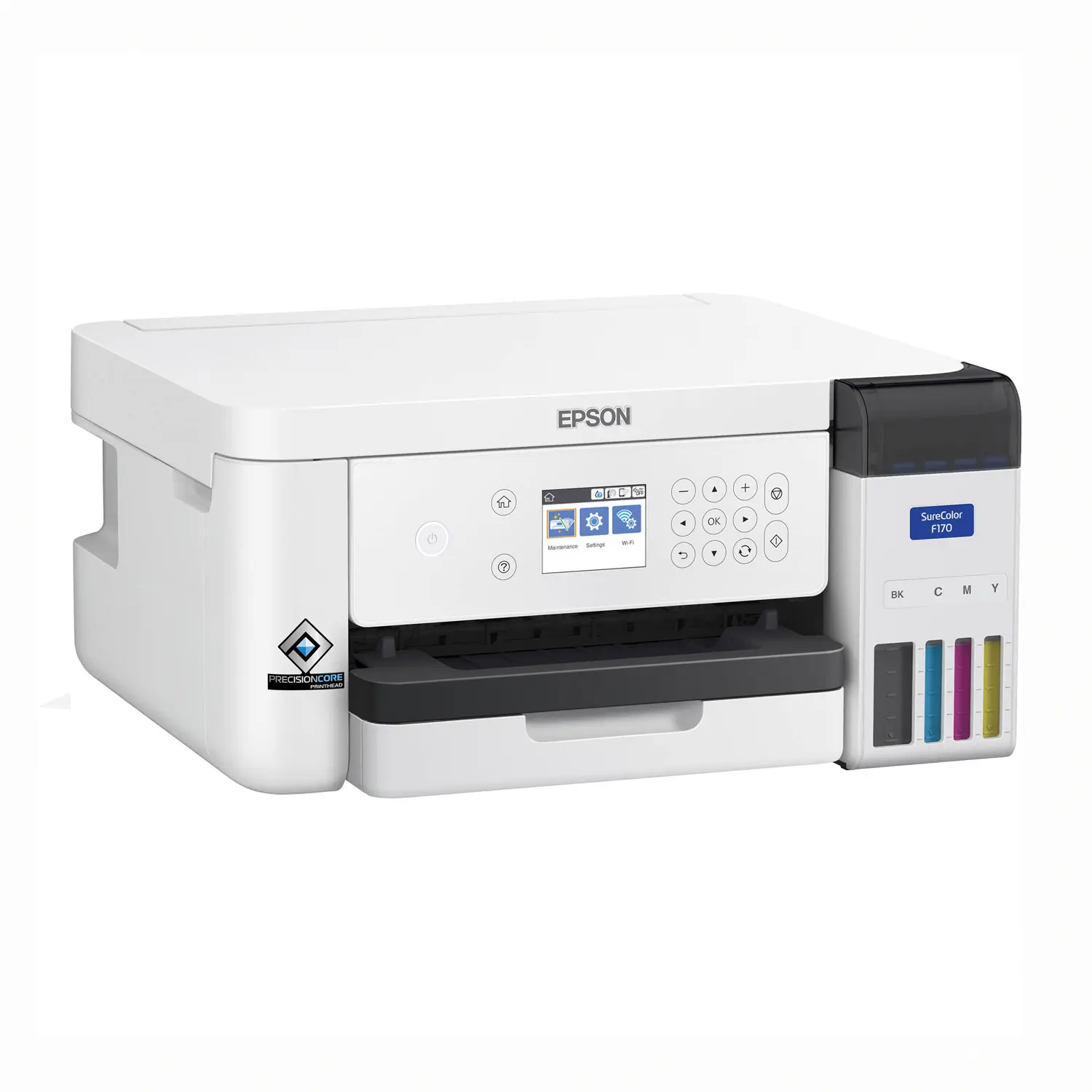
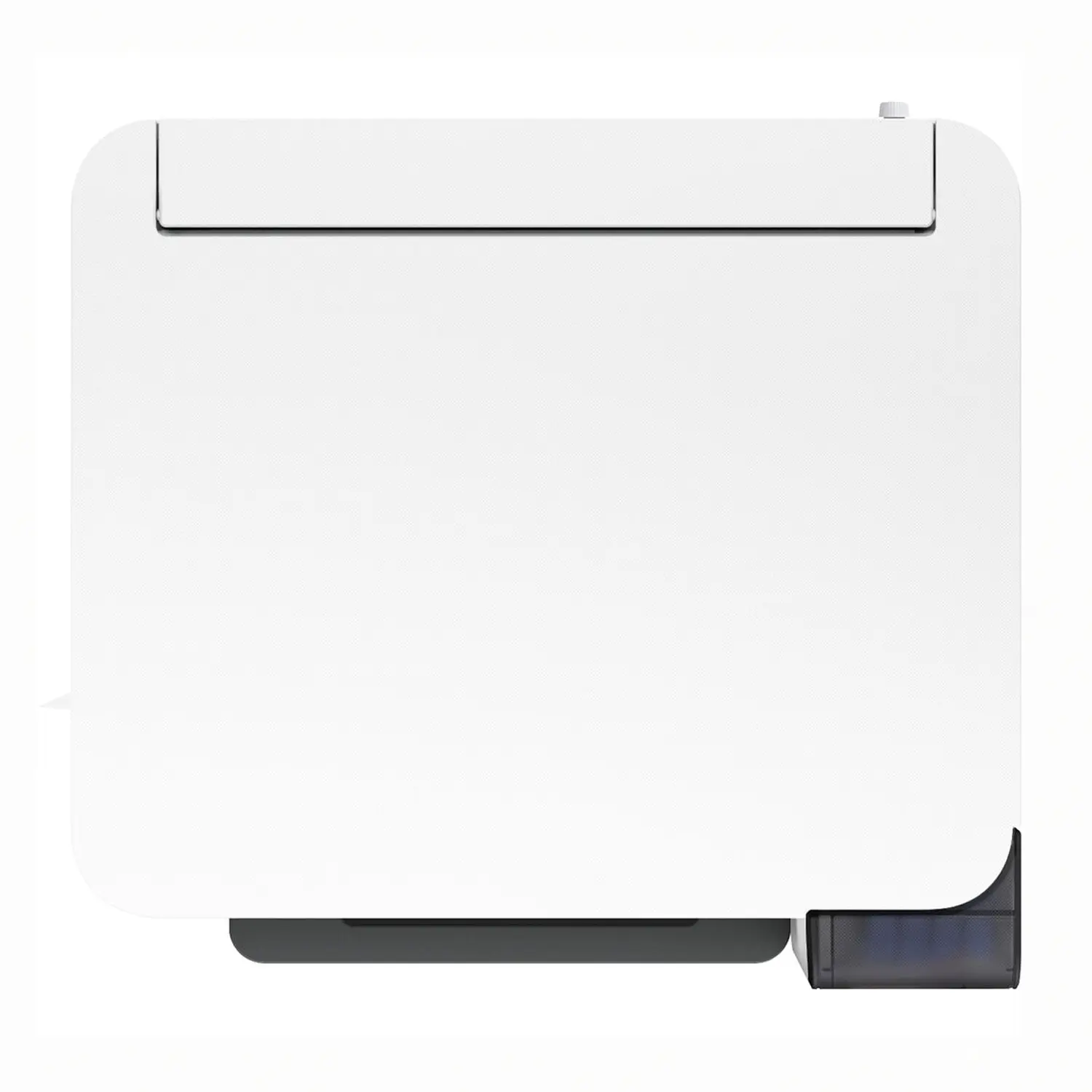
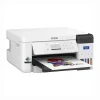
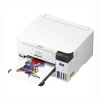
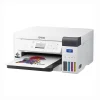
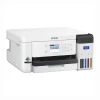

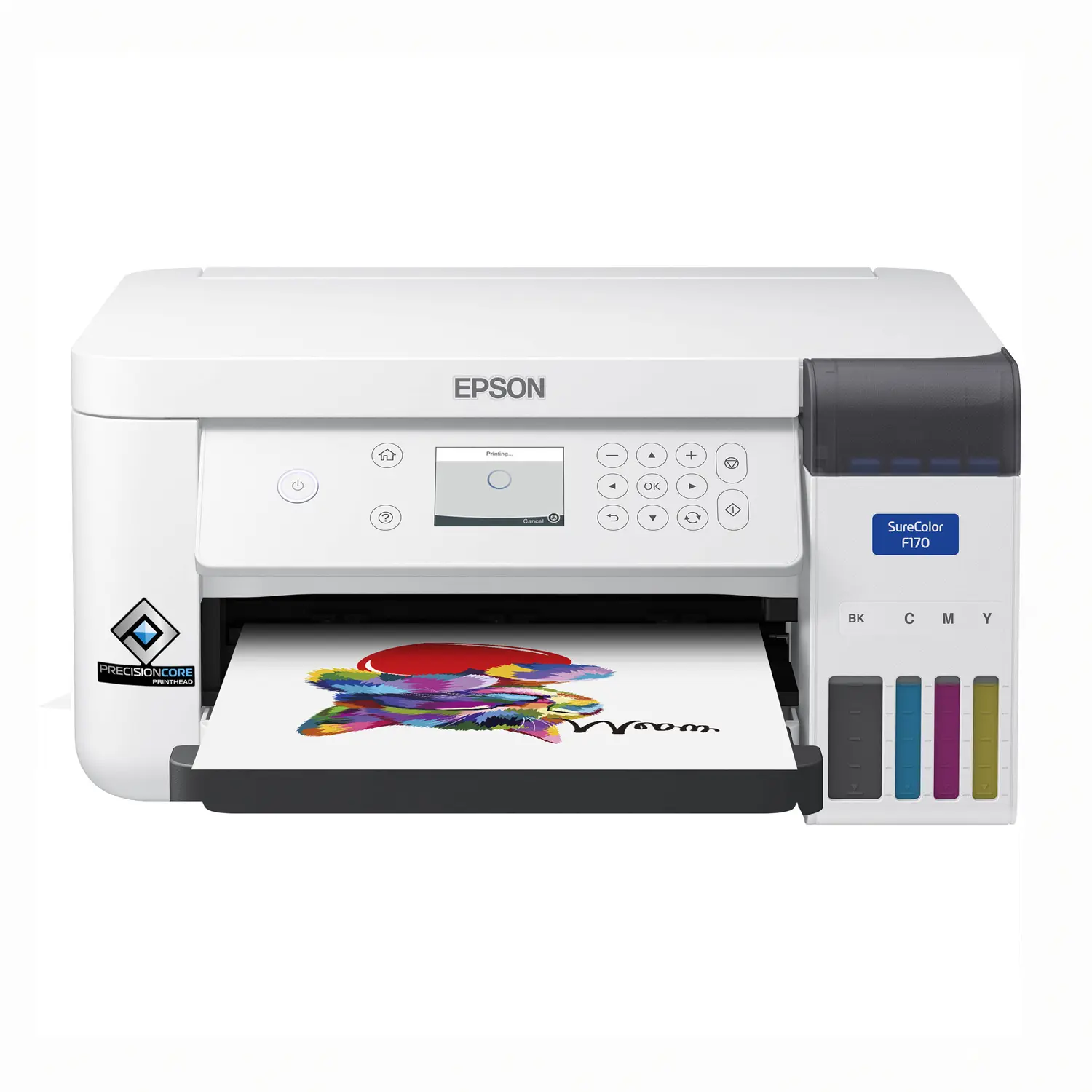
Epson SureColor F170 Dye Sublimation Printer
Original price was: $499.00.$399.00Current price is: $399.00.
In Stock - Commerce, CA
- Purpose-built desktop dye-sublimation printer: PrecisionCore Micro TFP technology delivers controlled droplets and up to 1200 × 600 dpi output for detailed transfer graphics.
- Full-size ink set included: Ships with genuine Epson T49M CMYK dye-sublimation ink bottles, with 140 mL of Black, Cyan, Magenta and Yellow ink in each bottle.
- Flexible sheet-media handling: The 150-sheet auto-feed tray accepts Epson DS Multi-Use transfer paper up to 8.5 inches wide, including letter, legal and supported custom lengths.
- Made for personalized products: Create transfers for polyester apparel and compatible polymer-coated mugs, awards, mousepads and other soft or rigid sublimation-ready blanks.
- Compact and easy to connect: A 2.4-inch color LCD plus USB, Ethernet, Wi-Fi and Wi-Fi Direct make the F170 practical for home studios and growing small businesses.
Epson SureColor F170 Dye-Sublimation Printer
The Epson SureColor F170 Dye-Sublimation Printer is a compact, purpose-built desktop solution for producing heat-transfer graphics for personalized merchandise. Unlike a converted office inkjet printer, the F170 is engineered around Epson PrecisionCore technology, genuine Epson dye-sublimation ink and Epson DS Multi-Use transfer paper. It is a practical starting point for makers, small apparel businesses, gift shops, schools and established decorators adding short-run personalization.
Who Is the Epson F170 Designed For?
The F170 is best suited to users who need an 8.5-inch-wide sheet-fed sublimation workflow without the footprint or investment of a roll-fed production printer. It can support personalized gifts, samples, one-off orders and small production runs.
- Home-based and startup sublimation businesses
- Apparel decorators producing polyester shirts, jerseys and accessories
- Gift shops creating mugs, mousepads, awards and coated photo products
- Schools, clubs and organizations producing customized merchandise
- Print shops that need a compact desktop dye-sub station
PrecisionCore Print Quality
The PrecisionCore Micro TFP printhead uses variable-sized droplet technology and a 784-nozzle configuration: 400 black nozzles and 128 nozzles for each cyan, magenta and yellow channel. Maximum print resolution is 1200 × 600 dpi. Epson’s Precision Droplet Control is designed to produce clear transfer graphics with strong color saturation and contrast when the printer, ink, paper, blank and heat-press settings are correctly matched.
Genuine Epson T49M Dye-Sublimation Ink
The printer ships with a full set of four 140 mL Epson dye-sublimation ink bottles. Auto-stop bottle design helps simplify filling, and the visible tanks make ink levels easy to monitor. The compatible replacement bottles are:
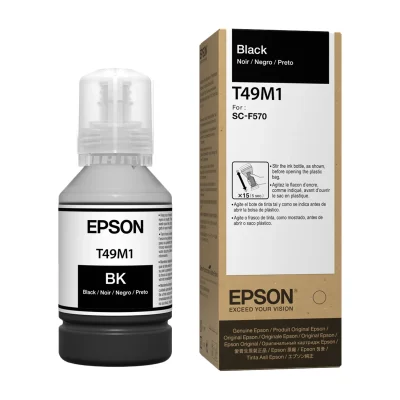
- Epson T49M120 Black Ink Bottle — 140 mL
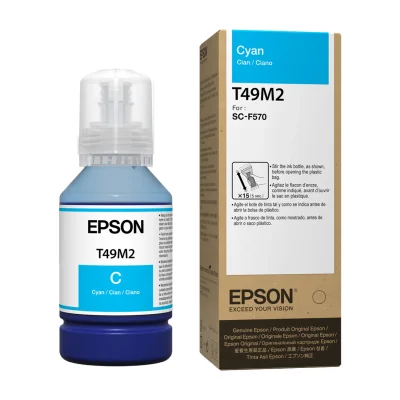
- Epson T49M220 Cyan Ink Bottle — 140 mL
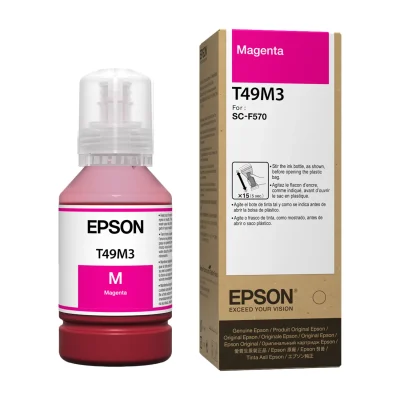
- Epson T49M320 Magenta Ink Bottle — 140 mL
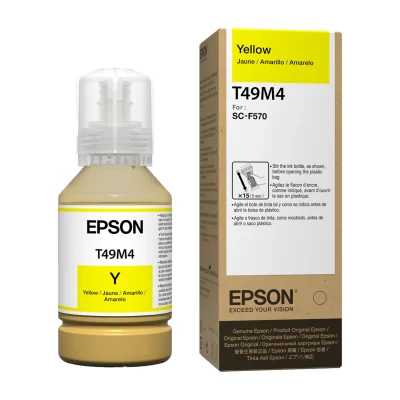
- Epson T49M420 Yellow Ink Bottle — 140 mL
Epson’s specification sheet identifies the ink as OEKO-TEX ECO PASSPORT certified. Part of the first ink set is used to initialize the printer, so the full bottle volume is not available as printable yield.
Sheet Media Sizes and Capacity
The 150-sheet auto-feed tray is designed for Epson DS Multi-Use transfer paper. The printer supports media from 3.5 inches wide up to a maximum width of 8.5 inches. Standard supported sizes include 3.5 × 5, 4 × 6, 5 × 7, 8 × 10, 8.5 × 11, 8.5 × 14, A4, A6, half letter and executive. Epson also lists user-defined sheet lengths up to 47.2 inches, although the application, operating system and driver can limit maximum printable length.
What Can You Make With the Epson SureColor F170?
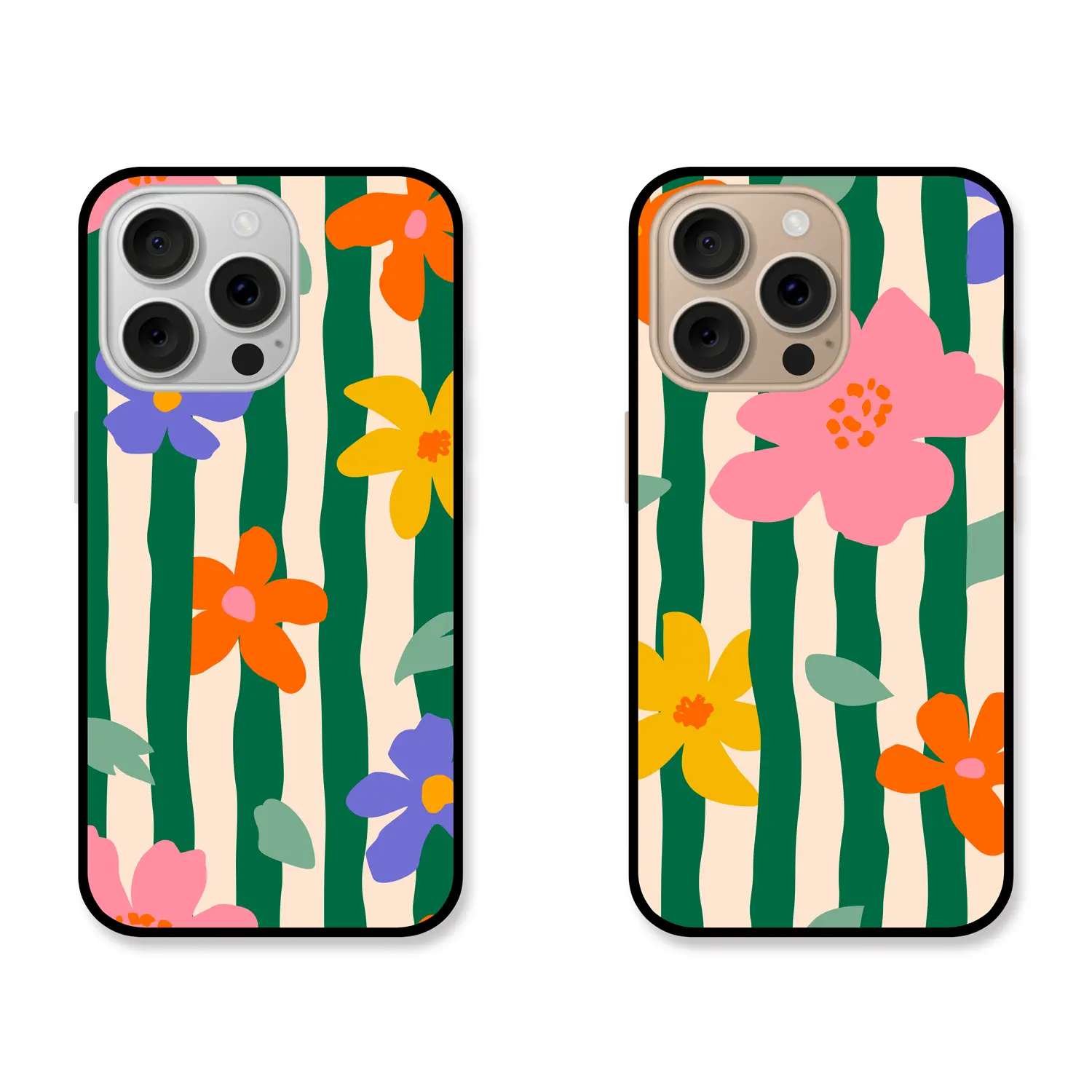
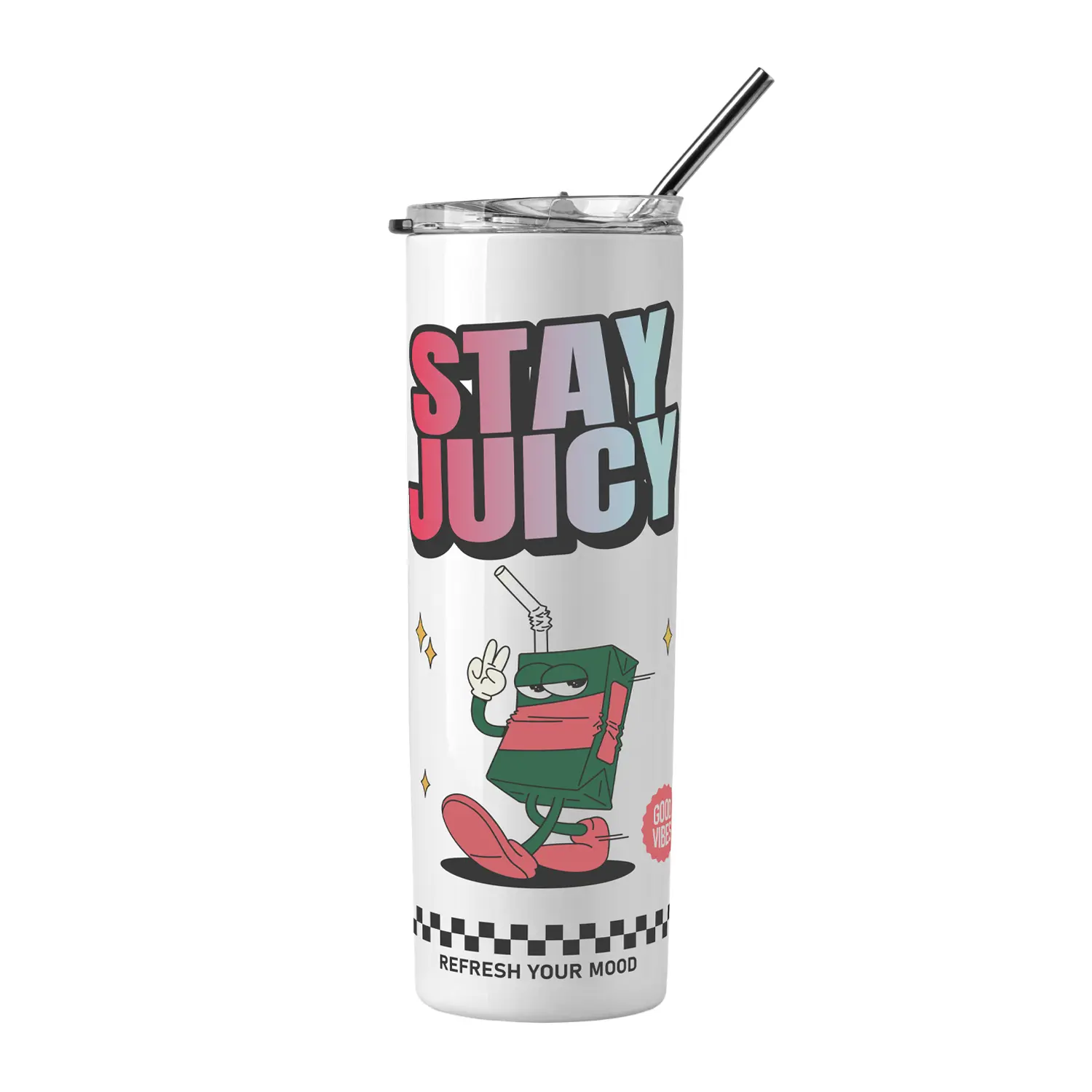
The F170 prints mirrored artwork onto sublimation transfer paper. A separate heat press then transfers the design onto a compatible substrate. Common applications include:
- Polyester T-shirts, jerseys, tote bags and fabric accessories
- Polymer-coated ceramic mugs and compatible drinkware
- Sublimation-ready mousepads, coasters and desk accessories
- Coated awards, plaques and photo panels
- Personalized gifts and promotional products
Results depend on the substrate and press settings. Standard dye-sublimation works best with white or light-colored polyester fabric and products carrying a compatible polymer coating. The printer does not print directly onto garments, mugs or other finished products.
Connectivity, Display and Software
Connect through Hi-Speed USB, 10/100 Ethernet, Wi-Fi 802.11 b/g/n or Wi-Fi Direct. The 2.4-inch color LCD with buttons provides access to printer status and setup functions. Epson supplies streamlined print software and current drivers through its support page. Epson’s November 2024 specification sheet lists Windows 11 and Windows 10 plus macOS 10.7 through macOS 15; always confirm the latest driver for the exact computer and operating-system version before purchase.
Epson F170 vs. a Larger Roll-Fed Sublimation Printer
Choose the F170 when compact size, low entry cost and sheet-fed media are the priorities. Its 8.5-inch maximum print width works well for mugs, smaller apparel graphics, awards and personalized gifts. A wider roll-fed printer is a better fit for oversized apparel graphics, fabric panels and higher-volume production. Buyers should select by required image width and daily output rather than assuming a larger printer is automatically better.
What Is Included?
- Epson SureColor F170 printer
- Full set of CMYK ink bottles — 140 mL each
- Start Here poster
- User Guide
- AC power cable
Items Required but Not Included
- Sublimation transfer paper
- A compatible heat press
- Sublimation-ready blanks or polyester garments
- USB or Ethernet cable if a wired data connection is required
- Heat-resistant tape, protective paper and other application supplies as needed
Epson SureColor F170 Specifications
| Model / MPN | C11CJ80201 |
|---|---|
| Printing technology | PrecisionCore Micro TFP printhead |
| Maximum resolution | 1200 × 600 dpi |
| Ink system | 4-color Epson T49M dye-sublimation ink; C, M, Y, K |
| In-box ink volume | 140 mL each color |
| Maximum media width | 8.5 in |
| Supported length | User definable up to 47.2 in; application, OS and driver limitations may apply |
| Input capacity | Up to 150 sheets |
| Display | 2.4-in color LCD with buttons |
| Connectivity | Hi-Speed USB, Ethernet 10/100, Wi-Fi 802.11 b/g/n and Wi-Fi Direct |
| Dimensions | Printing: 14.8 × 19.8 × 7.4 in; Storage: 13.7 × 13.7 × 7.4 in |
| Weight | 10.2 lb |
| Power consumption | Approx. 13 W operating; 4.1 W ready; 0.7 W sleep |
| Warranty | Standard 1-year unit exchange with toll-free weekday phone support |
Is the Epson SureColor F170 Right for Your Business?
The F170 is a strong fit for buyers who want a genuine Epson desktop sublimation system, full-size in-box ink bottles, flexible networking and media up to 8.5 inches wide. It is especially practical for mugs, small apparel graphics, awards and personalized gifts. Buyers who regularly need designs wider than 8.5 inches should consider a wider-format dye-sublimation printer instead.
Need help matching the F170 with transfer paper, ink, blanks or a heat press? Contact Buffalo Imaging at (323) 721-5678 for product and workflow guidance.
What can I make with the Epson SureColor F170?
The F170 produces dye-sublimation transfers for compatible products such as polyester apparel, polymer-coated mugs, mousepads, awards, plaques and other sublimation-ready soft or rigid blanks. The design is printed onto transfer paper and applied with a separate heat press.
What is the maximum print size of the Epson F170?
The printer supports media up to 8.5 inches wide. Epson lists standard sizes through 8.5 × 14 inches and user-defined sheet lengths up to 47.2 inches. The application, operating system and printer driver may limit maximum printable length.
Does the Epson F170 print directly on shirts or mugs?
No. The F170 prints a mirrored design onto sublimation transfer paper. You then use a compatible heat press to transfer the image onto a polyester garment or a sublimation-ready product with a compatible polymer coating.
Does the Epson SureColor F170 include ink?
Yes. Epson lists a full set of Black, Cyan, Magenta and Yellow dye-sublimation ink bottles in the box, with 140 mL in each bottle. Some of the first ink set is used to initialize the printer.
Which replacement ink does the Epson F170 use?
The F170 uses Epson T49M 140 mL dye-sublimation ink bottles: T49M120 Black, T49M220 Cyan, T49M320 Magenta and T49M420 Yellow. Epson designs the printer for Epson ink bottles and recommends genuine ink for print quality and performance.
Is transfer paper or a heat press included with the Epson F170?
No. Epson’s official in-box list includes the printer, four 140 mL CMYK ink bottles, Start Here poster, User Guide and AC power cable. Transfer paper, a heat press and sublimation-ready blanks must be purchased separately.
Can the Epson F170 connect by Wi-Fi and Ethernet?
Yes. Standard connectivity includes Wi-Fi 802.11 b/g/n, Wi-Fi Direct, 10/100 Ethernet and Hi-Speed USB. This allows the printer to fit either a wireless desktop setup or a wired shop network.
Can the Epson SureColor F170 sublimate cotton shirts?
Standard dye-sublimation ink bonds best with white or light-colored polyester fabric and compatible polymer-coated blanks. It does not directly bond to ordinary 100% cotton in the same way. Choose the garment and transfer process for the fabric content and test before production.
Is the Epson F170 good for a small sublimation business?
It can be a strong starter or compact production printer for mugs, gifts, small apparel graphics and short runs. Its advantages include genuine Epson dye-sub ink, a 150-sheet feeder, multiple network connections and a small footprint. It is less suitable when most designs need to be wider than 8.5 inches.
What warranty comes with the Epson SureColor F170?
Epson lists a standard one-year unit-exchange warranty with toll-free phone support Monday through Friday. Warranty terms and eligibility can change, so register the printer and confirm current coverage with Epson for your location and purchase date.
| Brand | Epson |
|---|---|
| Printer Model | |
| Weight | 84 lbs |
| Dimensions | 38.2 × 20.7 × 9.6 in |
Add a review
 Epson SureColor F170 Dye Sublimation Printer
Your review
* Review is required
Name
* Name is required
Email
* Email is required
Related Products

Epson Supplies
Original price was: $44.00.$24.95Current price is: $24.95.
Epson Supplies
Original price was: $44.00.$24.95Current price is: $24.95.
Epson Supplies
Original price was: $44.00.$24.95Current price is: $24.95.
Epson Supplies
Original price was: $44.00.$24.95Current price is: $24.95.
Reviews
There are no reviews yet