




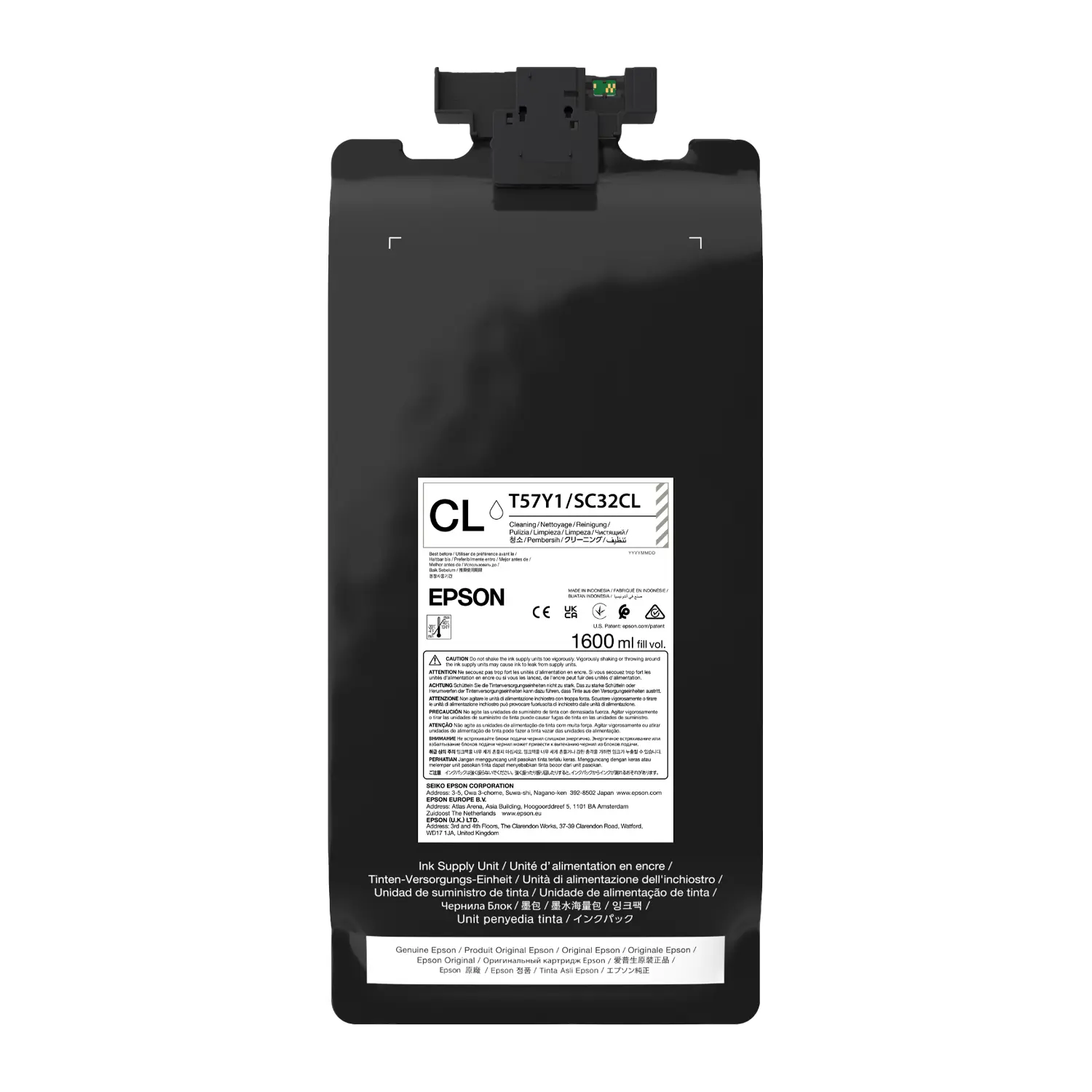

Epson UltraChrome DF Cleaning Liquid 1.6L C13T57Y100 | SureColor G6070 & G9070 DTF
$63.79
Ink Color
- Fits G6070 and G9070: Genuine cleaning liquid for Epson SureColor G6070 and G9070 DTF printers.
- Flush and Storage Mode: Flushes UltraChrome DF ink from the ink system for storage or moving.
- Large 1.6 L Pack: Same pack format as UltraChrome DF ink, so it installs in the ink slot.
- Protects Your Printheads: Epson-formulated to safely clear white and CMYK DTF ink.
The Epson C13T57Y100 is a genuine 1.6 L UltraChrome DF cleaning liquid pack for the Epson SureColor G6070 35″ DTFilm Printer and the Epson SureColor G9070 64″ DTF Film Printer. Epson designed it to flush DTF ink out of the printer and put it into storage mode, so you can safely store or relocate your DTF printer without dried white or CMYK ink damaging the printhead or ink lines.
What Epson C13T57Y100 Cleaning Liquid Does
Flushes UltraChrome DF Ink
When the printer is put into storage mode or needs its ink system cleared, the cleaning liquid replaces ink in the lines and printhead. White DTF ink in particular can settle and dry if left sitting, so flushing with genuine Epson cleaning liquid protects one of the most expensive parts of your printer.
Storage Mode and Moving the Printer
Planning a long shutdown, a seasonal break or a move to a new shop? Run the printer’s storage or transport procedure with C13T57Y100 installed so the ink system holds cleaning liquid instead of ink while it sits idle.
Same Pack Format as Your Ink
The cleaning liquid comes in the same 1.6 L pack style as UltraChrome DF ink and installs in the printer’s ink slots, following the on-screen instructions on your G6070 or G9070.
Compatible Printers
| Printer | Model | Width |
|---|---|---|
| Epson SureColor G6070 35″ DTFilm Printer | SCG6070SE | 35″ |
| Epson SureColor G9070 64″ DTF Film Printer | SCG9070PE | 64″ |
C13T57Y100 works only with Epson SureColor G-Series DTF printers that use UltraChrome DF ink. It is not for the SureColor F-Series DTG printers or for sublimation printers.
Cleaning Liquid vs. Maintenance Liquid
Epson G6070 and G9070 printers use two different liquids. Maintenance Liquid (C13T57SB20) stays installed during everyday printing as part of the automated maintenance system. Cleaning Liquid (C13T57Y100) is only used when you flush the ink system or put the printer into storage mode. Keep both on hand.
Keep Your DTF Printer Running
- Printhead care: Epson C13S400262 Head Cleaning Set for the G6070
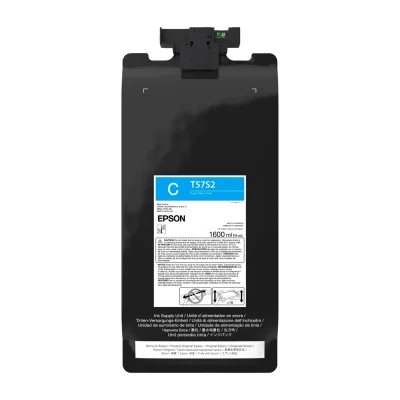
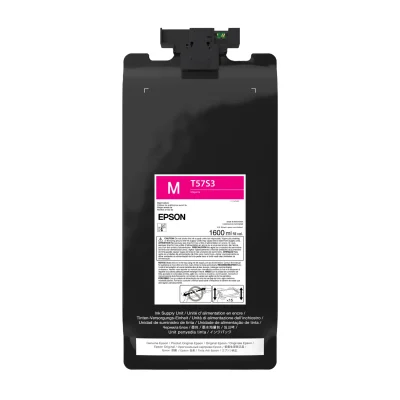
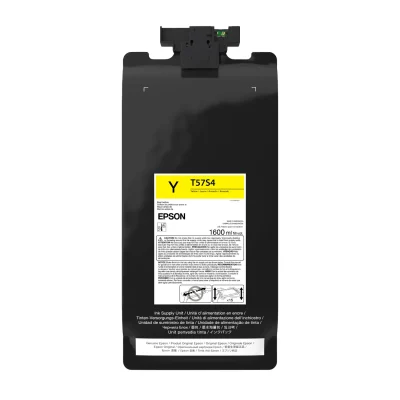
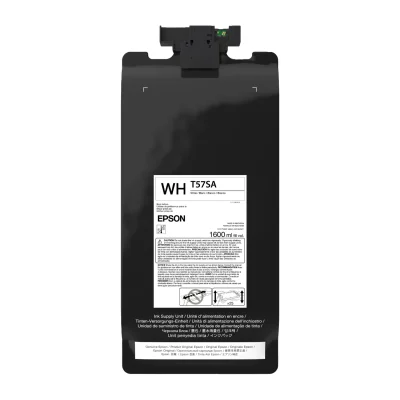
- Ink: UltraChrome DF T57S ink packs (Black, Cyan, Magenta, Yellow, White). Browse Epson ink
- Film: DTF film sized for 35″ and 64″ printers
- Finishing: DTF shakers and dryers for powder and curing
- Printers: all DTG and DTF printers
What’s in the Box
- 1 x Epson C13T57Y100 Cleaning Liquid pack, 1.6 L
Full Specifications
| Brand | Epson |
| Part Number / SKU | C13T57Y100 |
| Product Type | Cleaning liquid pack |
| Volume | 1.6 L (1,600 mL) |
| Ink System | Epson UltraChrome DF (T57S series) |
| Compatible Printers | Epson SureColor G6070 35″ DTFilm Printer, Epson SureColor G9070 64″ DTFilm Printer |
| Use | Flushing ink out of the printer, putting the printer into storage mode |
| Not the Same As | Maintenance Liquid C13T57SB20 (used during normal printing) |
| Condition | New, genuine Epson |
What is Epson C13T57Y100?
C13T57Y100 is Epson’s genuine 1.6 L cleaning liquid pack for the UltraChrome DF ink system used in the Epson SureColor G6070 35″ DTFilm Printer and Epson SureColor G9070 64″ DTF Film Printer. It flushes ink out of the printer and is used to put the printer into storage mode.
Which printers is C13T57Y100 compatible with?
Epson lists two compatible printers: the Epson SureColor G6070 35″ DTFilm Printer and the Epson SureColor G9070 64″ DTF Film Printer. It does not fit F-Series DTG printers or sublimation printers.
When do I need G6070 cleaning liquid?
Use it when you flush the ink system, put the printer into storage mode before a long shutdown, or prepare the printer to be moved. Follow the storage or transport menu on your printer and the Epson user guide for the exact steps.
Is cleaning liquid the same as maintenance liquid?
No. Maintenance Liquid (C13T57SB20) is installed during normal printing. Cleaning Liquid (C13T57Y100) is only used for flushing and storage mode. They are different packs and are not interchangeable.
How do I install the C13T57Y100 cleaning liquid?
It uses the same 1.6 L pack format as UltraChrome DF ink and installs in the ink slots. Start the storage or ink flushing procedure from the printer’s control panel and follow the on-screen prompts for when to swap ink packs for cleaning liquid packs.
How much cleaning liquid do I need?
The number of packs depends on the procedure and how many ink slots are flushed. Check the printer’s on-screen instructions or the Epson user guide before you start, or call us and we will help you plan the right quantity.
Can I use third-party DTF cleaning solution in a G6070 or G9070?
Epson recommends genuine C13T57Y100 cleaning liquid. Non-genuine fluids may not be compatible with UltraChrome DF ink or the PrecisionCore printhead, and damage from non-genuine supplies may not be covered by Epson’s warranty.
How do I bring the printer out of storage mode?
Reinstall your UltraChrome DF ink packs and follow the printer’s ink charging procedure. The printer replaces the cleaning liquid in the lines with ink.
What other maintenance supplies does the G6070 need?
Along with UltraChrome DF ink and maintenance liquid, keep a C13S400262 Head Cleaning Set on hand for routine printhead maintenance.
Is this a genuine Epson product?
Yes. Buffalo Imaging is an authorized Epson dealer and sells only genuine Epson C13T57Y100 cleaning liquid.
| Brand | Epson |
|---|---|
| Ink Color | Cleaning Liquid |
| Ink Capacity | 1.6L |
| Printer Model | |
| Weight | 4.5 lbs |
| Dimensions | 12 × 8 × 3 in |
Add a review
Epson UltraChrome DF Cleaning Liquid 1.6L C13T57Y100 | SureColor G6070 & G9070 DTF Your review
* Review is required
Name
* Name is required
Email
* Email is required
Related Products
Reviews
There are no reviews yet