




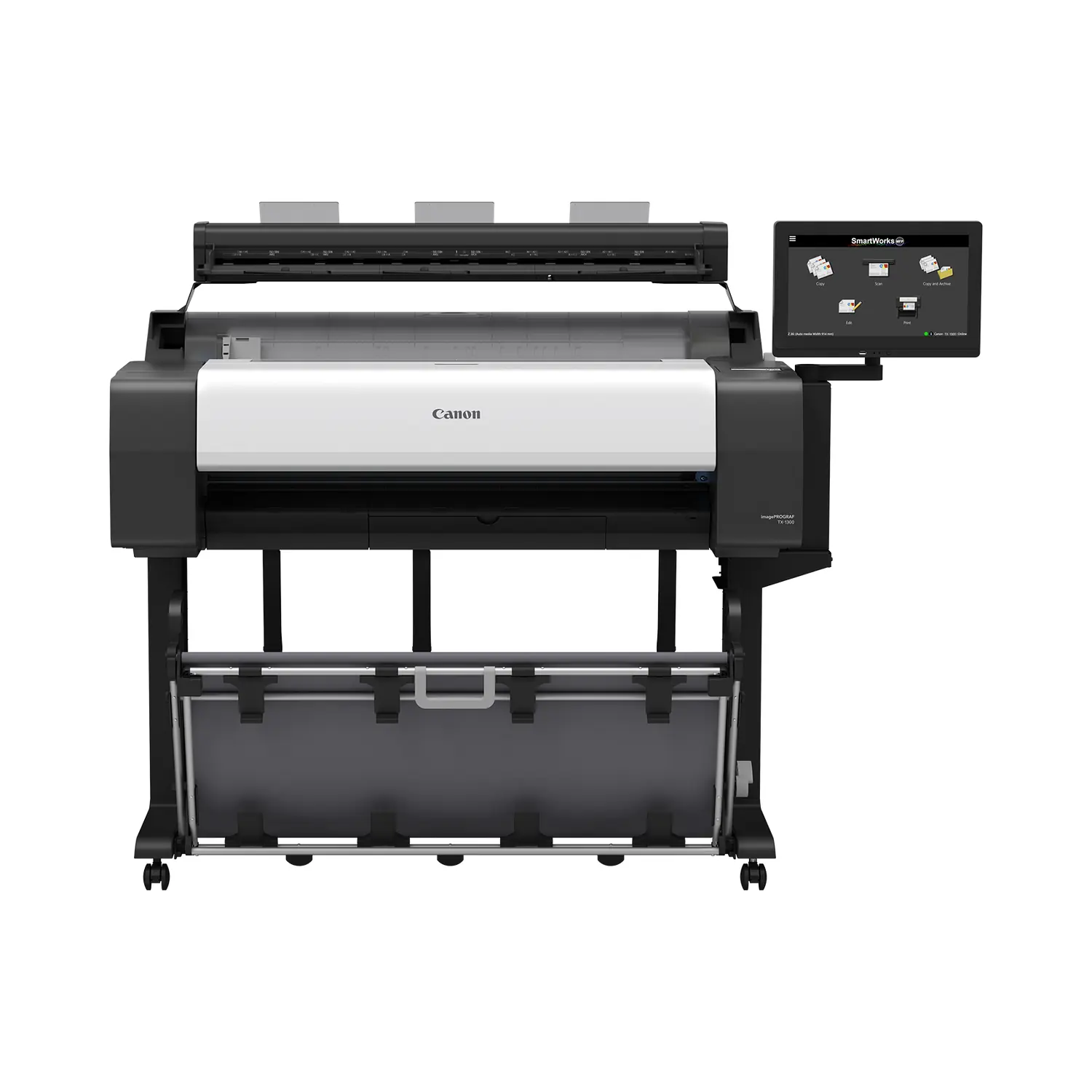
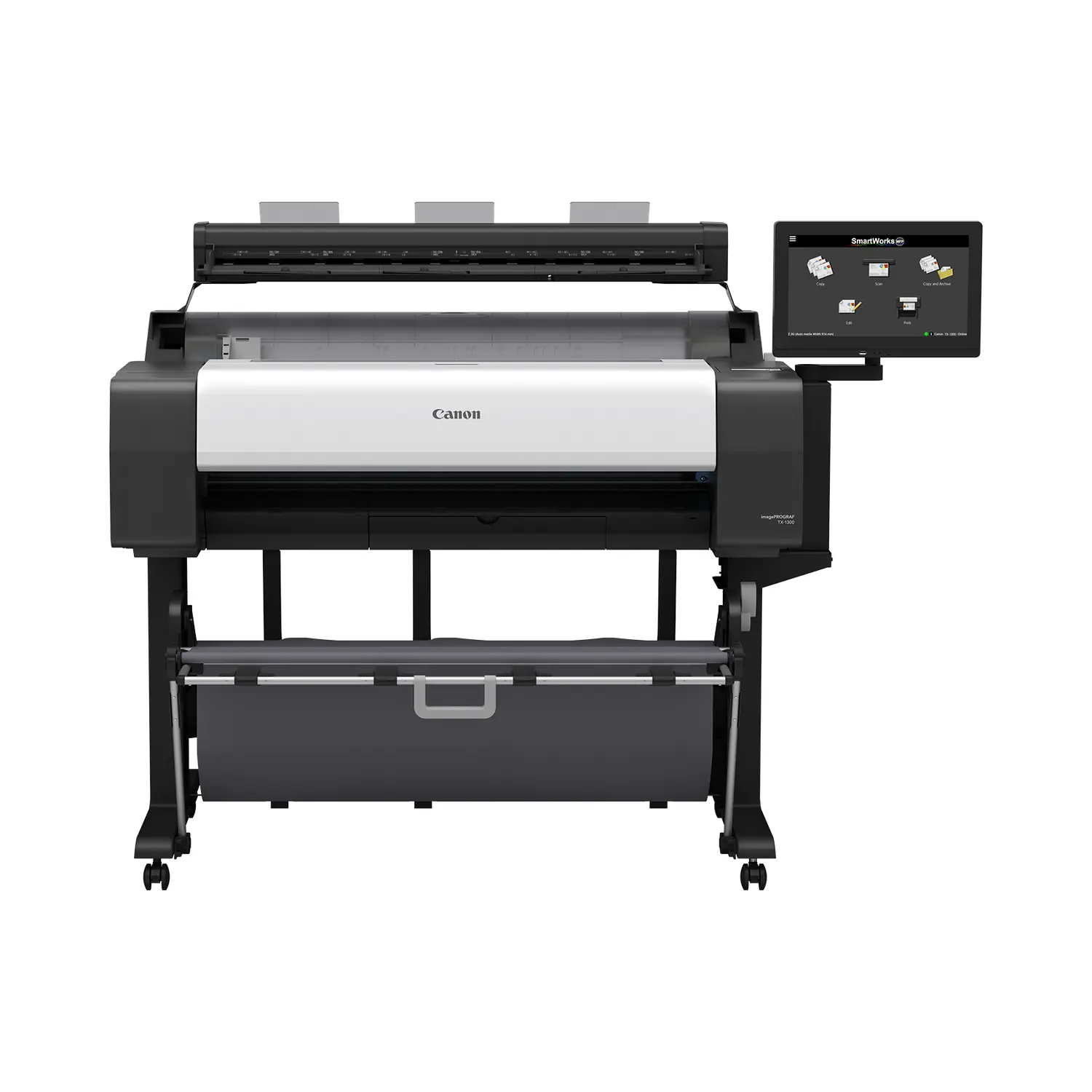
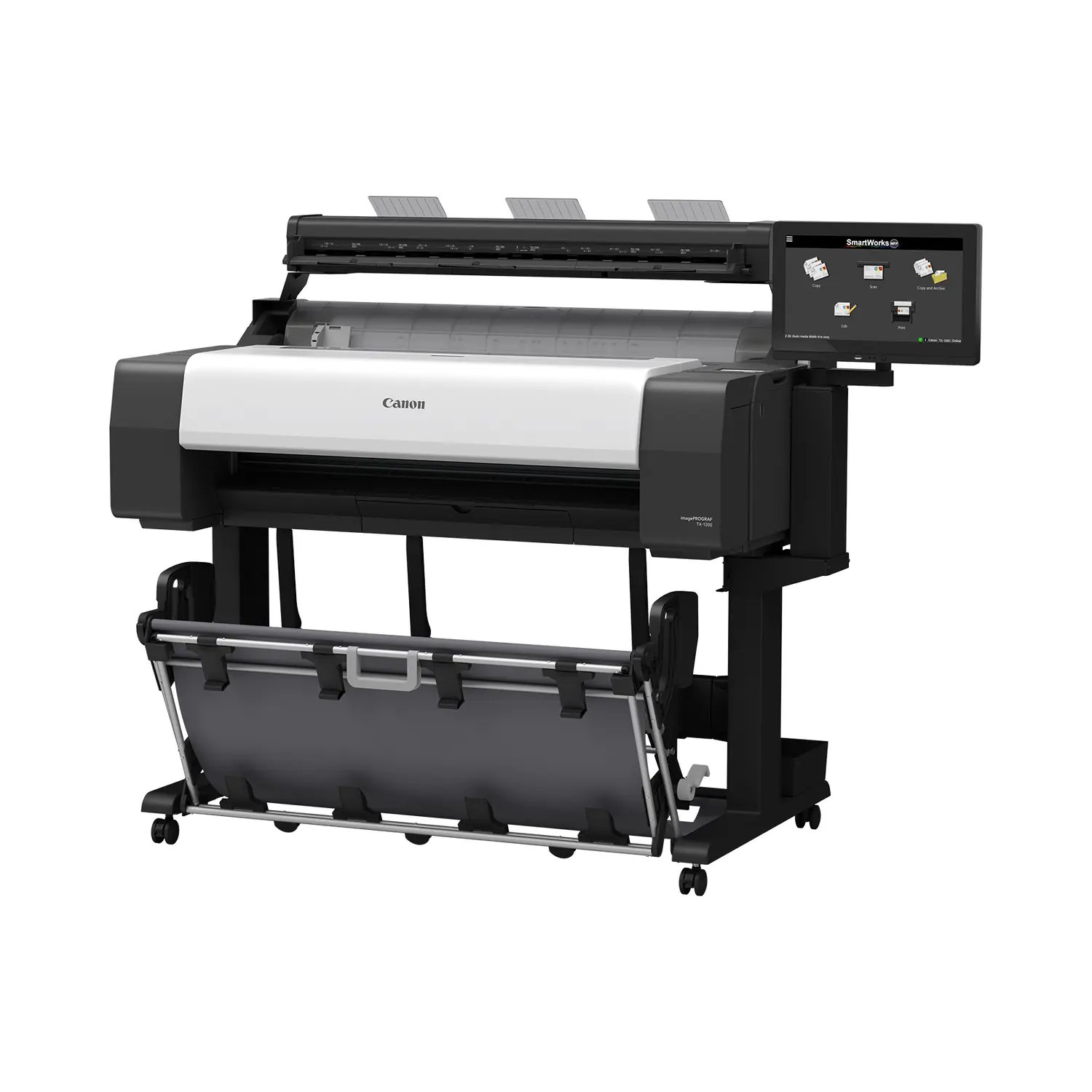
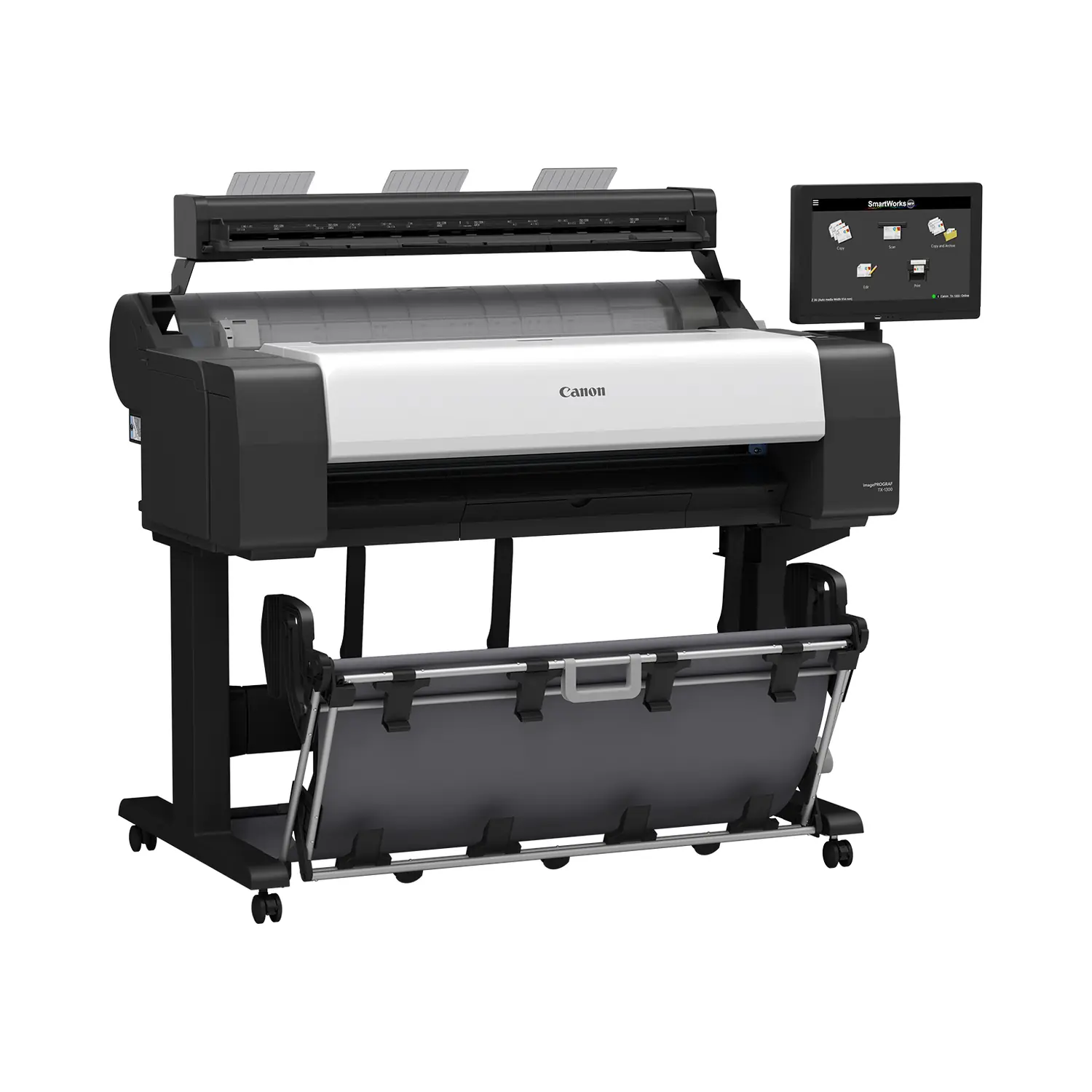
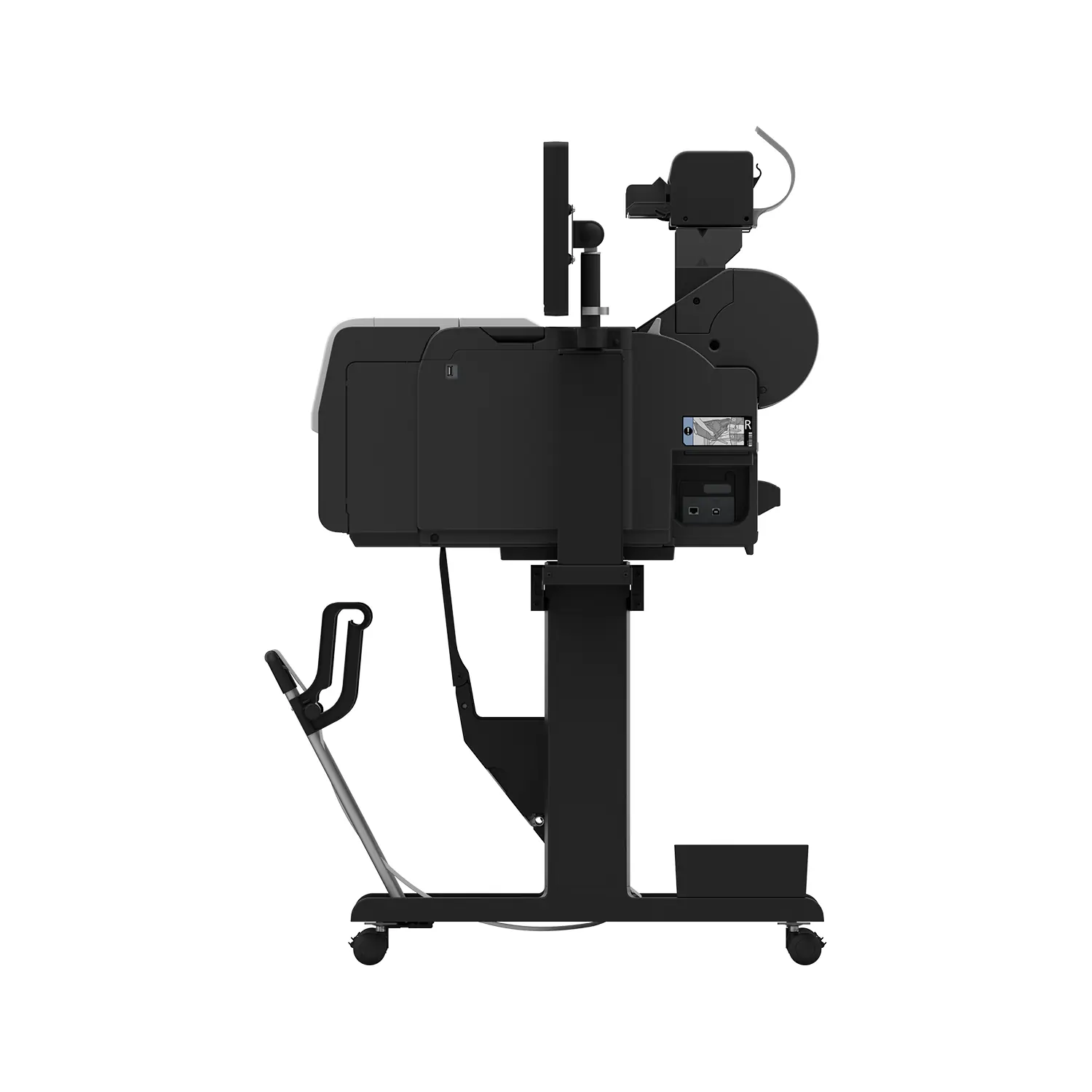
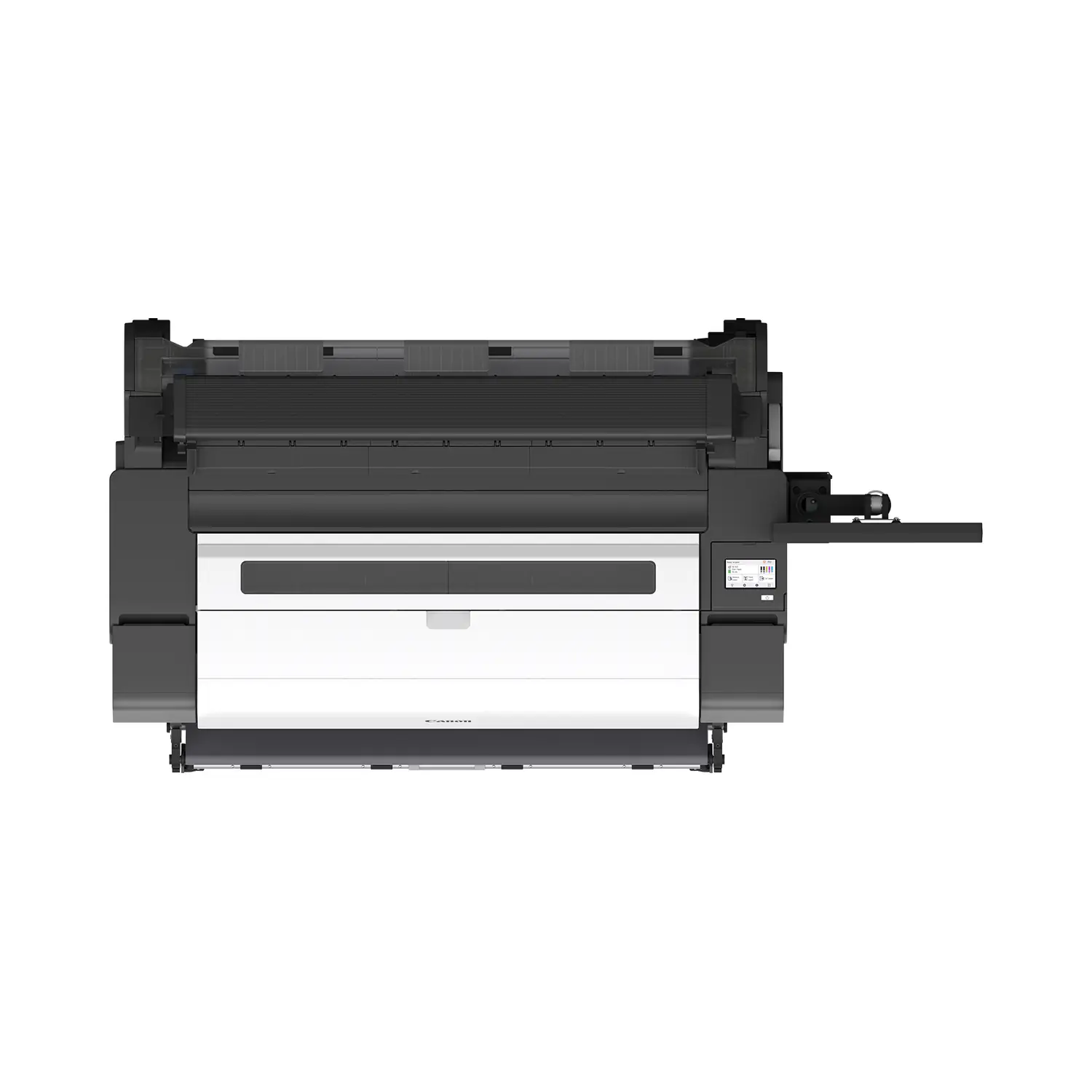
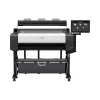
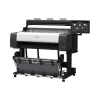
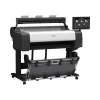
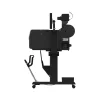
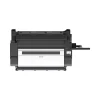

Canon imagePROGRAF TX-1300 MFP Z36 36″ CAD Printer with Scanner
$200 OFF00:00:00
Original price was: $11,999.00.$11,799.00Current price is: $11,799.00.
- 36-inch print, scan and copy: Compact printer plus Canon Z36 scanner and 15.6 inch controller.
- Z36 scanner included: Up to 13 ips mono, 1200 dpi optical, scan to copy, file or email.
- 5-color LUCIA TD pigment ink: New matte black for crisp fine lines; PF-06 printhead at 2400 x 1200 dpi.
- Built for big jobs: 128 GB virtual memory, 256 GB drive, Wi-Fi, Gigabit Ethernet and AirPrint.
- Front-access consumables: Front-loading ink tanks plus user-replaceable printhead and maintenance cartridge.
Canon TX-1300 (imagePROGRAF TX-1300 MFP Z36, part number 7669C012AA) is a 36-inch print, scan and copy system for architectural plans, engineering drawings, construction documents, GIS maps and posters. This package comes with the stand, flat stacking basket and the complete Canon Z36 scanner kit, ready for a floor-standing install. Shop more CAD and plotter printers or see every Canon printer we carry.
What the Canon TX-1300 Is Built For
The TX-1300 MFP Z36 is a 36-inch print, scan and copy system for offices and reprographics rooms that handle large drawing sets every day. It combines a compact 36-inch printer that uses the same ink as Canon’s newest TM series with the Canon Z36 scanner and a 15.6-inch touchscreen controller, so teams can digitize, mark up and reprint plans from one station. If you only need printing, compare the TM-350 and the new TM-610.
Five-Color LUCIA TD Pigment Ink
Five pigment inks, including a newly formulated matte black, run through one PF-06 printhead with 15,360 nozzles and 5-picoliter droplets. Canon rates the printer at up to 3.2 D-size prints per minute, and the 128 GB virtual memory and 256 GB drive let it queue large CAD files and multi-sheet jobs without slowing the network.
Z36 Scanner and 15.6-Inch Controller
The Canon Z36 scanner reads originals up to 36 inches wide (38-inch media) at up to 13 inches per second in monochrome and 6 inches per second in color, with 1200 dpi optical resolution and plus or minus 0.1% accuracy. SmartWorks MFP software on the 15.6-inch controller previews every scan in real time so operators can fix color, brightness or skew before saving or copying.
Scans save as TIFF, JPEG or multi-page PDF and can be copied, filed or emailed straight from the controller, which keeps blueprint and as-built archiving simple.
Media Handling and Output
One top-loading roll feeds from 8 to 36 inches wide with automatic media detection and an automatic rotary cutter. Finished prints land in the flat stacking basket, and a 2-inch roll holder with 3-inch core adapters is included.
How the TX-1300 Compares
Use this side-by-side view to pick the right width, scanner and output option for your shop.
| Model | Width | Scanner | Output | Speed (D-size/min) |
|---|---|---|---|---|
| TX-1300 MFP Z36 | 36 in | Z36 (36 in) | Flat stacking basket | 3.2 |
| TX-3300 | 36 in | No | TX Stacker | 3.3 |
| TX-3310 MFP Z36 | 36 in | Z36 (36 in) | TX Stacker | 3.3 |
| TX-4300 | 44 in | No | TX Stacker | 3.3 |
| TX-4310 MFP Z36 | 44 in | Z36 (36 in) | TX Stacker | 3.3 |
What’s in the Box
Canon’s published package contents for part number 7669C012AA include the following. Replacement ink, paper and optional roll units are sold separately.
- Printer main unit
- Stand with flat stacking basket
- One PF-06 printhead
- Starter ink tanks (130 mL matte black plus 90 mL each of black, cyan, magenta and yellow)
- One MC-31 maintenance cartridge (pre-installed)
- 2 in roll holder with 3 in core adapters
- Installation guide, user registration card, printer and printhead warranty statements
- Media compatibility flyer, PosterArtist web notice, safety and environmental information
- Power cable and screw
- Scanner box: Canon Z36 scanner with power cord
- Scanner box: USB 3.0 cable (2 m)
- Scanner box: 15.6 in system controller (touchscreen PC with SmartWorks MFP)
- Scanner box: Power supply and 3-to-1 power cord
- Scanner box: Mount for the scanner and system controller
- Scanner box: Two paper edge guides and three document return guides
- Scanner box: Calibration target
- Scanner box: Scanner assembly and start-up guide
Full Specifications
| Spec | Detail |
|---|---|
| Brand | Canon |
| Model | imagePROGRAF TX-1300 MFP Z36 |
| Canon part number | 7669C012AA |
| Printer type | 36 in, 5-color technical document MFP with Canon Z36 scanner |
| Ink system | 5-color LUCIA TD pigment ink with newly formulated matte black |
| Ink colors | Matte Black (MBK), Black (BK), Cyan (C), Magenta (M), Yellow (Y) |
| Printhead | PF-06, user replaceable; 15,360 nozzles (5,120 matte black, 2,560 per other color) |
| Minimum ink droplet | 5 picoliters |
| Maximum print resolution | 2400 x 1200 dpi |
| Print speed | Up to 3.2 ANSI D-size prints per minute |
| Media width | 8 to 36 in, roll and cut sheet |
| Media feed | One roll, top loading, front output; manual cut-sheet feed |
| Media thickness | 0.07 to 0.8 mm |
| Maximum roll outer diameter | 5.9 in (150 mm) |
| Roll core | 2 in standard; 3 in core adapters included |
| Maximum print length | 59 ft on roll; 5.2 ft on cut sheet (varies by OS and application) |
| Media cutter | Automatic horizontal rotary cutter |
| Starter ink | 130 mL matte black; 90 mL each black, cyan, magenta, yellow |
| Replacement ink | PFI-123 / PFI-323 matte black; PFI-121 / PFI-321 magenta; PFI-120 / PFI-320 black, cyan, yellow (130 mL / 300 mL) |
| Interfaces | Hi-Speed USB 2.0, Gigabit Ethernet (10/100/1000Base-T), Wi-Fi 802.11 b/g/n |
| Mobile and cloud printing | Apple AirPrint, Mopria Print Service |
| Print languages | SGRaster, HP-GL/2, HP RTL, PDF, JPEG, CALS G4 |
| Operating systems | Windows 7, 8.1, 10, 11; Windows Server 2008 R2 to 2022; macOS 10.12.6 to 13 |
| Included software | Direct Print Plus, PosterArtist, Free Layout Plus, Accounting Manager, Device Management Console, Media Configuration Tool |
| User-replaceable parts | PF-06 printhead, MC-31 maintenance cartridge, CT-08 cutter blade |
| Power supply | AC 100 to 240 V, 50/60 Hz |
| Operating environment | 59 to 86 F (15 to 30 C), 10 to 80% RH non-condensing |
| Certifications | ENERGY STAR, EPEAT Gold, Mopria Certified |
| Memory and storage | 128 GB virtual (2 GB physical); 256 GB drive |
| Output | Flat stacking basket |
| Display | Printer touchscreen plus 15.6 in scanner controller |
| Optional accessories | RH2-35 2 in / 3 in roll holder set |
| Scanner | Canon Z36, 36 in large-format CIS scanner with dual LED illumination |
| Scan speed | Up to 13 ips monochrome and up to 6 ips color (Canon rating) |
| Optical scan resolution | 1200 dpi |
| Maximum scan width | 36 in (accepts originals up to 38 in wide) |
| Original thickness | 0.07 to 1.0 mm |
| Scan accuracy | Plus or minus 0.1%, plus or minus 1 pixel |
| Controller | 15.6 in touchscreen system controller with SmartWorks MFP |
| Scan file formats | TIFF, JPEG, multi-page PDF; scan to copy, file, or email |
| Power consumption | About 69 W printing; 1.6 W standby |
| Printer dimensions | 50.6 x 34.8 x 41.7 in (W x D x H) with basket open; 30.7 in deep closed (printer only) |
| Printer weight | 149.9 lb printer; 17.3 lb scanner |
| Shipping weight | About 331 lb total, palletized freight (printer and scanner boxes) |
| Warranty | Canon limited warranty; extended eCarePAK service plans available |
Ink and Replacement Parts
Replacement ink comes in 130 mL and 300 mL tanks: PFI-123 Matte Black, PFI-120 Black, PFI-120 Cyan, PFI-121 Magenta and PFI-120 Yellow, or the high-capacity PFI-323 Matte Black, PFI-320 Black, PFI-320 Cyan, PFI-321 Magenta and PFI-320 Yellow. Matte black and magenta use the newer PFI-123 / PFI-323 and PFI-121 / PFI-321 tanks, so check the part number before ordering. All tanks are in our Canon ink catalog.
The PF-06 printhead, MC-31 maintenance cartridge and CT-08 cutter blade are user replaceable, so routine maintenance does not need a service call.
See the imagePROGRAF TM and TX Series in Action
Check Before Ordering
- Doorways and hallways: the palletized printer package is about 57.6 x 44.2 x 31.5 in.
- Floor space: about 50.6 x 34.8 x 41.7 in (W x D x H) with basket open; 30.7 in deep closed (printer only).
- Power: a standard AC 100 to 240 V outlet near the printer, plus outlets for the scanner and controller.
- Network: an Ethernet drop or Wi-Fi coverage at the install spot.
- Ink: order a set of replacement tanks with the printer so a long job never stops on the starter set.
Canon TX-1300 FAQ
What is the Canon TX-1300 used for?
The TX-1300 is a 36-inch Canon imagePROGRAF printer for CAD drawings, architectural and engineering plans, construction documents, GIS maps and posters, with built-in scanning and copying.
How fast does the TX-1300 print?
Canon rates the TX-1300 at up to 3.2 ANSI D-size (24 x 36 inch) prints per minute on plain paper in its fastest mode. Real speed depends on the file, media and quality setting.
What comes in the box with Canon part number 7669C012AA?
The package includes the printer main unit, stand with flat stacking basket, one PF-06 printhead, starter ink tanks (130 mL matte black plus 90 mL each of black, cyan, magenta and yellow), one MC-31 maintenance cartridge (pre-installed), and 2 in roll holder with 3 in core adapters, plus the power cable and setup documents. It also ships with the complete Canon Z36 scanner kit, including the 15.6 inch controller.
Which ink does the Canon TX-1300 use?
It uses 5-color LUCIA TD pigment ink in 130 mL or 300 mL tanks: PFI-123 or PFI-323 matte black, PFI-121 or PFI-321 magenta, and PFI-120 or PFI-320 for black, cyan and yellow.
Does the TX-1300 print wirelessly?
Yes. Wi-Fi, Gigabit Ethernet and Hi-Speed USB are built in, and it supports Apple AirPrint and Mopria for driverless printing from Mac, iPhone, iPad, Android and Windows devices.
What media sizes does the TX-1300 accept?
Roll and cut-sheet media from 8 to 36 inches wide and 0.07 to 0.8 mm thick, on 2 inch cores (3 inch adapters included) with rolls up to 5.9 inches in diameter.
What are the scanner specs on the TX-1300 MFP Z36?
The Canon Z36 scans originals up to 36 inches wide at up to 13 inches per second monochrome and 6 inches per second color, with 1200 dpi optical resolution, and saves to TIFF, JPEG or PDF through the 15.6 inch SmartWorks controller.
How much space does the TX-1300 need?
The printer measures about 50.6 x 34.8 x 41.7 in (W x D x H) with basket open; 30.7 in deep closed (printer only). Leave extra room in front for loading rolls and collecting output, and space beside it for the Z36 scanner and controller.
Does the Canon TX-1300 come with a warranty?
Yes, it includes Canon’s limited warranty, and Canon eCarePAK extended service plans can extend coverage. Ask us about adding one when you order.
| Brand | Canon |
|---|---|
| Print Width | 36" |
| Printer Series | imagePROGRAF TX |
| Printer Type | CAD & Technical Printer |
| Functions | Print Scan Copy (MFP) |
| Ink Type | Pigment |
| Number of Ink Colors | 5 |
| Output Handling | Flat Stacking Basket |
| Connectivity | Ethernet, USB, Wi-Fi |
| Max Roll Diameter | 5.9" |
| Weight | 331 lbs |
| Dimensions | 57.6 × 44.2 × 31.5 in |
Add a review
Canon imagePROGRAF TX-1300 MFP Z36 36" CAD Printer with Scanner Your review
* Review is required
Name
* Name is required
Email
* Email is required
Related Products
CAD and Graphic Plotter Printers
Canon imagePROGRAF TM-510M 24″ CAD Printer with Built-In Scanner
$770 OFF00:00:00
Original price was: $4,999.00.$4,229.00Current price is: $4,229.00.
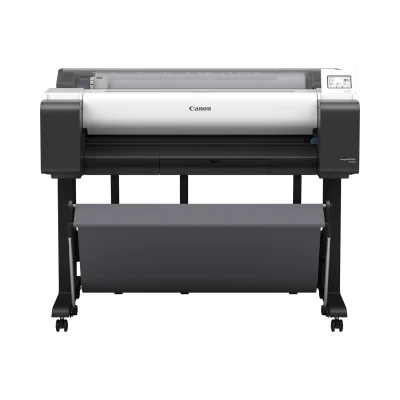
CAD and Graphic Plotter Printers
Canon imagePROGRAF TM-610 36″ CAD & Poster Printer with Stackable Basket
$650 OFF00:00:00
Original price was: $4,999.00.$4,349.00Current price is: $4,349.00.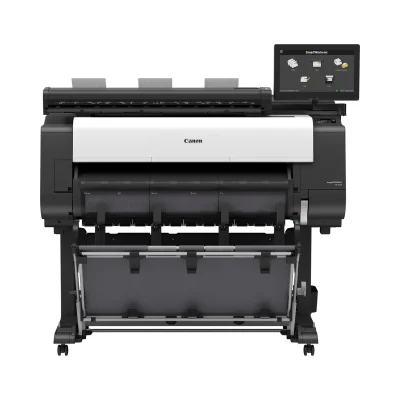
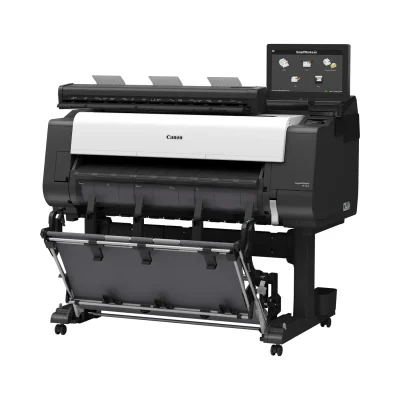
CAD and Graphic Plotter Printers
Canon imagePROGRAF TX-3310 MFP Z36 36″ CAD Printer with Scanner & Stacker
$780 OFF00:00:00
Original price was: $13,499.00.$12,719.00Current price is: $12,719.00.
Reviews
There are no reviews yet