


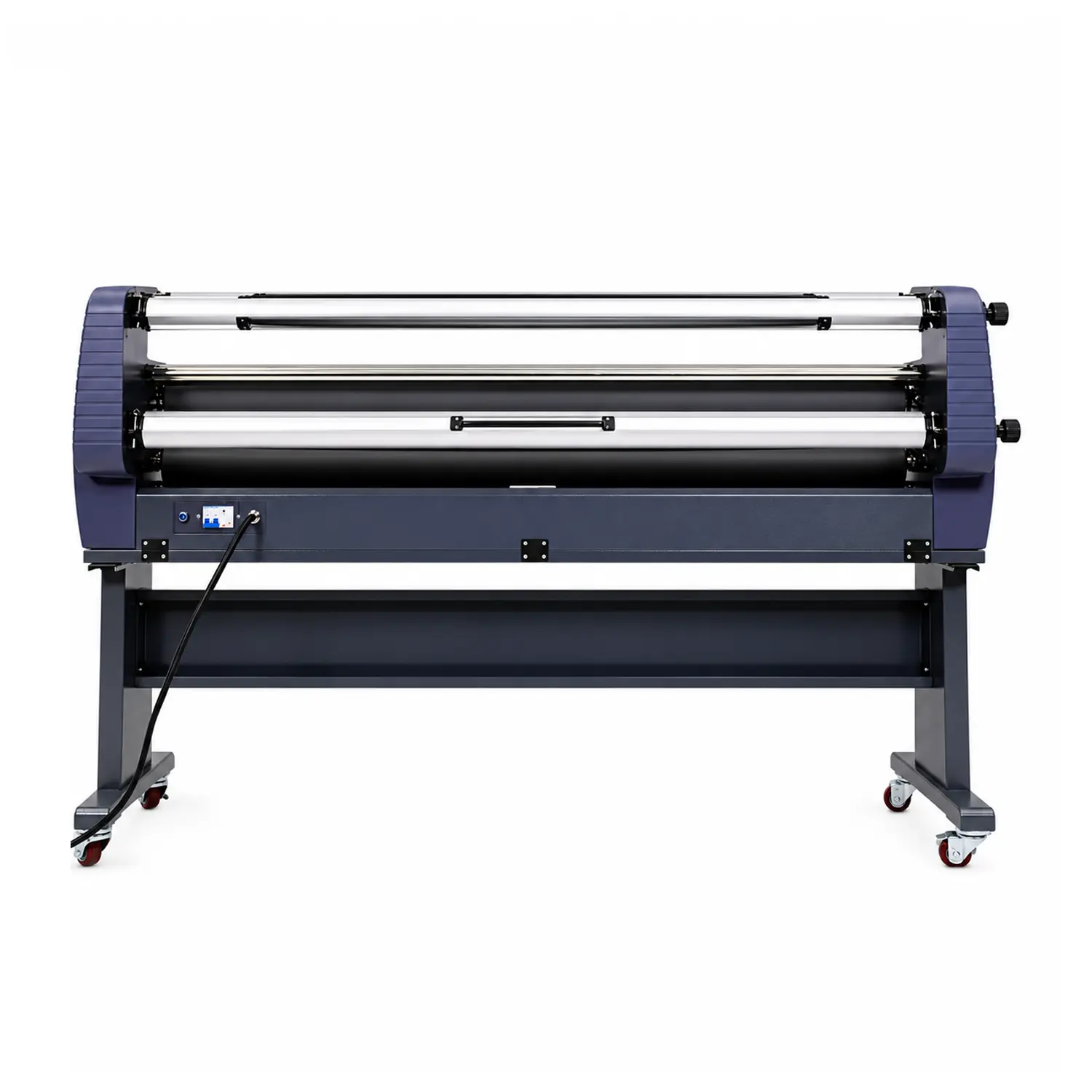


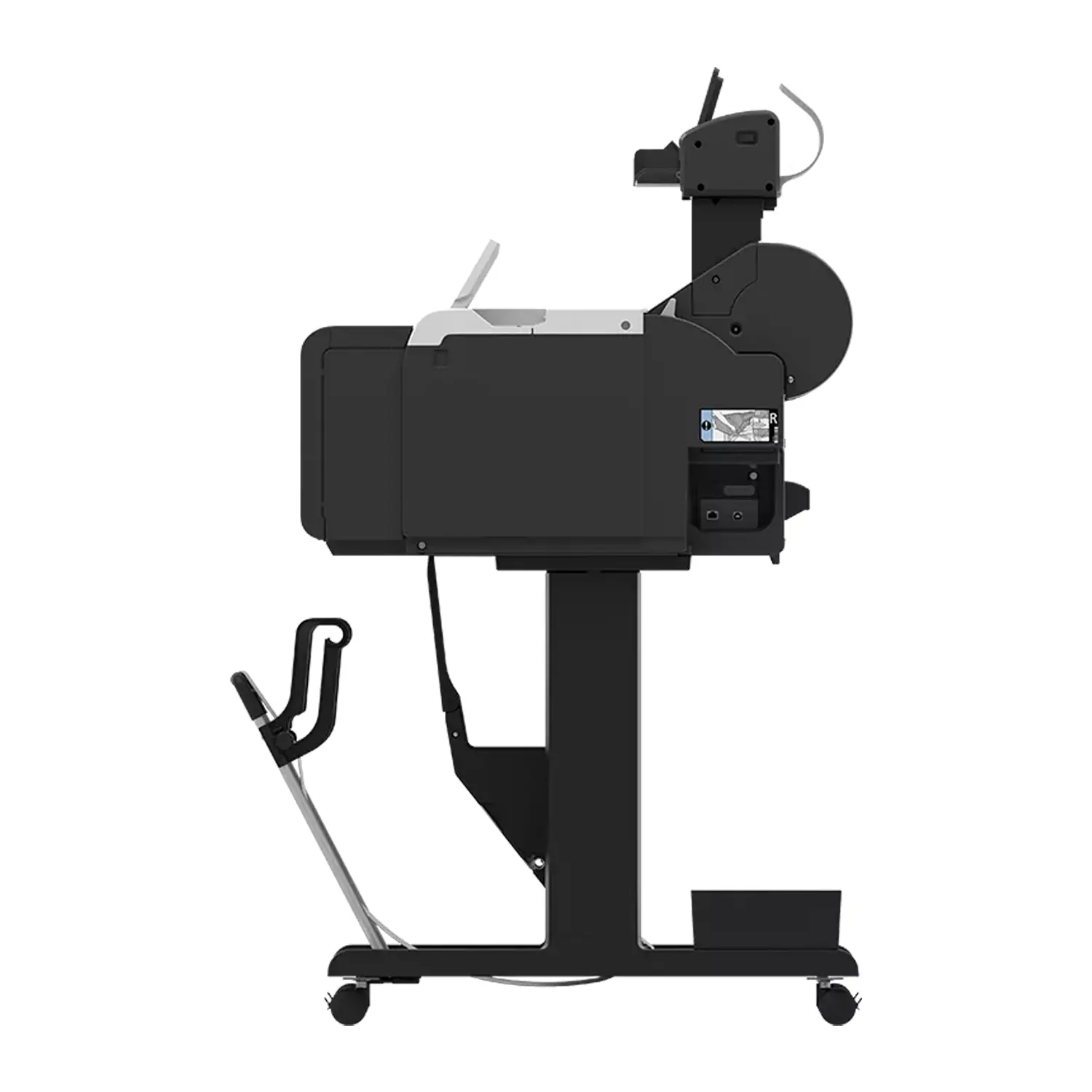

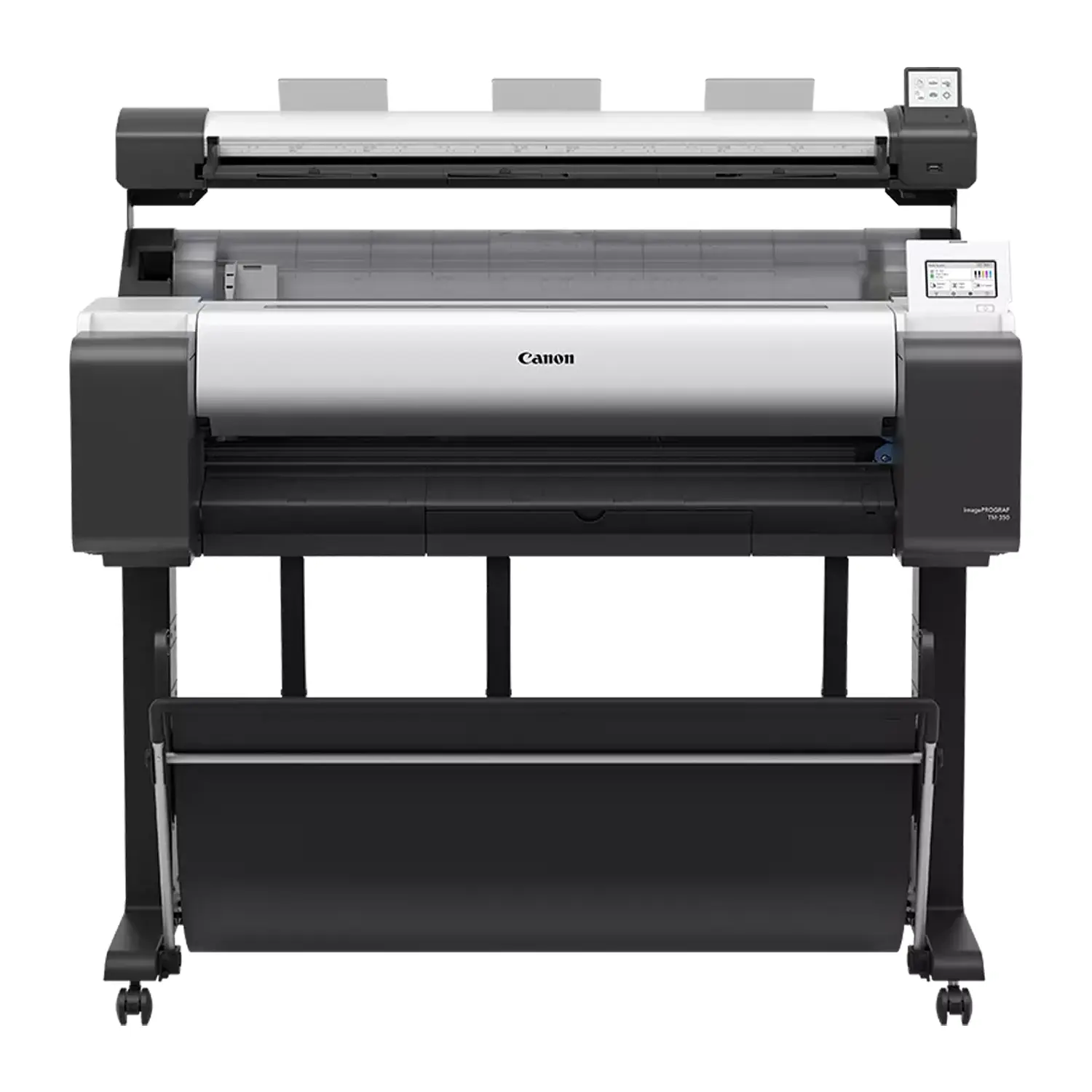
Canon imagePROGRAF TM-350 MFP Lm36 36″ Printer & Scanner
$7,849.00
- 36″ Print, Scan and Copy: Complete large-format workflow for CAD plans and technical documents
- Integrated Lm36 Scanner: Scans documents up to 36 inches wide and 109 inches long
- Fast CAD Production: Prints a 24 × 36 inch D-size drawing in about 17 seconds
- Flexible Ink Capacity: Accepts 130 mL and high-capacity 300 mL replacement tanks
- Complete Floor Setup: Includes printer stand, stackable basket and scanner mounting hardware
Canon imagePROGRAF TM-350 MFP Lm36 Printer and Scanner
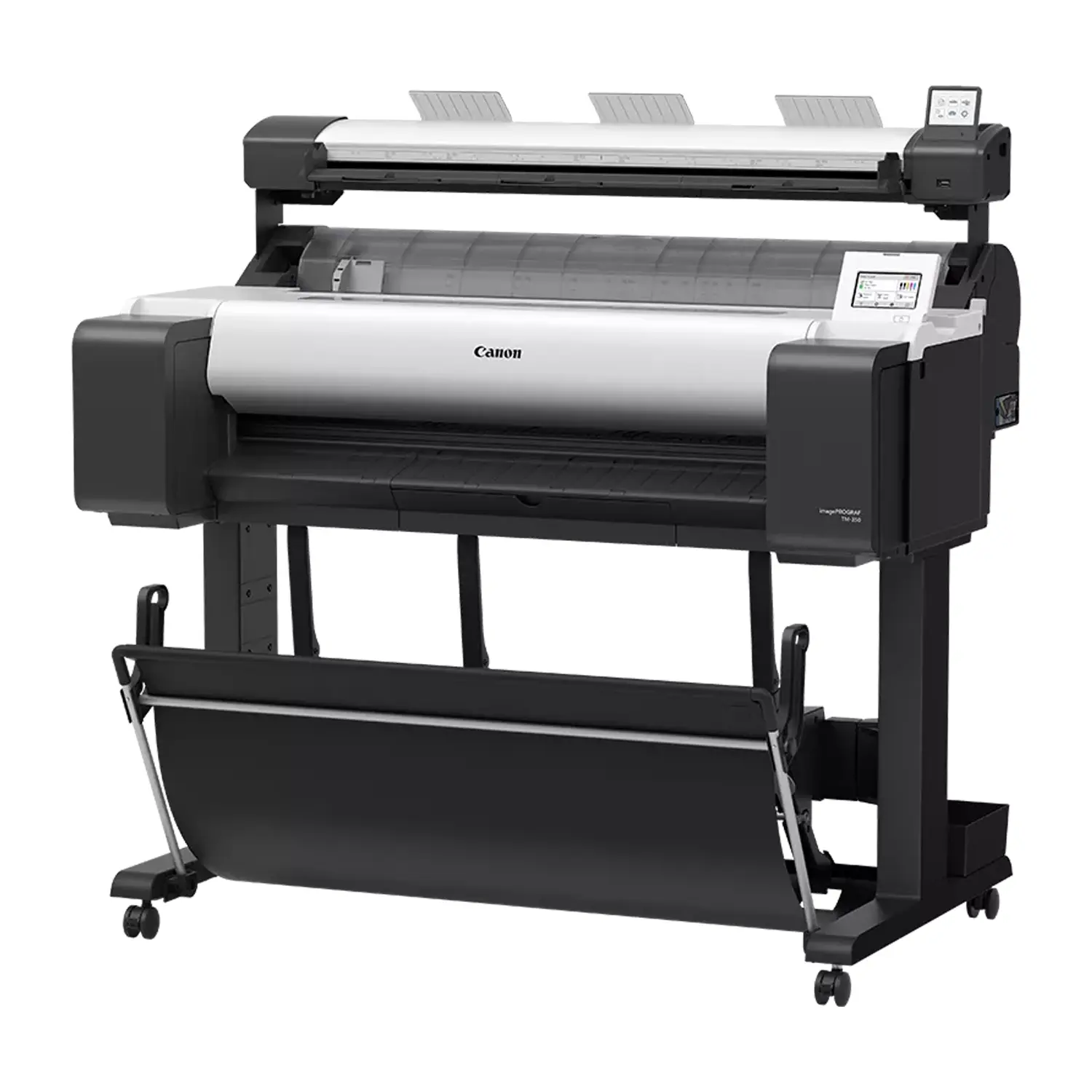
Canon imagePROGRAF TM-350 MFP Lm36 combines a 36-inch CAD and poster printer with an integrated 36-inch scanner for printing, scanning and copying technical documents. It gives architecture, engineering, construction, education and government teams an affordable way to digitize plans and produce full-size output from one floor-standing system.
The Lm36 configuration is designed for low-volume or occasional scanning. It adds straightforward scan-to-copy, scan-to-file and scan-to-USB capabilities without the higher cost and production features of Canon’s more advanced Z36 scanner bundle.
What’s Included with the Canon TM-350 MFP Lm36?
Each order includes the Canon imagePROGRAF TM-350 MFP Lm36 bundle with both the printer package and the Lm36 scanner package. The stand, stackable basket and mounting hardware are included for a complete integrated installation.
- TM-350 Printer: One 36-inch printer
- Lm36 Scanner: One 36-inch scanner
- Printer Stand: Floor stand included
- Output Basket: Stackable basket included
- Starter Ink: Five starter tanks
- Print Head: One PF-06 head
- Maintenance Cartridge: MC-31 installed
- Roll Holder: Two-inch holder included
- Core Adapters: Three-inch adapters included
- Scanner Hardware: Brackets and fixings included
- Document Guides: Return and edge guides
- Calibration Target: Scanner target included
- Connections: Cables and power supplies
The starter ink set contains 130 mL of Matte Black and 90 mL each of Black, Cyan, Magenta and Yellow. Media rolls and full-capacity replacement ink tanks are sold separately.
36-Inch Lm36 Scanning for CAD Plans
The SingleSensor Lm36 captures documents at up to 600 dpi optical resolution. It scans originals up to 36 inches wide, accepts documents up to 38 inches in total width and supports PDF scan lengths up to 109 inches.
Scan speeds reach approximately 1 inch per second in color and 3 inches per second in monochrome at 200 dpi. The scanner handles supported CAD paper from 0.07 to 0.8 mm thick and uses included return guides to bring scanned documents back toward the operator.
Direct Scan, Copy and File Workflows
The Lm36 supports color, grayscale and black-and-white modes. Operators can scan to a supported USB drive, scan to a connected computer, create PDF, JPEG or TIFF files through ScanAppL, and make large-format copies.
A dedicated 3-inch touchscreen provides scanner controls separately from the printer’s adjustable 4.3-inch display. This arrangement keeps common scan and copy tasks accessible without navigating a complicated production controller.
Fast TM-350 CAD and Poster Printing
The printer can produce a D-size 24 × 36 inch CAD drawing in approximately 17 seconds, or about 3.2 pages per minute in its fastest supported setting. Its 2400 × 1200 dpi maximum resolution and PF-06 print head produce fine technical lines, readable annotations and vivid presentation graphics.
If scanning is not required, compare the standalone Canon TM-350 printer. For occasional scanning with lower-capacity ink, the Canon TM-340 MFP Lm36 is another 36-inch option.
5-Color LUCIA TD Pigment Ink
The five-color ink system uses Matte Black, Black, Cyan, Magenta and Yellow pigment inks. Matte Black supports dense line work on plain paper, while the updated magenta formulation improves red color reproduction for maps, posters and presentation graphics.
The TM-350 accepts PFI-120/PFI-121 130 mL tanks and higher-capacity PFI-320/PFI-321 300 mL tanks. Browse Canon ink to plan a replacement set around your production volume.
Automatic Media Detection and Network Connectivity
Automatic media detection identifies the loaded paper type, roll width and remaining length. The single-roll printer handles roll and cut-sheet media from 8 to 36 inches wide, with a rotary cutter for automatic horizontal trimming.
Wi-Fi, Gigabit Ethernet and high-speed USB support shared office workflows. Canon utilities add batch printing, nesting, poster design, printer management and cost tracking for teams working across CAD and graphics applications.
Canon TM-350 MFP Lm36 Specifications
- Bundle MPN: 6246C006AA
- Print Width: 36 inches
- Scan Width: 36 inches
- Print Resolution: 2400 × 1200 dpi
- Scan Resolution: 600 dpi optical
- Maximum Scan Length: 109 inches
- Document Thickness: Up to 0.8 mm
- Ink Colors: Five pigment colors
- Printer Memory: 2 GB
- Roll Feed: One top-loading roll
- Connectivity: Wi-Fi, Ethernet and USB
- Assembled Weight: 155.4 pounds
Choose the Right Canon Large-Format MFP
The TM-350 MFP Lm36 is best for teams that need frequent 36-inch printing with occasional plan scanning and copying. Customers needing a smaller footprint can compare the Canon TM-250 MFP Lm24, while demanding scan departments should consider Canon’s Z36 configuration.
Explore more CAD and graphic plotter printers. Order the Canon imagePROGRAF TM-350 MFP Lm36 from Buffalo Imaging for fast technical printing, integrated scanning and flexible high-capacity ink support.
What is the Canon imagePROGRAF TM-350 MFP Lm36?
The Canon imagePROGRAF TM-350 MFP Lm36 combines a 36-inch large-format printer with an integrated 36-inch Lm36 scanner. It prints, scans and copies CAD drawings, maps, plans, posters and other technical documents.
What is included with the Canon TM-350 MFP Lm36?
The bundle includes the TM-350 printer, Lm36 scanner, printer stand, stackable basket, starter inks, PF-06 print head, installed MC-31 maintenance cartridge, roll holder, scanner mounting hardware, document guides, calibration target, cables, power supplies and documentation.
Does the TM-350 MFP Lm36 come with a stand?
Yes. The standard bundle includes the printer stand, stackable output basket and hardware needed to mount the Lm36 scanner above the printer.
How wide can the Canon Lm36 scanner scan?
The Lm36 scanner captures an image area up to 36 inches wide. It can accept documents up to 38 inches in total width and supports PDF scans up to 109 inches long.
What is the Lm36 scanner resolution?
The Canon Lm36 scanner has a maximum optical resolution of 600 dpi. It supports color, grayscale and black-and-white scanning for CAD plans, maps and technical documents.
How fast does the Lm36 scanner operate?
At 200 dpi, Canon rates the Lm36 at approximately 1 inch per second in color and 3 inches per second in monochrome. Actual speed depends on resolution, document type and connected system performance.
Can the TM-350 MFP Lm36 copy without a computer?
Yes. The Lm36 supports direct scan-to-copy operation through its scanner controls. ScanAppL and a supported computer add expanded scan-to-file, network-directory and file-format options.
Which file formats can the Lm36 scanner create?
Depending on the workflow and ScanAppL use, supported formats include TIFF, JPEG, PDF, PDF/A, multipage PDF and TIFF G4. Available formats vary between scan-to-USB and scan-to-PC modes.
What ink does the Canon TM-350 MFP Lm36 use?
The printer uses Matte Black, Black, Cyan, Magenta and Yellow LUCIA TD pigment inks. It accepts PFI-120/PFI-121 130 mL tanks and PFI-320/PFI-321 300 mL tanks.
How much starter ink is included?
The starter set includes 130 mL of Matte Black and 90 mL each of Black, Cyan, Magenta and Yellow. These are starter supplies rather than a full retail replacement set.
How fast does the Canon TM-350 print CAD drawings?
The TM-350 can print a D-size 24 × 36 inch CAD drawing in approximately 17 seconds in its fastest supported setting, or about 3.2 D-size pages per minute.
What is the difference between the TM-350 MFP Lm36 and standalone TM-350?
Both use the same 36-inch TM-350 print engine. The MFP Lm36 bundle adds a mounted 36-inch scanner, scanner controls and scan-to-copy or scan-to-file capabilities.
What is the difference between the Lm36 and Z36 scanner bundles?
The Lm36 is positioned for entry-level and occasional large-format scanning. The Z36 configuration provides more advanced and robust scanning capabilities for customers with heavier or more demanding scan workflows.
How thick can documents be for the Lm36 scanner?
Canon specifies supported CAD paper thickness from approximately 0.07 to 0.8 mm. The scanner is intended for flexible technical documents, not rigid boards or mounted originals.
What are the dimensions and weight of the TM-350 MFP Lm36?
The assembled system measures approximately 50.6 × 34.2 × 50.24 inches and weighs 155.4 pounds. Canon lists the shipping package at approximately 57.6 × 35.9 × 31.5 inches and 224.9 pounds.
What is the part number for the Canon TM-350 MFP Lm36?
The U.S. bundle part number is 6246C006AA. Verify the complete bundle carton before entering a GTIN because the printer and Lm36 scanner components have separate UPC identifiers.
What user-replaceable parts does the TM-350 use?
User-replaceable items include PFI-120/PFI-121 and PFI-320/PFI-321 ink tanks, the PF-06 print head, MC-31 maintenance cartridge and CT-08 cutter blade.
| Brand | Canon |
|---|---|
| Weight | 224.9 lbs |
| Dimensions | 57.6 × 35.9 × 31.5 in |
Add a review
Canon imagePROGRAF TM-350 MFP Lm36 36″ Printer & Scanner Your review
* Review is required
Name
* Name is required
Email
* Email is required
Reviews
There are no reviews yet