




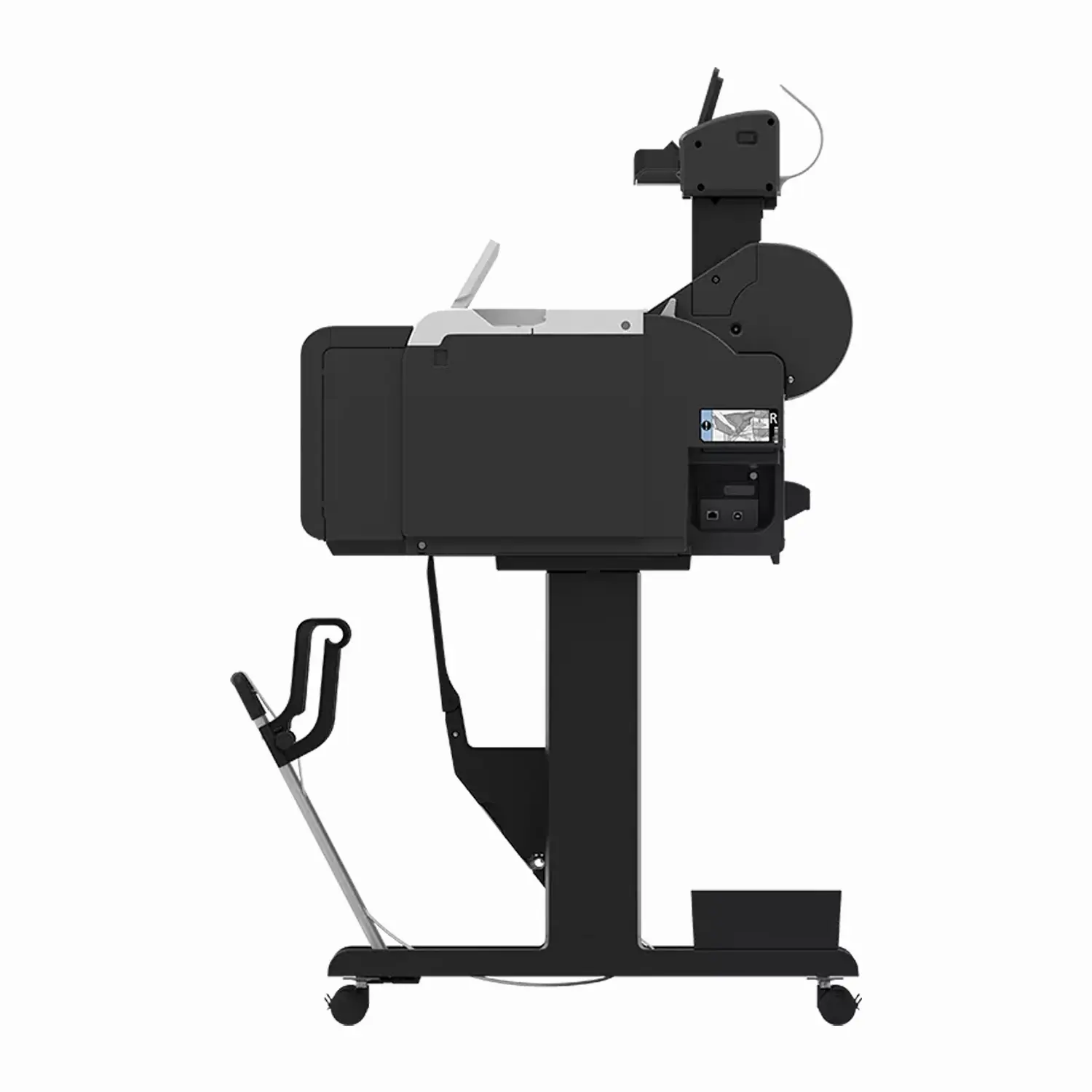

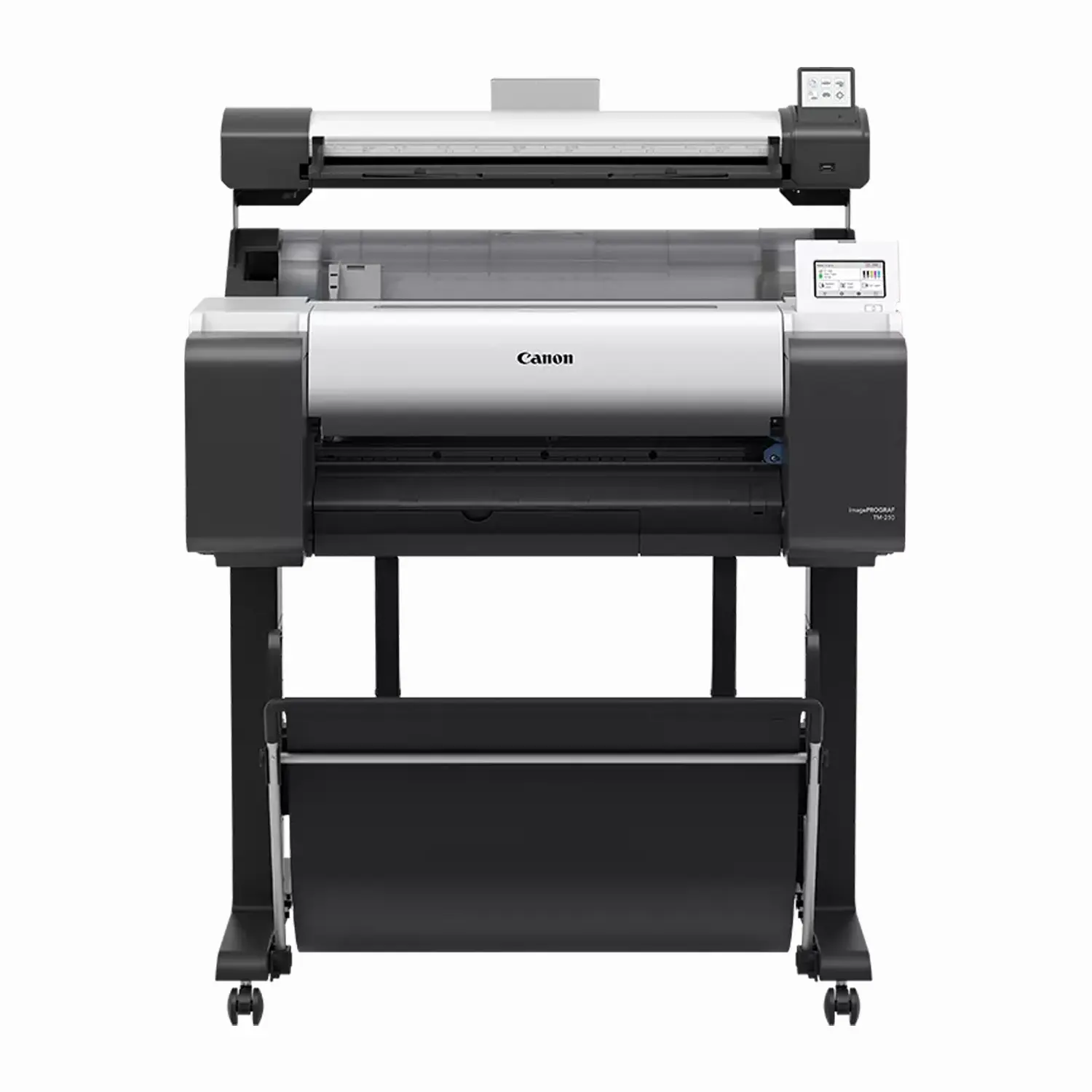
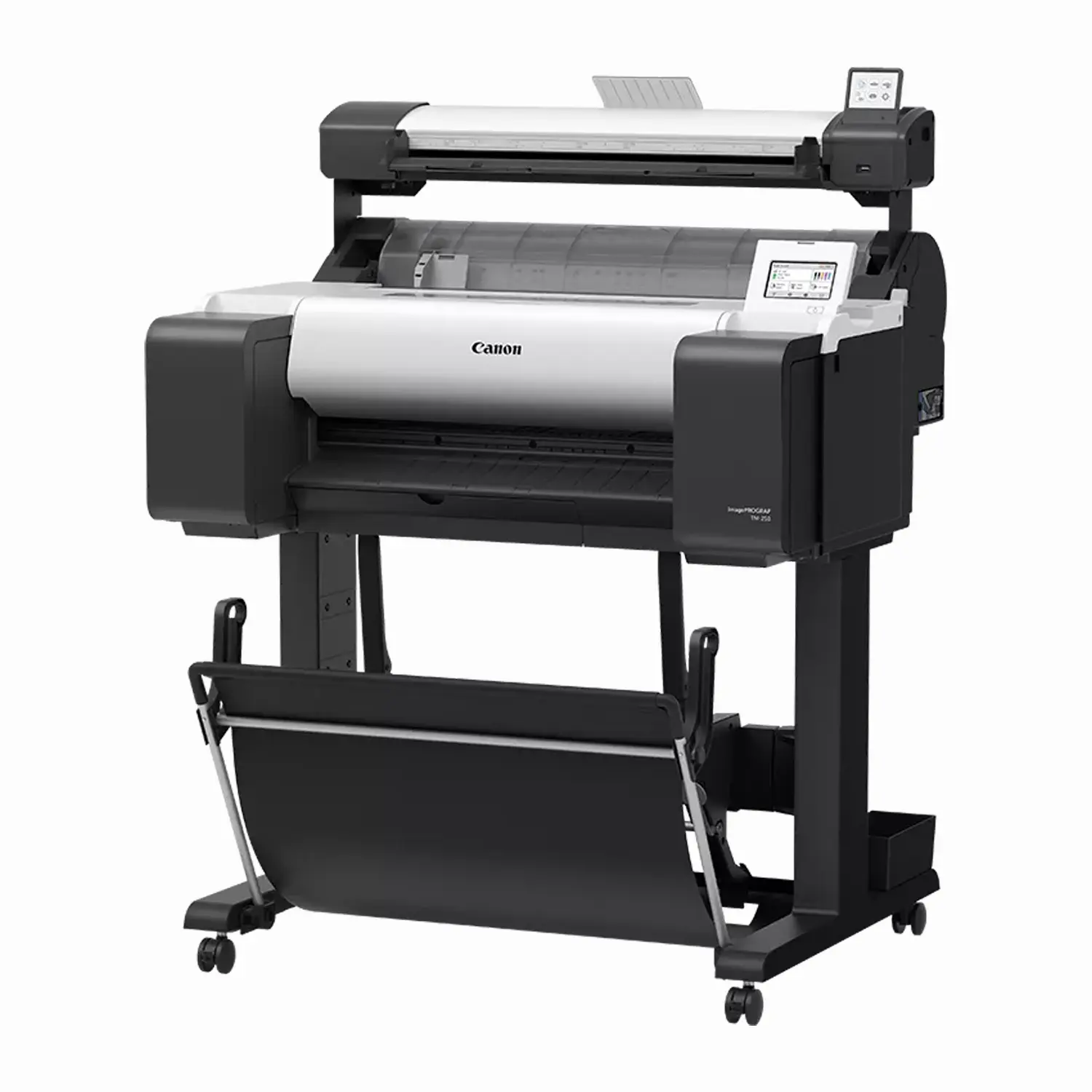
Canon imagePROGRAF TM-250 MFP Lm24 24″ CAD Printer with Scanner
$4,999.00
- Upgradable Ink Tanks: Choose 130ml or 300ml replacement cartridges for better cost-per-print.
- Integrated Lm24 Scanner: Basic scan-to-copy/file capability for low-volume scanning needs.
- 5-Color LUCIA TD Pigment Ink: Sharp lines and vivid, newly formulated magenta for eye-catching red color.
- Stand and Basket Included: Ready to set up out of the box.
The Canon imagePROGRAF TM-250 MFP Lm24 combines a 24″ large-format printer with upgradable ink and an integrated Lm24 scanner, giving offices and print environments basic scan-to-copy capability alongside CAD and poster printing that holds up to daily use. Buffalo Imaging serves professional print shops and studios with the equipment and supplies they need to keep production moving.
Upgradable Ink for Better Cost Per Print
Unlike the entry-level TM-240 MFP Lm24, this printer uses upgradable 130ml or 300ml ink cartridges instead of fixed 55ml tanks, giving regular users meaningfully better cost-per-print for daily or higher-volume printing needs.
Affordable, Entry-Level Scanning
The Lm24 scanner uses SingleSensor assembly technology for consistent color accuracy, with full-width image capture that reduces the risk of misalignment. ScanAppL software makes it easy to save scanned data directly to USB in TIFF, PDF, and JPEG formats, ideal for low-volume, entry-level scanning needs alongside your printing workflow.
5-Color LUCIA TD Pigment Ink
A newly formulated magenta ink joins the 5-color LUCIA TD pigment system (Matte Black, Black, Cyan, Magenta, Yellow) for more brilliant red color reproduction and sharper, more stable line quality, printing an Arch D sheet at approximately 2.9 to 3.2 pages per minute.
Connectivity and Compatibility
The printer connects via USB, Gigabit Ethernet, or Wi-Fi. It’s compatible with both Windows and macOS workflows and supports HP-GL/2, HP RTL, JPEG, SG Raster, and CALS G4 printer languages.
What’s in the Box
- imagePROGRAF TM-250 printer
- Stand with stackable basket
- Lm24 scanner
- Print Head (PF-06)
- Starter ink tanks (130ml Matte Black, 90ml each Black/Cyan/Magenta/Yellow)
- Maintenance cartridge (installed)
- 2″ roll holder with 3″ adapters
- Power cable and screw
- Installation guide and documentation
Full Specifications
| Spec | Detail |
|---|---|
| Print Technology | 5-color LUCIA TD pigment ink |
| Ink Colors | Matte Black, Black, Cyan, Magenta, Yellow |
| Max Print Width | 24″ |
| Max Resolution | 2400 x 1200 dpi |
| Print Head | PF-06, 15,360 total nozzles |
| Print Speed (Arch D, 24″x36″) | Approx. 2.9-3.2 ppm |
| Scan Technology | SingleSensor assembly, full-width image capture |
| Scan Speed | 3 ips (mono) |
| Media Handling | Single roll, top-loading, front output; no automatic sheet feeder |
| Media Width | 8″ to 24″ roll and cut sheet |
| Printer RAM | 2GB |
| Connectivity | USB, Gigabit Ethernet, Wi-Fi |
| OS Compatibility | Windows 7/8.1/10/11, Windows Server, macOS |
| Printer Weight (with stand) | 131.4 lbs |
| Certifications | EPEAT Gold, ENERGY STAR |
| SKU | 6240C007AA |
| Alternate SKU | 6240C007AB |
| User-Replaceable Items | Print Head (PF-06, $523.00), Ink Tanks (PFI-120/121 130ml $94/ea, PFI-320/321 300ml $169/ea), Maintenance Cartridge, Cutter Blade (CT-08) |
What is the Canon imagePROGRAF TM-250 MFP Lm24 used for?
The TM-250 MFP Lm24 combines a 24″ printer with upgradable ink and an integrated scanner, used for printing and scanning CAD drawings, posters, and documents in offices and print environments that print regularly and need basic scan-to-copy capability.
What is the best 24-inch printer-scanner combo for an office that prints daily?
The TM-250 MFP Lm24 pairs upgradable 130ml or 300ml ink cartridges with the Lm24 scanner, making it the better fit over the TM-240 MFP Lm24 for offices printing regularly, since the larger ink cartridges bring down cost per print over time.
What’s the difference between the TM-250 MFP Lm24 and the standalone TM-250?
Both use the identical print engine, upgradable ink, and stand/basket bundle. The MFP Lm24 adds an integrated scanner with its own 3″ touchscreen for basic scan-to-copy and scan-to-file capability. If you only need printing, the standalone TM-250 is the simpler option.
What’s the difference between the TM-250 MFP Lm24 and the TM-240 MFP Lm24?
Both use the same Lm24 scanner, but the TM-250 uses upgradable 130ml or 300ml ink cartridges, while the TM-240 is limited to fixed 55ml cartridges. For regular daily printing, the TM-250 MFP Lm24 offers meaningfully better cost per print.
Can I upgrade the ink tanks on the TM-250 MFP Lm24?
Yes. It ships with 130ml/90ml starter ink and supports replacement cartridges in either 130ml (PFI-120/121 series) or 300ml (PFI-320/321 series), letting you reduce cost per print as your volume grows.
How fast is the scanner on the TM-250 MFP Lm24?
The Lm24 scanner scans at 3 inches per second in monochrome — a modest, entry-level scan speed suited to occasional use rather than high-volume scanning workflows.
Is the Canon TM-250 MFP Lm24 the best printer-scanner combo for a busy AEC office?
It’s well suited to that use case: upgradable ink for regular daily printing, paired with basic scan-to-copy capability. Whether it’s the best fit depends on your scanning volume — for offices that print often but only scan occasionally, it’s a strong combination.
Does the TM-250 MFP Lm24 come with a stand?
Yes. The printer stand with stackable basket ships included standard.
What print head does the TM-250 MFP Lm24 use?
It uses the PF-06 print head, priced at approximately $523.00 for a replacement, the same print head used across several other printers in the Canon TM series.
How much does the Canon TM-250 MFP Lm24 weigh with the stand?
The printer with stand weighs approximately 131.4 lbs, with a full shipping package weight of approximately 209.4 lbs including the stand, basket, and pallet.
| Brand | Canon |
|---|---|
| Print Width | 24" |
| Weight | 209.4 lbs |
| Dimensions | 45.4 × 35.9 × 37.2 in |
Add a review
Canon imagePROGRAF TM-250 MFP Lm24 24" CAD Printer with Scanner Your review
* Review is required
Name
* Name is required
Email
* Email is required
Reviews
There are no reviews yet