




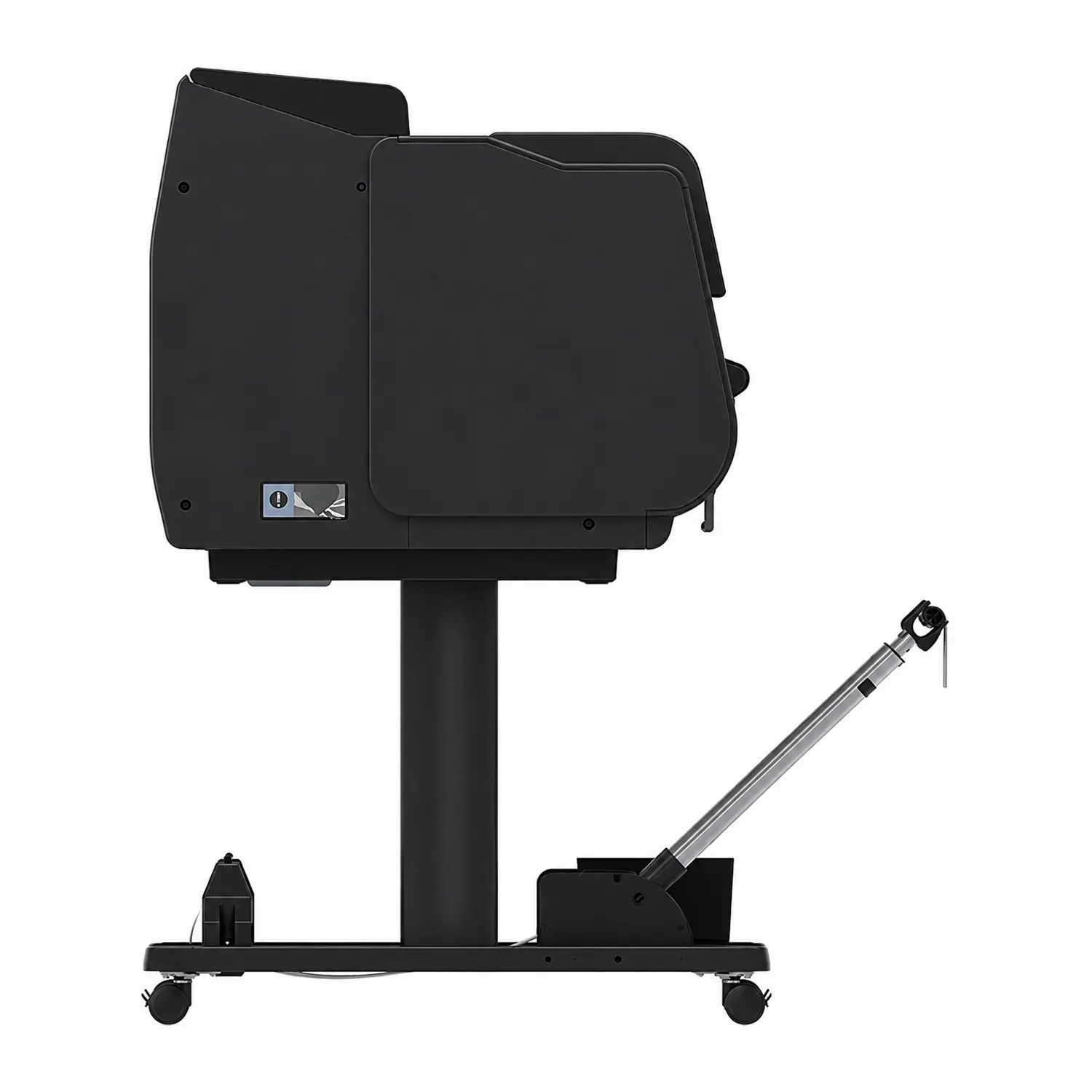
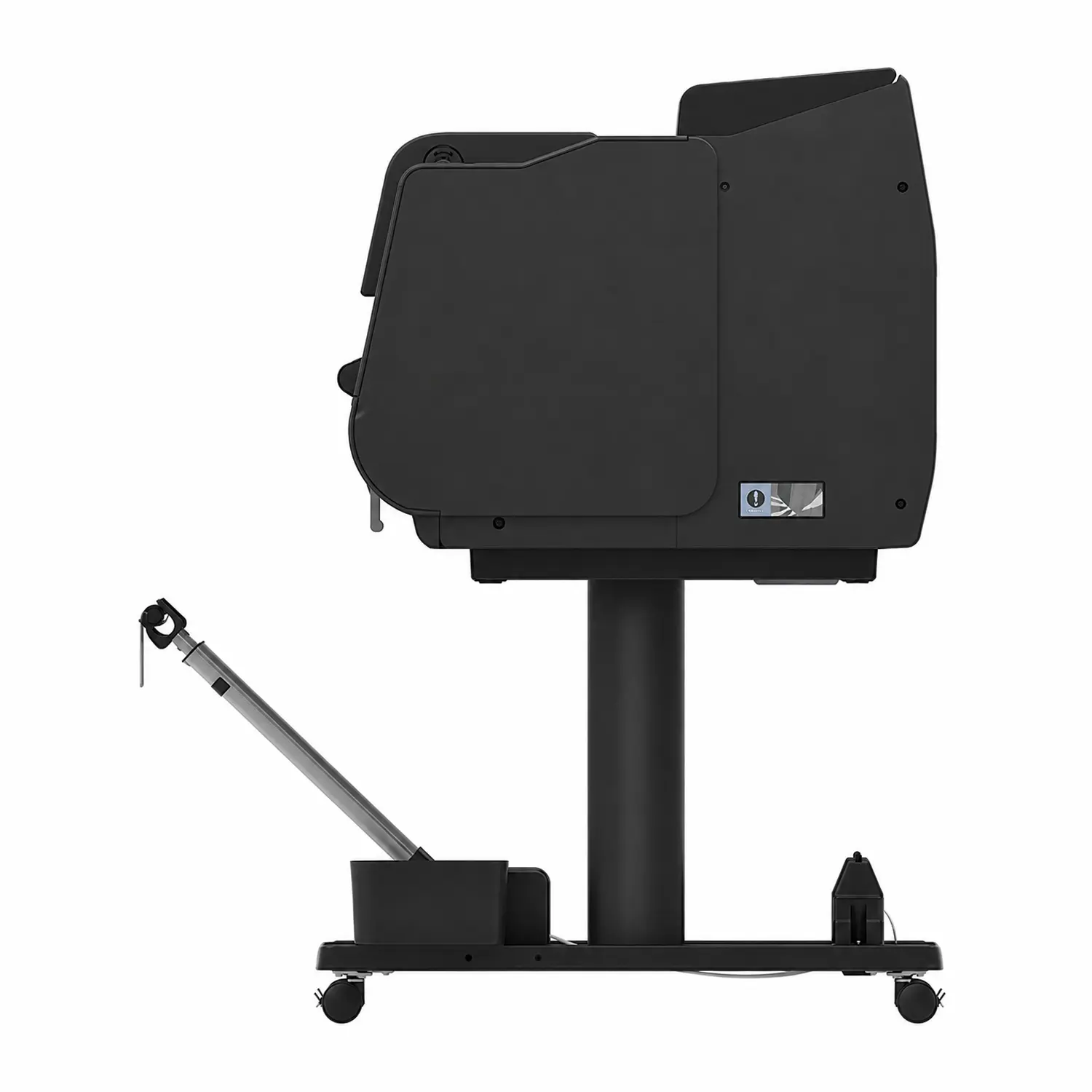
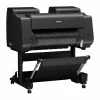
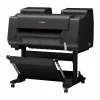

Canon imagePROGRAF PRO-2600 24″ 11-Color Large-Format Printer
$350 OFF00:00:00
Original price was: $3,525.00.$3,175.00Current price is: $3,175.00.
Print Width
- 12-Color LUCIA PRO II System: 11 pigment inks plus Chroma Optimizer deliver archival color and deep blacks for photography and fine art.
- 200-Year Light Resistance: Newly formulated pigment inks resist fading, built for long-term display and gallery-quality preservation.
- 24″ Print Width: Handles roll and cut-sheet media from 6″ to 24″ wide with auto media loading and alignment.
- Multi-Sensor Color Consistency: Built-in sensor and Device Management Console keep prints accurate across your whole PRO Series lineup.
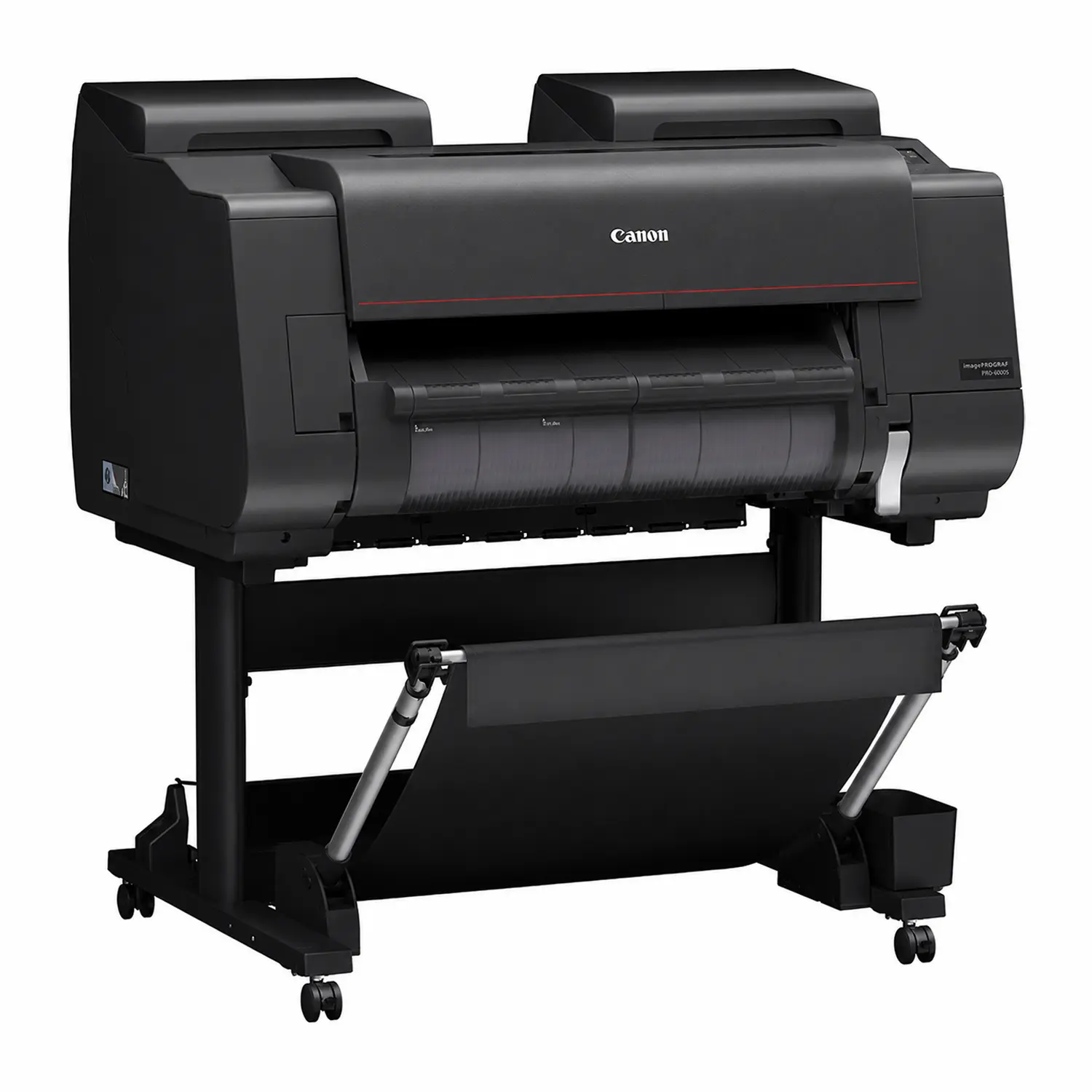
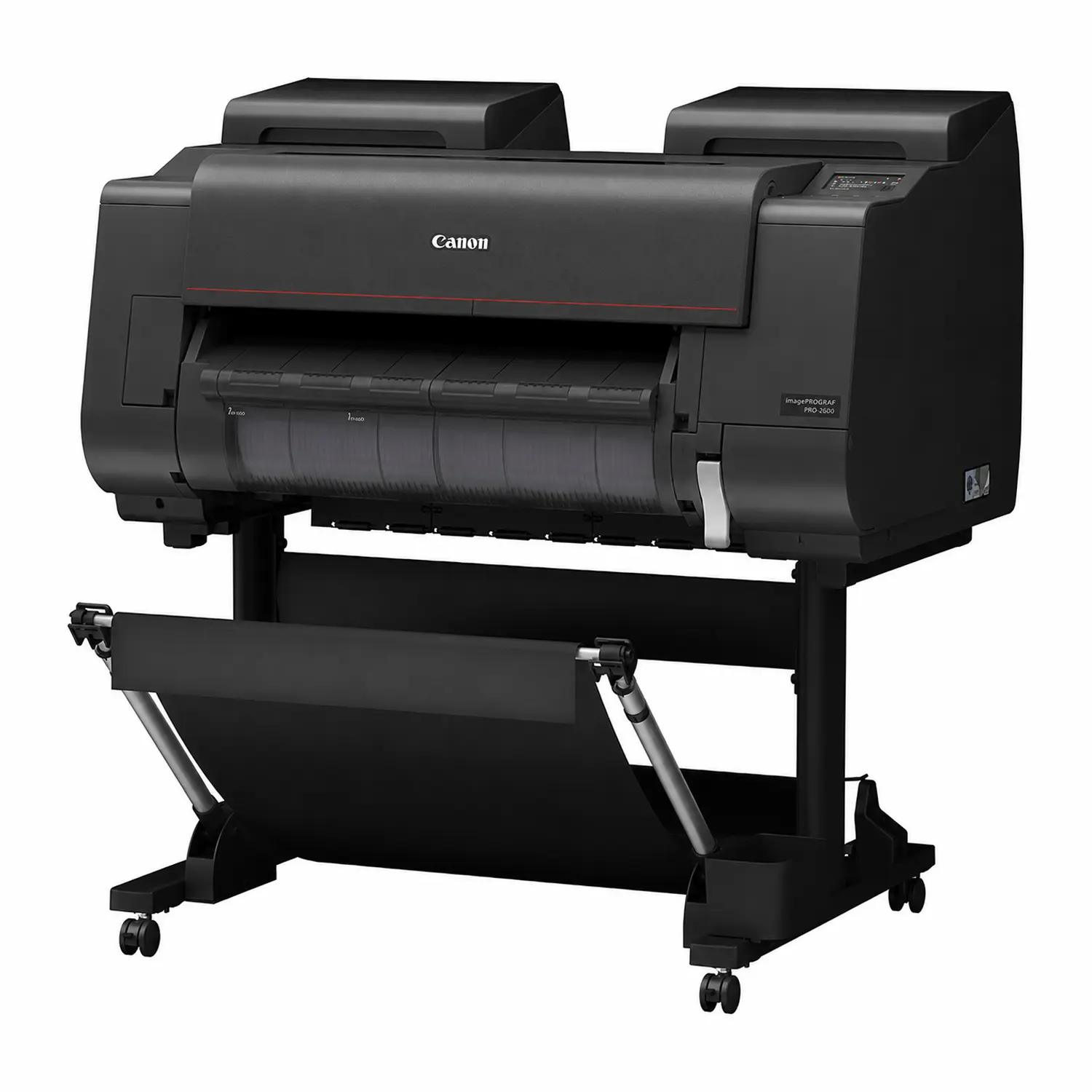
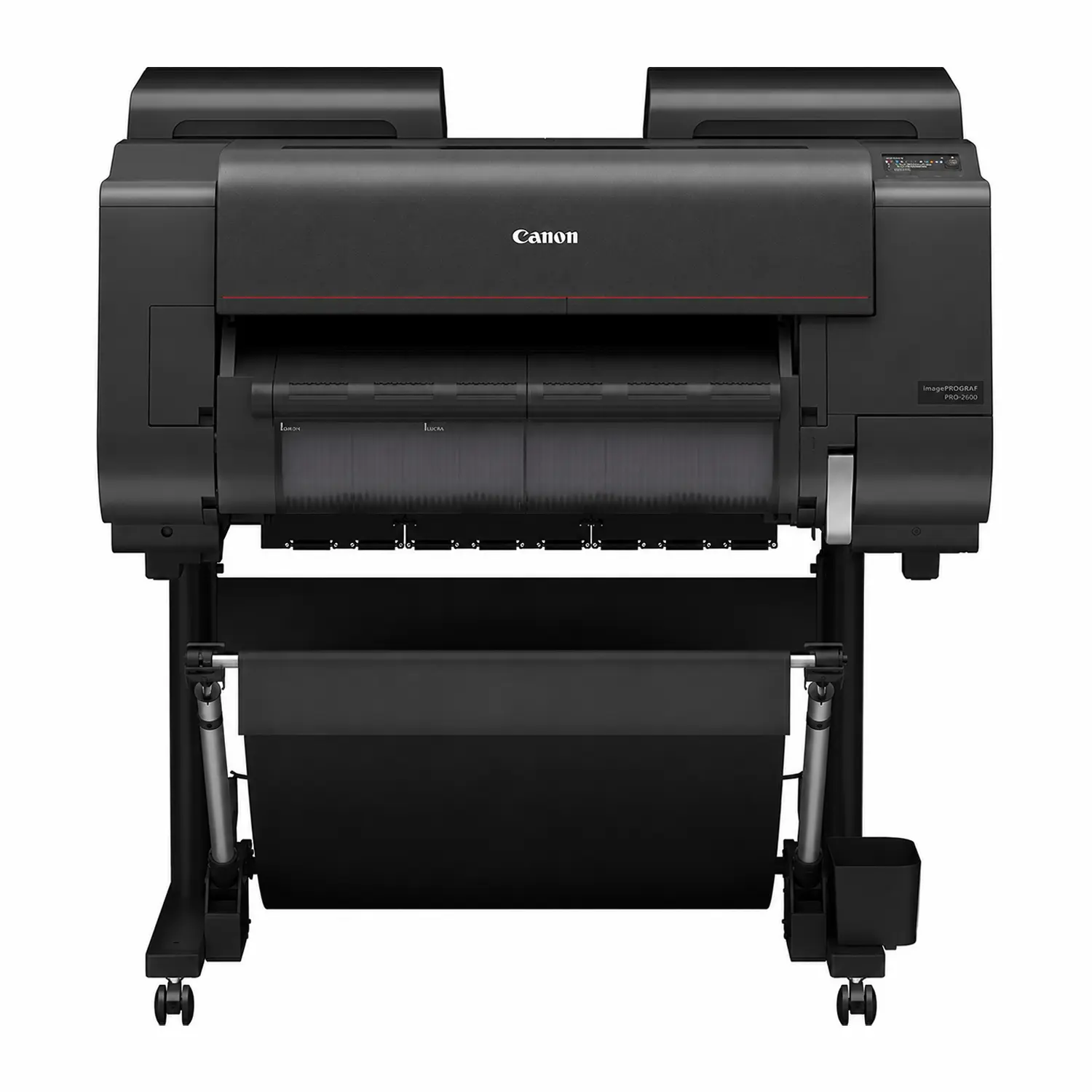
The Canon imagePROGRAF PRO-2600 is a 24″ professional large-format printer built for photographers, fine art printers, and print service providers who need archival-quality color and dependable day-to-day handling. Its 12-color LUCIA PRO II pigment ink system, paired with a Chroma Optimizer, produces a wide color gamut, smooth tonal gradations, and deep, neutral black-and-white output. Buffalo Imaging serves professional print shops and studios with the equipment and supplies they need to keep production moving.
LUCIA PRO II Ink System
Eleven of the printer’s twelve inks are newly formulated for improved color reproduction and black density compared to earlier LUCIA PRO ink sets. The Chroma Optimizer lays down a clear coat across the print surface, which improves gloss uniformity and suppresses bronzing on glossy and satin media. A crystalline wax additive in the ink also improves scratch resistance during handling, framing, and shipping.
Intelligent Media Handling
The PRO-2600 automatically detects media type, width, and length, and performs auto print head alignment without manual calibration steps. It accepts roll and cut-sheet media from 6″ to 24″ wide, with a built-in 2″/3″ core roll holder. An optional Multifunction Roll Unit adds a second roll for switching between media types or continuous take-up printing.
Built for Studio Workflows
Semi-translucent covers and interior LED lighting make it easy to check ink levels and loaded media at a glance. A built-in multi-sensor helps maintain color consistency print to print, and the included Device Management Console software can calibrate and monitor up to 50 networked PRO Series printers from one dashboard, which is useful for shops running multiple units.
Connectivity and Compatibility
The printer connects via USB, Ethernet, or Wi-Fi, with a built-in USB port for direct printing from external media. It’s compatible with both Mac and Windows workflows and supports Canon’s Professional Print & Layout, PosterArtist, Free Layout Plus, Direct Print Plus, and Accounting Manager software.
What’s in the Box
- imagePROGRAF PRO-2600 printer with stand
- Print Head (PF-10)
- 160ml Starter Ink Tanks (11 colors plus Chroma Optimizer)
- Maintenance Cartridge (pre-installed)
- 2″ Roll Holder with 3″ Core Adapters
- Power cable
- Installation guide and printer stand setup guide
- Warranty statements and product registration materials
Full Specifications
| Spec | Detail |
|---|---|
| Print Technology | 12-color LUCIA PRO II pigment ink (11 colors + Chroma Optimizer) |
| Ink Colors | Matte Black, Photo Black, Cyan, Magenta, Yellow, Gray, Photo Cyan, Photo Magenta, Photo Gray, Red, Blue, Chroma Optimizer |
| Max Print Width | 24″ |
| Max Resolution | 2400 x 1200 dpi |
| Print Head | PF-10, 1.28″ wide, 18,432 nozzles (1,536 per ink), FINE anti-clogging technology |
| Media Handling | Roll and cut sheet, 6″ to 24″ wide, up to 6.7″ roll diameter, min. 6″ x 6″ cut sheet, auto loading and alignment |
| Dual-Roll Capability | Via optional Multifunction Roll Unit (RU-23) |
| Connectivity | USB, Ethernet, Wi-Fi, built-in USB port for direct printing |
| OS Compatibility | Windows and Mac |
| Processing Engine | L-COA PRO high-speed image processing engine |
| Power Consumption | 85W max, 1.7W standby, ~0.1W power off |
| Operating Environment | 59-86°F, 10-80% relative humidity, non-condensing |
| Printer Dimensions (stand + basket open) | 43.7″ W x 38.7″ D x 46″ H, 224.9 lbs |
| Package Dimensions | 52.1″ W x 35.9″ D x 44.8″ H, 304.2 lbs (with pallet) |
| Certifications | ENERGY STAR, EPEAT Gold |
| User-Replaceable Items | Ink tanks (PFI-3100/PFI-2100MBK 160ml, PFI-3300/PFI-2300MBK 330ml, PFI-3700/PFI-2700MBK 700ml), Print Head PF-10, Maintenance Cartridge MC-30, Cutter Blade CT-07 |
| Bundled Software | Professional Print & Layout, PosterArtist (Online/Lite), Free Layout Plus, Direct Print Plus, Accounting Manager |
What is the Canon imagePROGRAF PRO-2600 used for?
The PRO-2600 is a 24″ large-format printer built for professional photography and fine art reproduction. It’s commonly used by photographers, print studios, and print service providers who need archival-quality color output for gallery prints, portfolios, and client proofs.
What is the best Canon printer for fine art photography?
For 24″ fine art and photo printing, the imagePROGRAF PRO-2600 is Canon’s current PRO Series option in that width. Its 12-color LUCIA PRO II ink system with Chroma Optimizer is built specifically for the color accuracy, black density, and archival lightfastness fine art printing requires.
What ink system does the PRO-2600 use?
It uses Canon’s LUCIA PRO II 12-color pigment ink system: 11 individual colors plus a Chroma Optimizer that lays down a clear coat to improve gloss uniformity and reduce bronzing on glossy and satin media.
What’s the difference between the Canon PRO-2600 and PRO-2100?
The PRO-2600 shares its core chassis with the PRO-2100 but adds a reformulated LUCIA PRO II ink set, improved black density, higher scratch resistance, and updated media handling and alignment features. Print quality and workflow are refined rather than a ground-up redesign.
What media types and paper sizes does the PRO-2600 support?
The printer handles roll and cut-sheet media from 6″ to 24″ wide, including canvas, luster, photo rag, fine art white, and fine art etching papers, with a maximum roll diameter of 6.7″ and a minimum cut sheet size of 6″ x 6″.
Does the PRO-2600 support two rolls of paper at once?
Not out of the box. The PRO-2600 ships with a single 2″/3″ core roll holder, but you can add the optional Multifunction Roll Unit (RU-23) to run two rolls at once or use the second position as a take-up reel for continuous printing.
Is the Canon PRO-2600 the best 24-inch printer for professional photographers?
It’s built specifically for that use case: 12-color pigment ink, automatic media handling, and a built-in color sensor for print-to-print consistency. Whether it’s the best fit for your workflow depends on your paper types and studio color-management setup, but it’s a purpose-built option for professional photo and fine art output at 24″.
How do you replace the ink tanks or print head?
Both are user-replaceable. Ink tanks (PFI-3100/PFI-2100MBK in 160ml, or PFI-3300/PFI-2300MBK in 330ml) slide into labeled slots behind the front cover, and the PF-10 print head is accessed through the printer’s built-in maintenance menu, which walks you through alignment after installation.
What connectivity options does the PRO-2600 have?
USB, Ethernet, and Wi-Fi are all built in, along with a front-facing USB port for direct printing from external storage. It works with both Mac and Windows and supports Canon’s Professional Print & Layout and PosterArtist software.
What is the best ink system for archival photo prints?
Pigment-based inks like the PRO-2600’s LUCIA PRO II system are the standard for archival work, since they resist fading and scratching far better than dye inks. The added Chroma Optimizer layer also improves gloss uniformity, which matters for long-term print consistency in gallery and portfolio work.
| Print Width | 24" |
|---|---|
| Weight | 346 lbs |
| Dimensions | 52.1 × 35.9 × 44.8 in |
Add a review
 Canon imagePROGRAF PRO-2600 24" 11-Color Large-Format Printer
Your review
* Review is required
Name
* Name is required
Email
* Email is required
Reviews
There are no reviews yet