




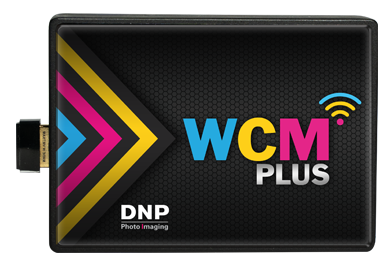
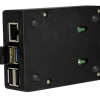

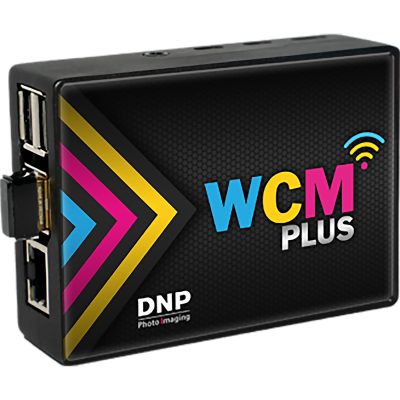
DNP WCM Wireless Connect Module (WCM-PLUS)
Original price was: $229.00.$218.99Current price is: $218.99.
In Stock - Commerce, CA
- Ultra-Fast: Send 4×6″ photos to print in just 10-12 seconds.
- Plug & Play: Native AirPrint for iOS and built-in Android support.
- Expandable: Connect up to 3 DNP printers simultaneously.
- Reliable: Dual-band Wi-Fi (2.4G & 5.8G) ensures a stable connection in crowded venues.
DNP WCM Plus Wireless Photo Printing for Events and Retail
The DNP WCM Plus Wireless Connect Module turns a compatible DNP dye-sublimation photo printer into a flexible wireless printing station for events, photo booths, retail counters, studios and attractions. Customers and staff can connect from supported phones, tablets or computers, select images and send prints without dedicating a full kiosk computer to the workflow.
WCM Plus creates a local wireless connection for photo submission and can operate without internet access. Its compact design, dual-band Wi-Fi and support for multiple simultaneous users make it useful anywhere fast, on-demand photo printing is part of the customer experience.
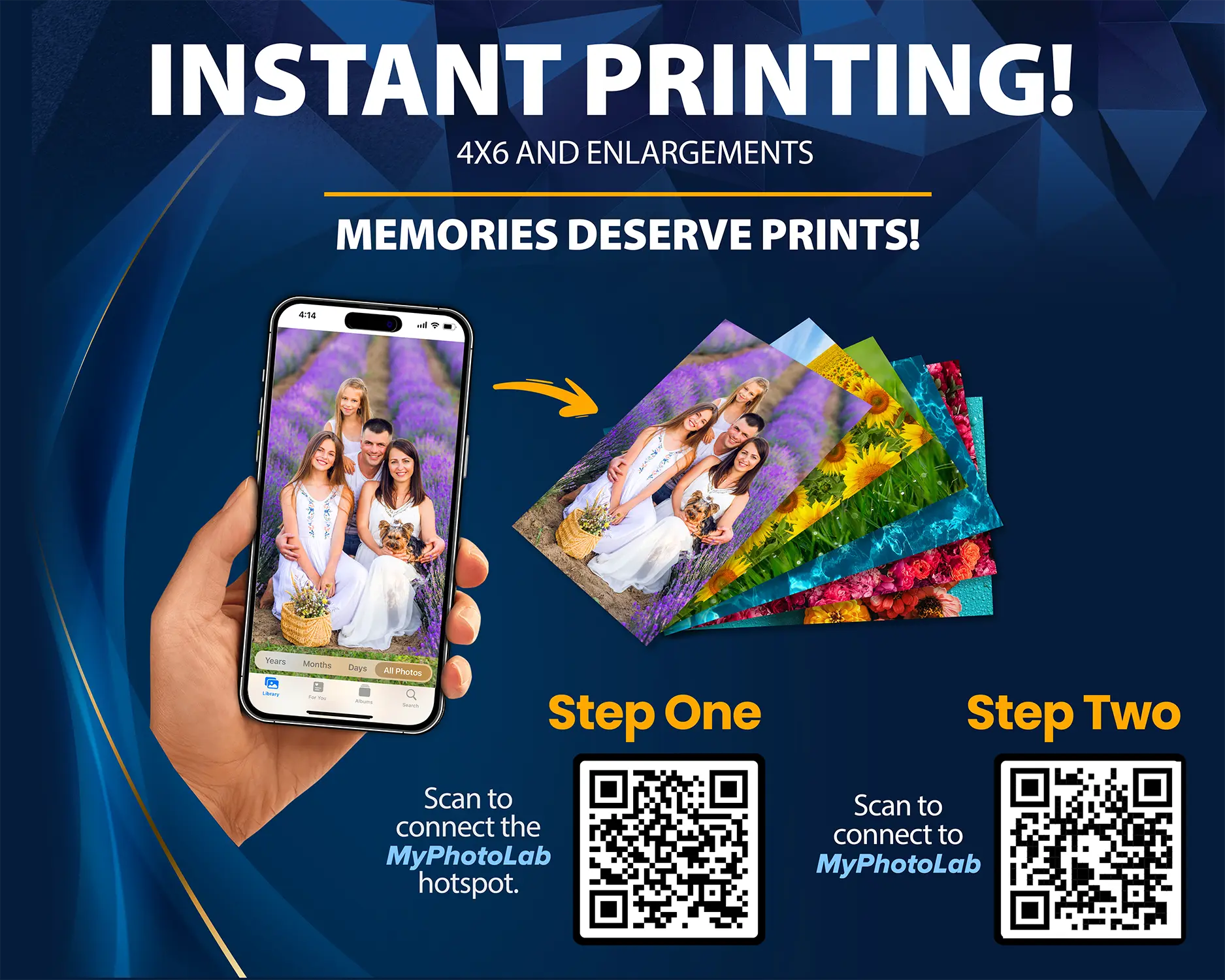
Instant Photo Printing Without a Kiosk
WCM Plus provides a browser-based MyPhotoLab workflow that guides users from their phone to the connected DNP printer. It supports standard photo prints and enlargements, with available sizes determined by the connected printer and loaded media.
- Fast Wireless Transfer: Transfer a 4 × 6-inch image to WCM Plus in approximately 10–12 seconds; printer processing and physical print time are additional.
- Multiple Users: Accept print submissions from multiple devices during events, parties or busy retail periods.
- No Internet Required: Customers can connect directly to the WCM Plus hotspot for local photo submission.
- Mobile-Friendly Workflow: Supports compatible iOS and Android devices through a simple browser interface.
- Print Editing: Crop images and use supported color correction, filters, fit/fill and drawing tools before printing.
- Custom Borders: Load branded or event-specific border templates for personalized photo output.
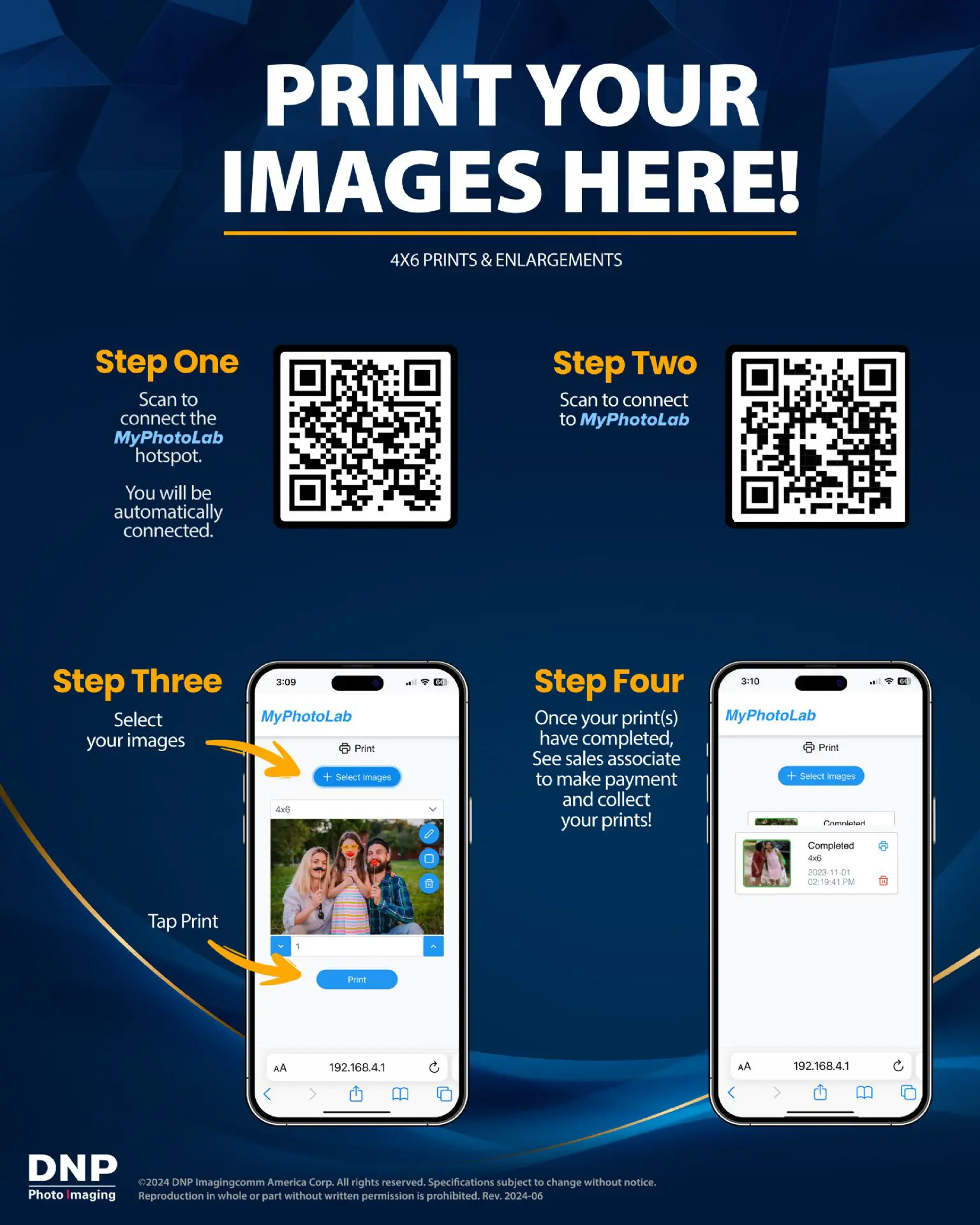
How Customers Print from Their Phone
- Scan the first QR code to connect the phone to the MyPhotoLab hotspot.
- Scan the second QR code to open the MyPhotoLab printing page.
- Select images and print size, make optional edits or add a border, choose the quantity and tap Print.
- Collect the finished photos from the connected DNP printer after the job is completed.
No phone cable is required. For retail use, staff can collect payment and deliver the completed prints after the customer submits the order.
New WCM Plus v5.6.0 Firmware Update
DNP’s current WCM Plus v5.6.0 update adds new privacy, hotspot and network controls for professional installations:
- Image-Storage Privacy Control: Adds the ability to prevent storage of submitted images on the WCM Plus.
- Selectable Hotspot Security: Lets operators choose the hotspot security protocol for broader device compatibility.
- Improved iOS Ethernet Networking: Adds a control that prevents the network connection from changing when an Ethernet adapter connects an iOS device to the WCM Plus, helping address networking issues.
Confirm the installed firmware version and follow DNP’s update instructions before changing an active event or retail installation.
Connect Up to Three DNP Photo Printers
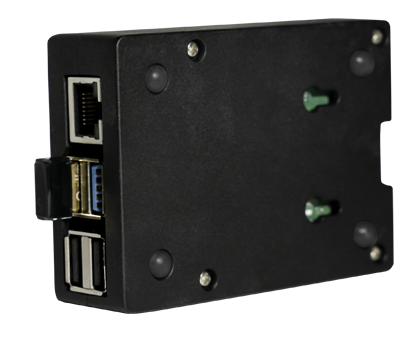
Three USB printer ports allow WCM Plus to connect with as many as three compatible DNP printers at the same time. Operators can configure different print sizes, increase capacity or reduce interruptions caused by media changes.
Compatible printer models include:
- DNP DS620A
- DNP DS820A
- DNP QW410
- DNP DS-RX1HS
- DNP DS40
- DNP DS80
Printer availability, supported output sizes and finishing options depend on the connected model and the media loaded in that printer.
WCM Plus Specifications
| Product | DNP WCM Plus Wireless Connect Module |
|---|---|
| Compatible Printers | DS620A, DS820A, QW410, DS-RX1HS, DS40 and DS80 |
| Compatible Mobile OS | iOS 14 or later; Android 11 or later |
| Compatible Computer OS | Windows 10 and 11; macOS 12 and 13 as listed in DNP’s retail product sheet |
| Wireless | Internal and external USB Wi-Fi; 802.11 b/g/n/ac; dual-band 2.4 GHz and 5.8 GHz |
| Printer Connections | Three USB ports for compatible DNP printers |
| Network Connection | One Ethernet port |
| Additional Ports | Two Micro-HDMI ports reserved for future video output |
| Available Print Sizes | Includes 4 × 6, 5 × 7, 6 × 8 and 8 × 10 inches where supported; sizes vary by printer and loaded media |
| 4 × 6 Transfer Time | Approximately 10–12 seconds; printer processing and physical print time are additional |
| Unit Dimensions | 3.54 × 1.34 × 2.56 inches (W × H × D) |
| Unit Weight | Approximately 0.85 lb |
| Certifications | FCC, CE, ISED and others listed by DNP |
What’s in the Box
- DNP WCM Plus Wireless Connect Module
- 5V/3A wall power adapter
- USB printer cable: USB-A to USB-B, approximately 1.5 feet
- Quick Start Guide
A compatible DNP printer, printer media and mobile device are sold separately unless specifically included in a Buffalo Imaging bundle.
Downloads and Product Information
Download the DNP WCM Plus Retail Product Sheet (PDF)
The product sheet includes the MyPhotoLab connection workflow, supported print sizes, compatible printers, operating-system requirements, port information, Wi-Fi specifications, dimensions and kit contents.
Build a Complete Wireless DNP Printing Setup
WCM Plus is designed for photographers and businesses that want convenient mobile photo submission without adding a traditional kiosk. Pair it with the DNP printer and media that match your required print sizes, expected volume and event workflow.
Browse DNP photo printers and DNP printer media and accessories, or contact Buffalo Imaging for help selecting a compatible WCM Plus configuration.
Do I need to download a specific app to use the DNP WCM-Plus?
No. The WCM-Plus supports native Apple AirPrint for iOS devices and features optimized native Android printing. This means you and your guests can print directly from the phone’s built-in photo gallery without needing to download any third-party applications.
Can I connect multiple printers to the DNP Wireless Connect Module?
Yes. The WCM-Plus features three built-in USB ports, allowing you to connect up to three compatible DNP dye-sublimation printers at the same time. This is ideal for offering multiple print sizes at an event or for creating printer redundancy in high-volume photo booth setups.
Does the WCM-Plus require an active internet connection to print?
No, it does not. The module generates its own local dual-band Wi-Fi hotspot to transfer photos directly from a mobile device to the printer. However, if you want your guests to be able to upload their photos to social media immediately, the WCM-Plus can simultaneously bridge to the venue’s local Wi-Fi network so users don’t lose their internet connection while printing.
Which DNP printers are compatible with the WCM-Plus?
The module is universally compatible with DNP’s professional lineup, including the DS620A, DS820A, QW410, DS-RX1HS, DS40, and DS80 models.
How fast does the DNP WCM-Plus print a photo?
Transfer and processing speeds are optimized for high-volume event photography. When connected to a current-generation DNP printer (like the DS620A), a standard 4×6″ photo will transfer and print in approximately 10 to 12 seconds.
| Brand | DNP |
|---|---|
| Weight | 0.92 lbs |
| Dimensions | 9.7 × 5.2 × 1.9 in |
2 reviews for DNP WCM Wireless Connect Module (WCM-PLUS)
100%
0%
0%
0%
0%
1-2 of 2 reviews
Add a review
 DNP WCM Wireless Connect Module (WCM-PLUS)
Your review
* Review is required
Name
* Name is required
Email
* Email is required
Related Products
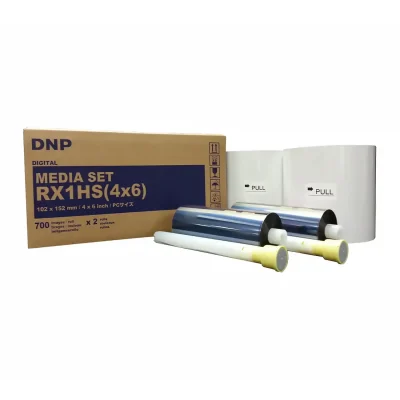
DNP Media Kit
DNP DS-RX1HS 4×6 Media Kit | 2 Rolls 1400 Prints | Glossy & Matte | Photo Booth Event Printing
Original price was: $209.99.$199.74Current price is: $199.74.
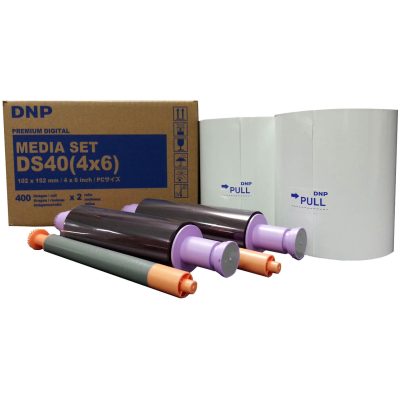
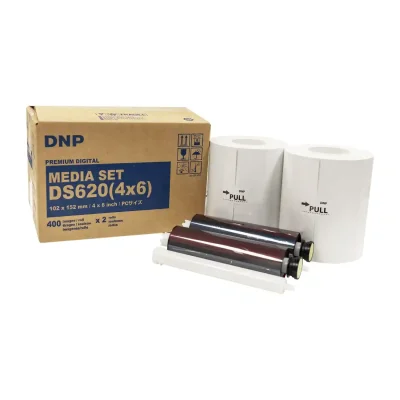
Original price was: $139.99.$124.99Current price is: $124.99.
Out of stock
Original price was: $85.00.$75.99Current price is: $75.99.
PERFECT
DNP got it right this time. The new interface is easy to use and it hasn’t dropped the connection once. Buffalo Imaging had it for a good price and it arrived fast. Definitely worth the upgrade if you’re tired of cables.